TEMPO control
TEMPO can be changed as much
as +50% to -75%.
• Pressing the “+” button
increases the speed in incre-
ments of 1%.
• Pressing the “-” button decreases the tempo in steps
of 1%.
• Holding down either a “+” or a “-” button causes
the tempo adjustment to change in 5% increments.
Pressing both the “+” and “-” buttons at the same
time returns the TEMPO to 0% (original tempo).
Fine Tuning
Once the Tempo has been adjusted by pressing either
the “-” or “+” button, it is possible to also “fine tune”
the key (musical pitch). Fine tuning is useful when
practicing an instrument because it lets you adjust the
music practice source (CD drive only) to your instru-
ment. (+/- 2% maximum adjustment.)
After the desired tempo change has been made, press
to lower the key (musical pitch) or to raise it.
The button lowers the tuning in 0.1% increments
and is displayed as a whole number with a “-” sign. For
example, to lower the tuning by 0.8% the display
should read “TUNING -0.8”.
The button raises the tuning in 0.1% increments and
is displayed as a whole number with a “+” sign. For
example, to raise the tuning of the CD or MP3 by 1.5%
the display should read “TUNING + 1.5.”
Voice Reduction
In most commercial recordings, prominent elements
such as lead vocals are mixed in the center of the stereo
field (equal amounts on the right and the left channel).
With this in mind, the VR feature is able to reduce the
relative volume of lead vocals by cancelling certain
elements in the center channel. This is useful for
vocalists who want to blend their voices with a stereo
recording containing prerecorded lead vocals.
NOTE: The results of this feature will vary. VR will be less
TEMPO
effective if the lead vocal in the recording was not
originally mixed in the center of the stereo field or if a
considerable amount of stereo processing such as reverb
and delay has been added to the lead vocal track.
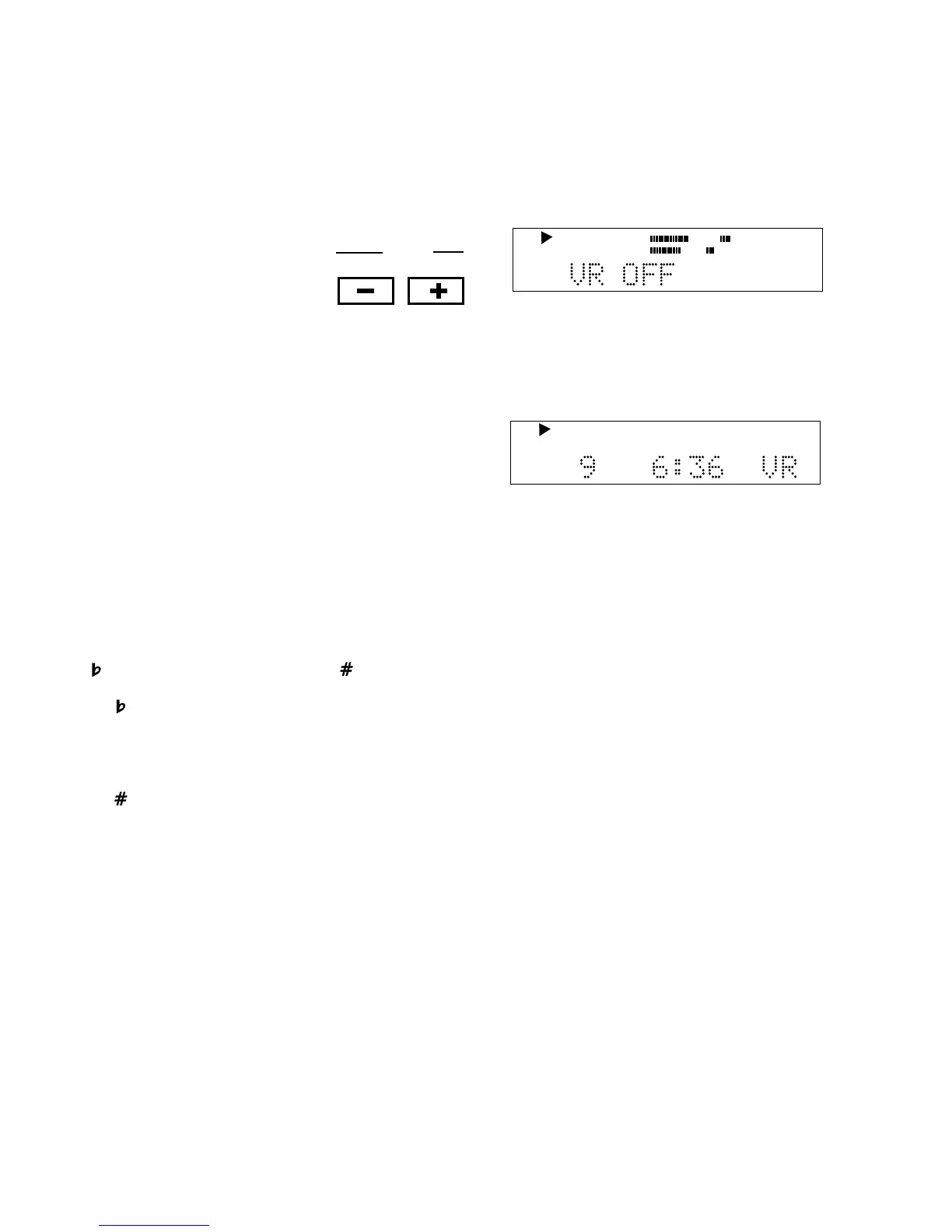
While the CD player drive is playing or paused, press the
VR button. The display will show the VR status.
Pressing the VR button again switches the status of
voice reduction. When voice reduction is ON, VR is
displayed during play.
CD
TRACK
R
L
dB-50 -30 -22 -16 -12 -8 -4 0
TOTAL TRACK
CD
R
L
dB-50 -30 -22 -16 -12 -8 -4 0
CD
- 16 -
If your Key adjustment is greater than 5.00 half steps,
then no tempo adjustment can be made. To adjust both
Key and Tempo, you must first adjust Key and then
adjust Tempo. Adjusting Tempo first will turn on the Fine
Tune feature.
NOTE: A-B Looping, Key, Tempo and Voice Reduction
can only be applied to the CD being played in the top
CD player drive.
When Voice Reduction is ON, the OUTPUT EQ feature
will be not be available in the menu.



 To Next Page