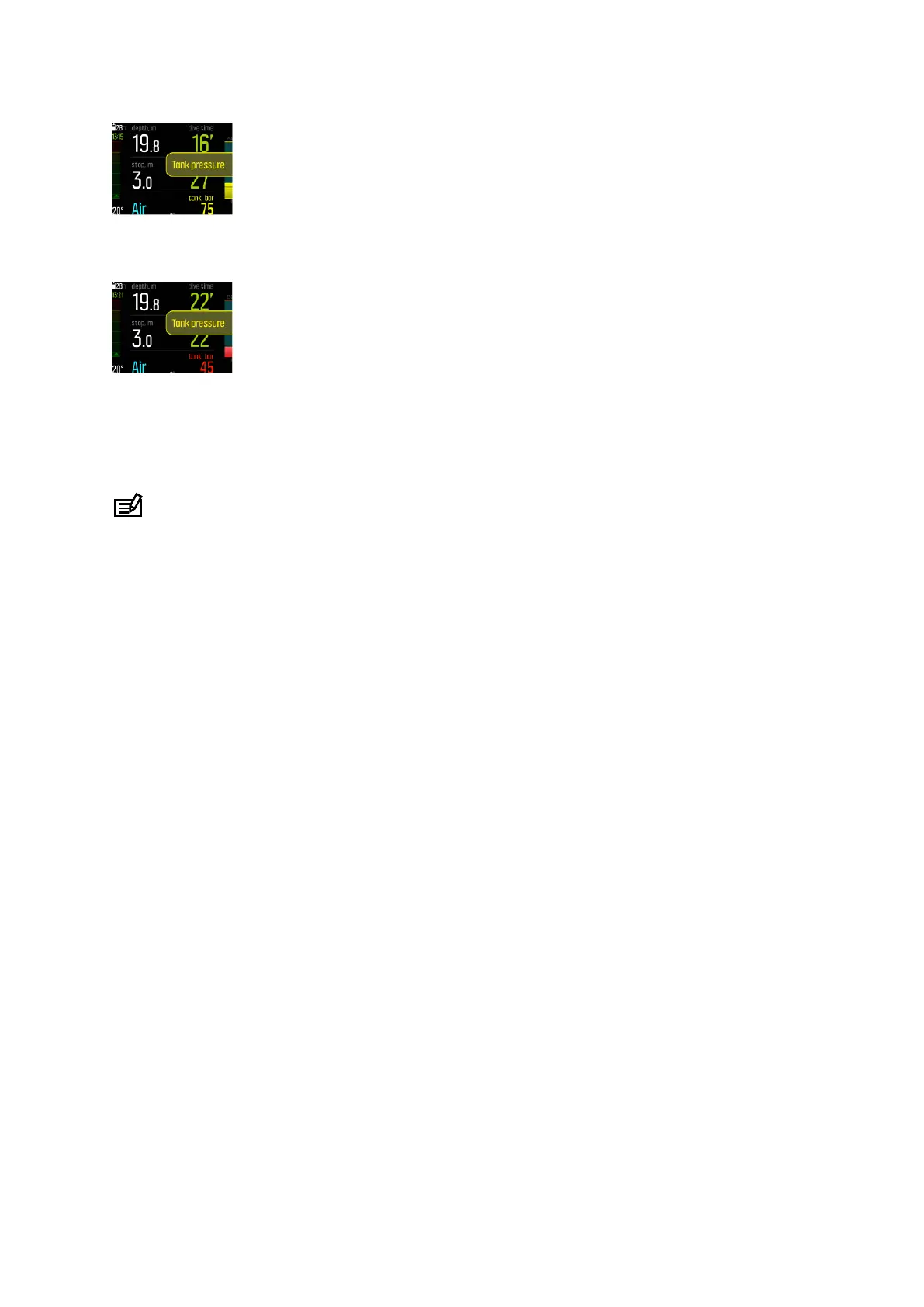
When the tank pressure drops below 50 bar (720 psi), the actual tank pressure value is
indicated in red in the switch window and a mandatory alarm is triggered:
4.37. Timer
Suunto EON Steel Black has a timer that can be used for timing specific actions during
surface or dive. The timer is shown in the bottom right corner as a scrollable item.
NOTE: In timer view, the timer is displayed as an analog watch.
To use the timer:
1. Press the upper button to start the timer.
2. Press the upper button again to pause the timer.
3. Keep the upper button pressed to reset the timer.
Timer start and stop actions are saved in the dive log.
4.38. Water contacts
The water contact is located on the side of the case near the USB cable port. When submerged, the water contact poles are connected by the conductivity of the water.
Suunto EON Steel Black switches to dive state when water is detected. Dive starts
•
when the water contact is on, at 1.2 m (4 ft), or
•
when the water contact is not on, at 3.0 m (10 ft)
and ends
•
when the water contact is on and your depth is less than 1.2 m (4 ft), or
•
when the water contact is not on and your depth is at 3.0 m (10 ft).
When water contact is active, the color of the depth reading digits turns white.
Suunto EON Steel Black
47



 To Next Page