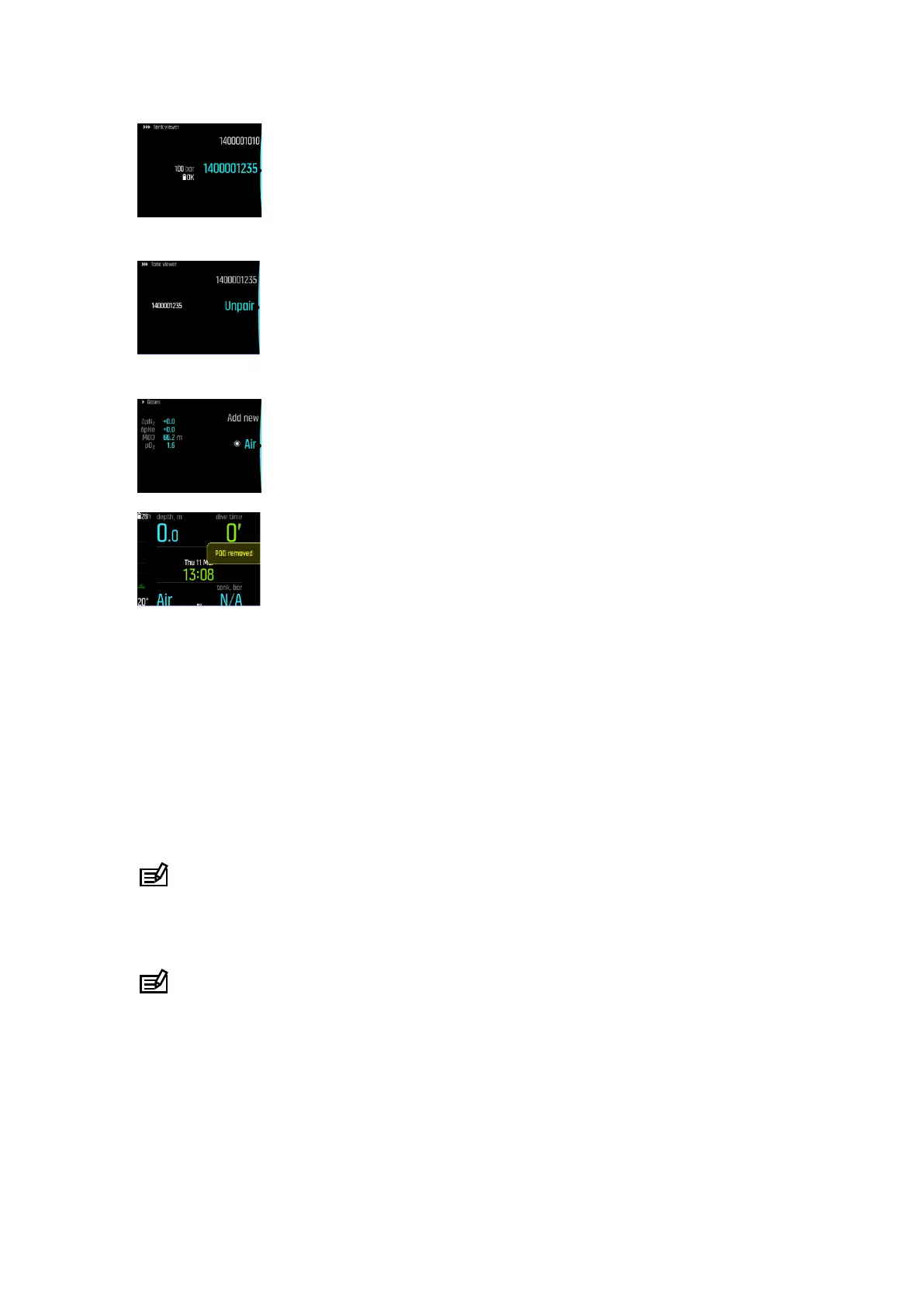
4. Select Unpair:
5. Your Tank POD is removed from the selected gas list:
5.6. How to plan a dive using the Dive planner
Before planning your first dive, go through the planner settings and configure them according
to your personal preference. Access the planner and adjust settings under Main menu » Dive
planner.
1. First set the values for:
•
personal gas consumption (default value: 25 L/min / 0.90 ft
3
)
•
tank pressure (default value: 200 bar / 3000 psi)
•
tank size (default value: 12 liters / 80 ft
3
, 3000 psi)
NOTE: It is important to adjust these values first to get the gas calculations right.
2. Use the lower or upper buttons to decrease or increase the values. If you are not sure
what your personal gas consumption is, we recommend using the default value of 25
L/min (0.90 ft
3
/min).
NOTE: Estimated gas time is calculated based on tank pressure at start minus 35
bar (510 psi).
You can adjust dive depth, dive gas O
2
percentage and surface time interval in View planner.
Based on these parameters, Dive planner shows no decompression dive time for your
planning purposes. If tank size, tank pressure and gas consumption are filled, planner shows
gas time calculation too.
Suunto EON Steel Black
52



 To Next Page