5.10. How to reset tissues
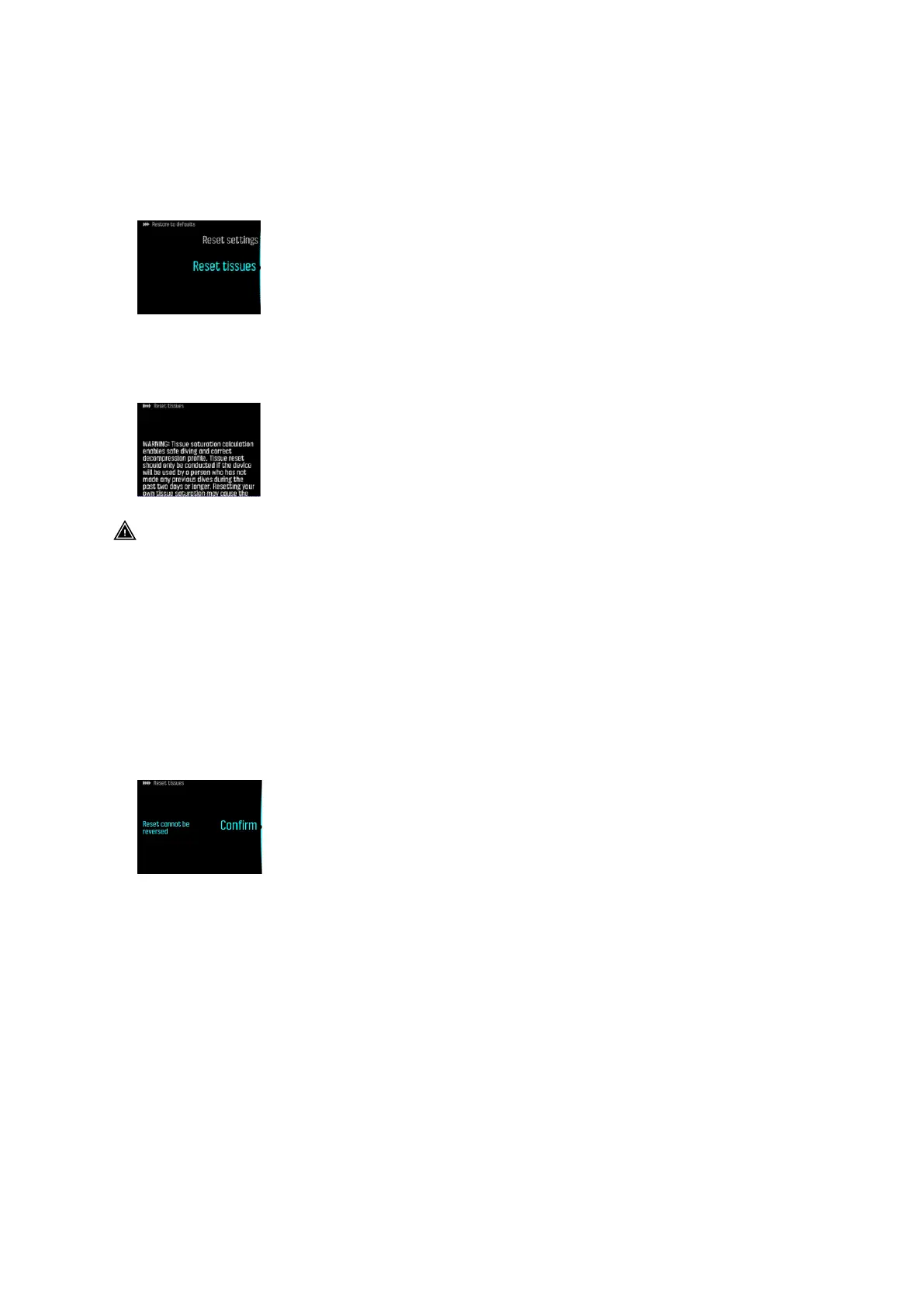
You can find Reset tissues under General » About EON » Restore to defaults.
1. Scroll down to Reset tissues.
2. Press the middle button to open Reset tissues.
3. Carefully read the warning which pops up on the screen. You can scroll down with the
middle and the lower buttons.
WARNING: Tissue saturation calculation enables safe diving and correct decompression
profile. Tissue reset should be conducted if the device is used by a person who did not make
any previous dives during the past two days or longer. Resetting your own tissue saturation
may cause the risk of decompression sickness. If you dived during the past two days, we
advice you not to reset tissue saturation and follow the more conservative diving
profile.
Tissue reset cannot be reversed. Resetting tissues does not delete your diving history, or
aect other device settings. By resetting tissues you confirm that you understand the
possible risks involved and that you are responsible for your own safety.
4. Below the warning text Reset tissues appears on the screen. Press the middle button to
reset tissues.
5. Press the middle button again to
confirm.
6. Reset done appears on the screen.
Suunto EON Steel Black
56



 To Next Page