3. Getting started
3.1. Device setup
To get the most out of your Suunto EON Steel Black, use some time to customize features and
displays. Make absolutely sure that you know your computer and have it set up as you want
before getting into the water.
To get started:
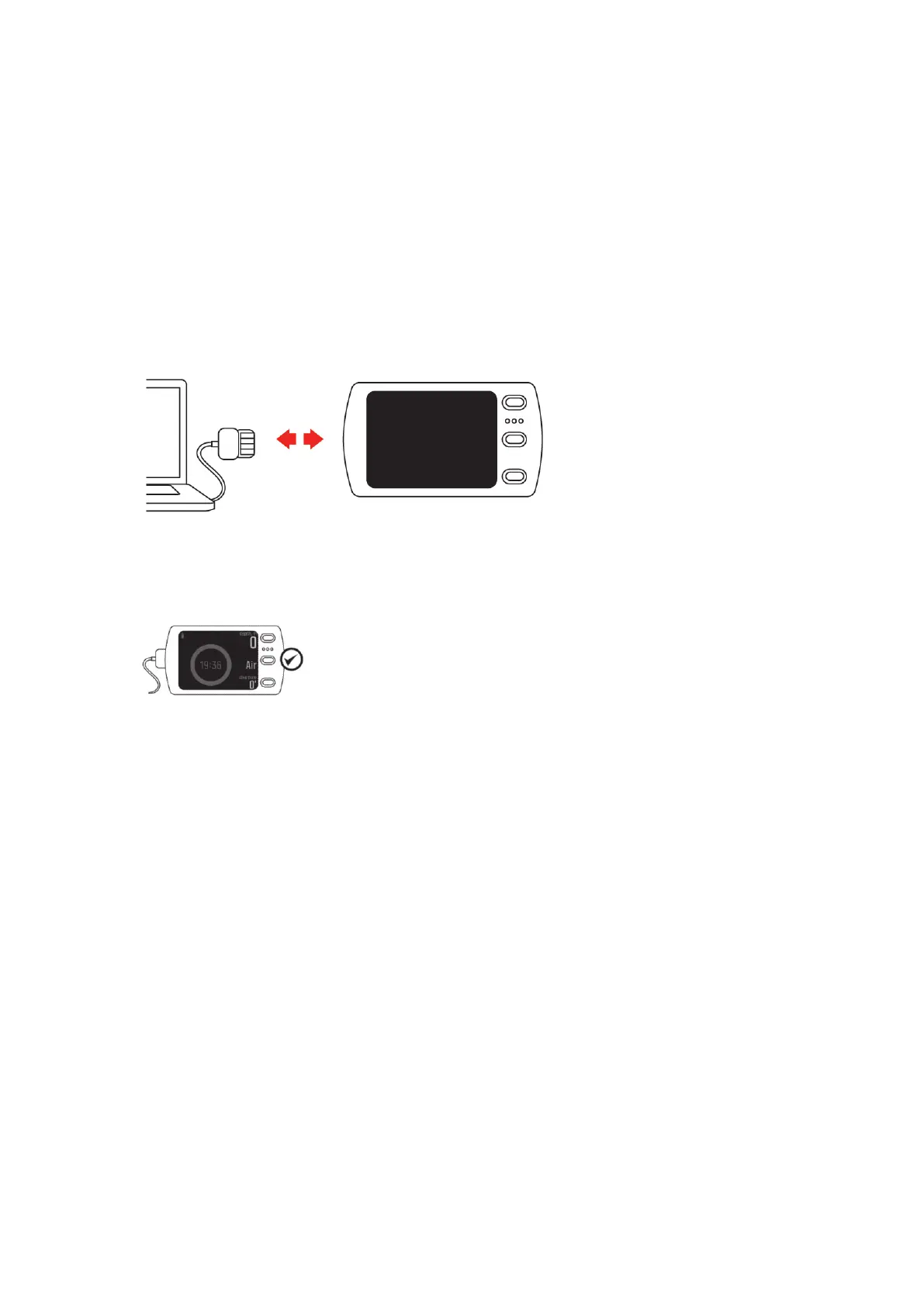
1. Wake up the device by connecting the USB cable a to PC/Mac.
2. Follow the startup wizard to set up the device. When ready, the device goes to surface
state.
3. Fully charge before first dive.
The startup wizard guides you through:
•
Language
•
Units
•
Time format (12h/24h)
•
Date format (dd.mm / mm/dd)
•
Connecting to Suunto app (recommended)
3.2. Display - modes, views, and states
Your Suunto EON Steel Black has three buttons that have
dierent functions in dierent
views. Short pressing or long pressing them gets you to dierent functionalities.
Suunto EON Steel Black
10



 To Next Page