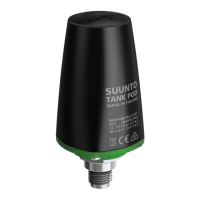
2. Gases menu opens. Select the gas you want to unpair your Tank POD from:
3. Select Unpair:
4. Your Tank POD is removed from the selected gas list:
To unpair and remove your Tank POD from a specific gas through the menu:
1. Select the gas you want to unpair the Tank POD from in the Gases menu:
2. Press the middle button to enter the gas settings and select Tank POD.
3. Select the Tank POD you want to unpair (check the serial number):
Suunto EON Steel Black
51



 To Next Page