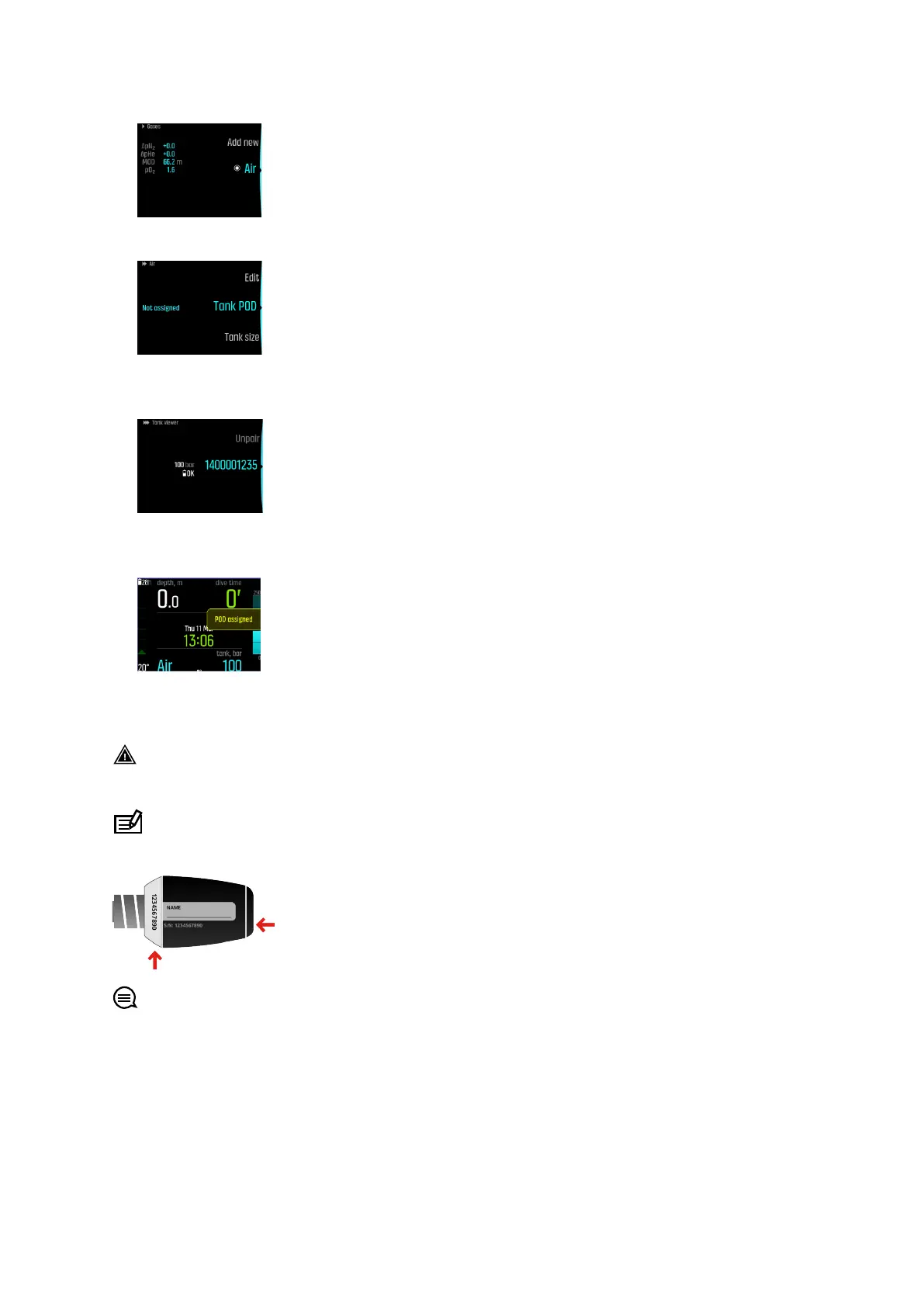
2. Press the middle button to open the gas settings and select Tank POD.
3. From the list of Tank PODs, select the one which matches the serial number of your Tank
POD.
4. Make sure the Tank POD has been activated by ensuring the tank pressure reading shows
on screen and POD green led is blinking.
In the dive main views, only one tank pressure is shown and corresponds to the active gas.
When you change gas, the displayed tank pressure changes accordingly.
WARNING: If there are several divers using Tank PODs, always check before you dive
that the POD number of your selected gas corresponds to the serial number on your POD.
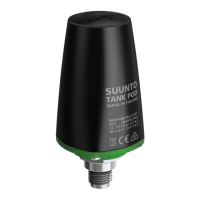
NOTE: You can find the serial number on the metal base and also on the cover of the
Tank POD.
TIP: Remove pressure from the Tank POD when not diving to save battery life. Close the
tank valve and release the pressure from the regulator.
To unpair and remove your Tank POD from a specific gas using proximity:
1. Hold your Tank POD close to your dive computer in tank pressure view:
Suunto EON Steel Black
50



 To Next Page