27
2
2-2. Connectivity settings
Basic function
is not on the list, select “If you
cannot find...” and follow the
guidance on the screen to try
again or register from the device.
(P.28)
6 Register the Bluetooth
®
device
using your Bluetooth
®
device.
For details about operating the
Bluetooth
®
device, see the man-
ual that comes with it.
A PIN code is not required for
SSP (Secure Simple Pairing)
compatible Bluetooth
®
devices.
Depending on the type of
Bluetooth
®
device being con-
nected, a message confirming
registration may be displayed on
the Bluetooth
®
device’s screen.
Respond and operate the
Bluetooth
®
device according to
the confirmation message.
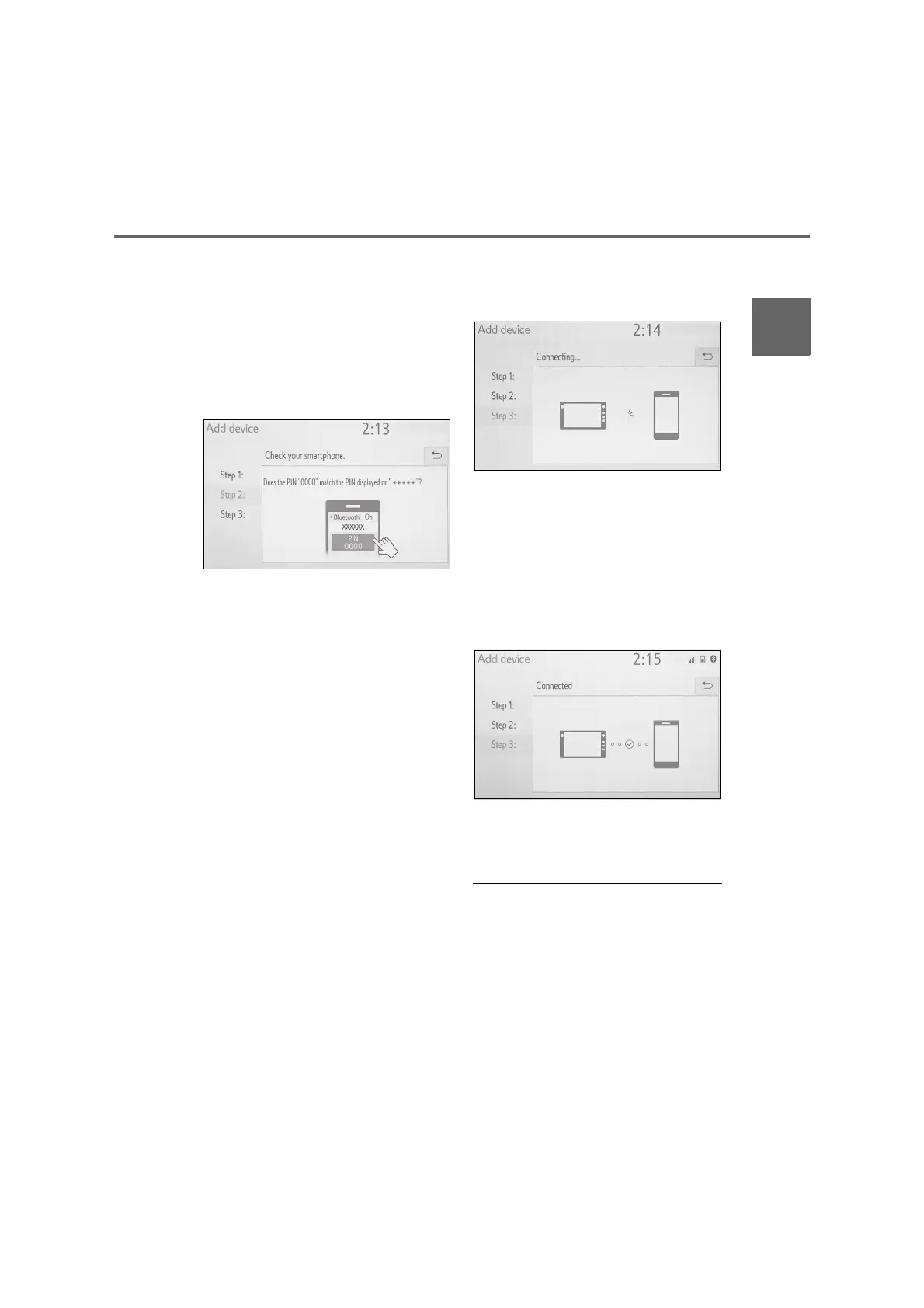
7 Check that the following screen
is displayed, indicating pairing
was successful.
The system is connecting to the
registered device.
At this stage, the Bluetooth
®
functions are not yet available.
8 Check that “Connected” is dis-
played and registration is com-
plete.
If an error message is displayed,
follow the guidance on the
screen to try again.
● If a cellular phone does not operate
properly after being connected, turn
the cellular phone off and on and then
connect it again.



 To Next Page