57
3
3-1. Basic operation
Audio/visual system
“+”: Select to strengthen the contrast of
the screen.
“-”: Select to weaken the contrast of the
screen.
“Brightness”
“+”: Select to brighten the screen.
“-”: Select to darken the screen.
● Depending on the audio source, some
functions may not be available.
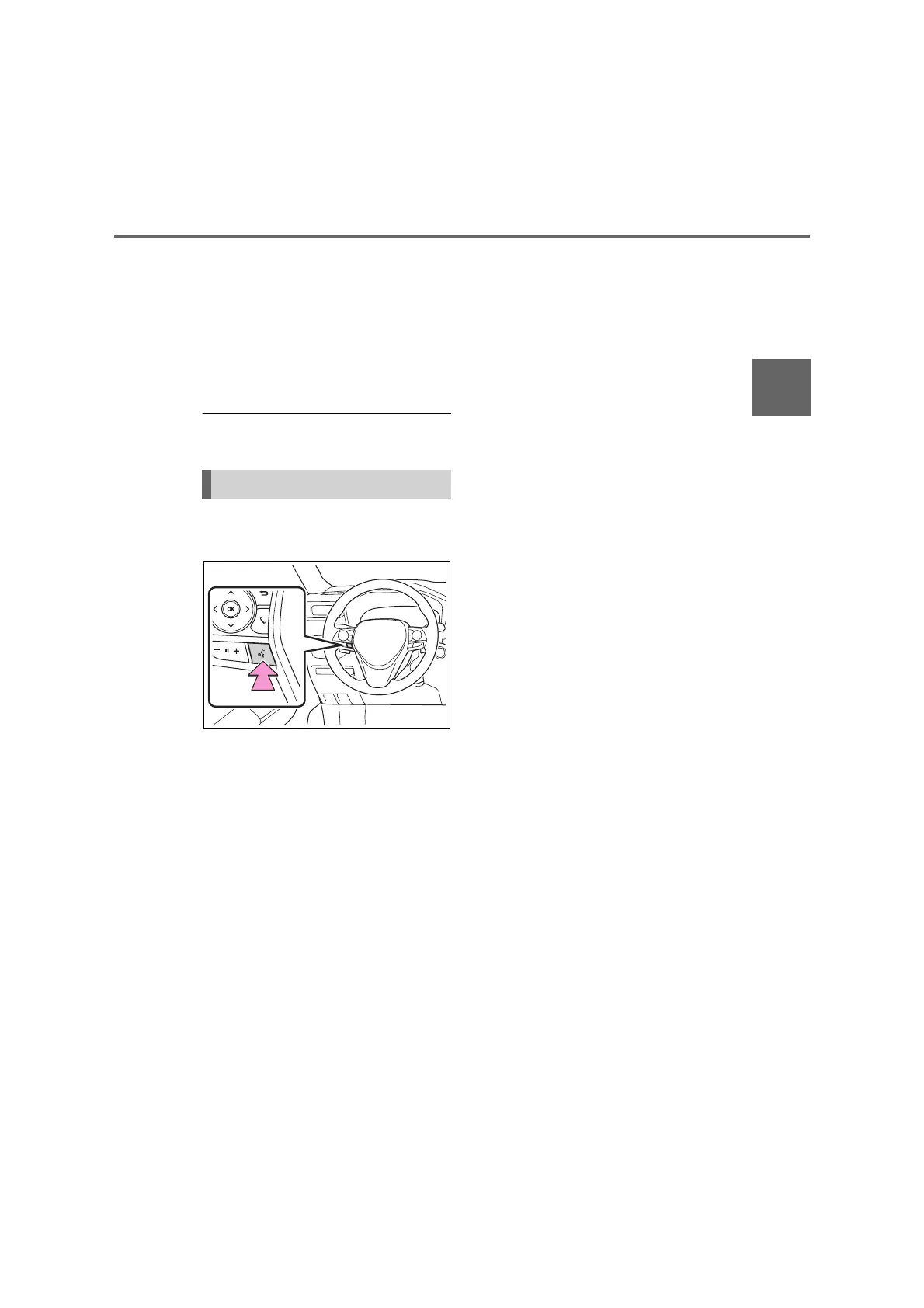
1 Press this switch to operate the
speech command system.
The speech command system
and its list of commands can be
operated. (P.86)
Speech command system



 To Next Page