73
3
3-3. Media operation
Audio/visual system
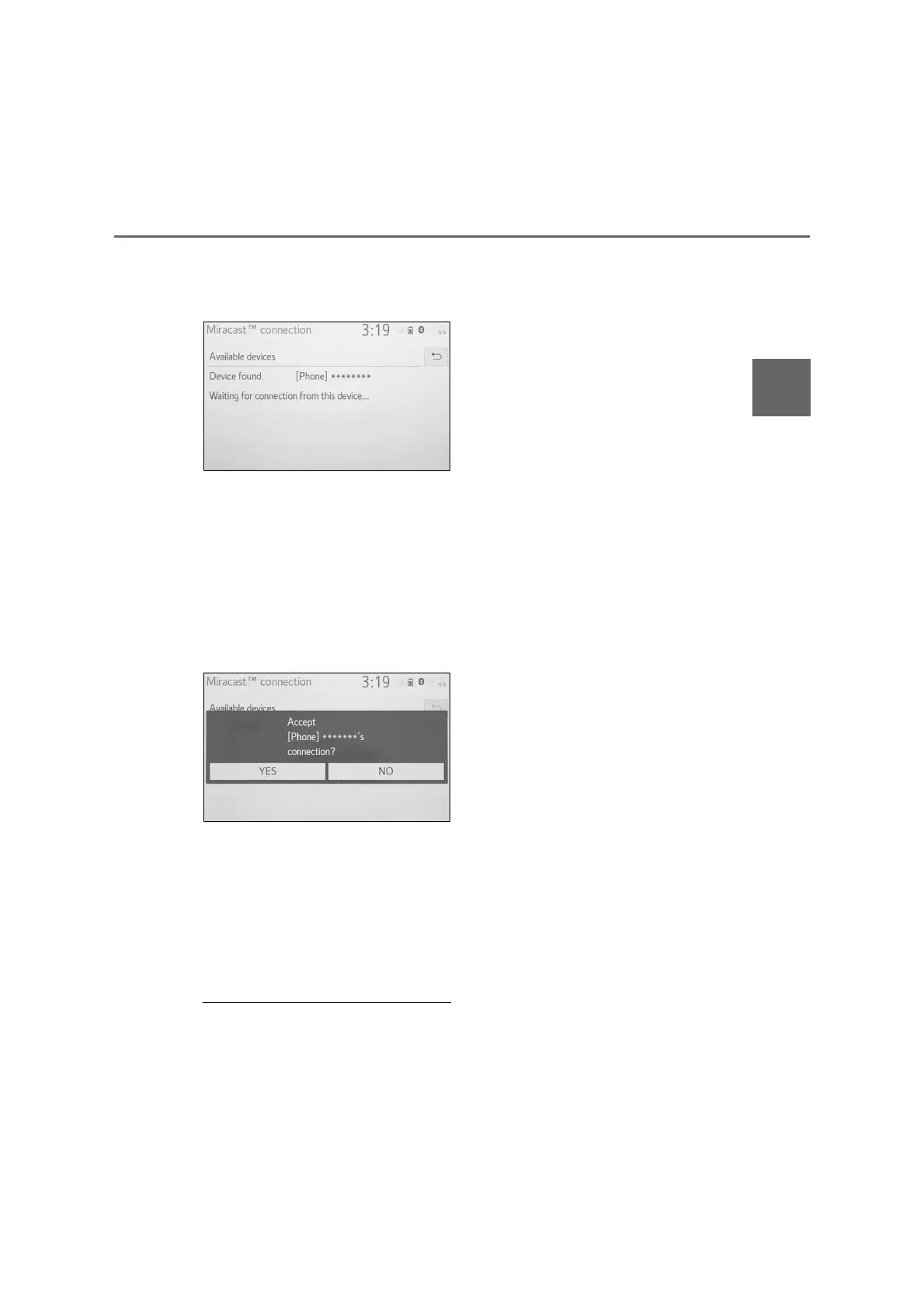
3 Check that the following screen
is displayed when the device is
found.
If the device has been connected
to the system before, this screen
may not be displayed and the
Miracast
®
connection may start
immediately.
4 Select the system name on the
smartphone.
5 Select “Yes”.
6 Check that Miracast
®
operation
screen is displayed.
Depending on the device con-
nected, it may take approxi-
mately 5 to 15 seconds before
the Miracast
®
operation screen
is displayed.
● The signal strength/status of the
Wi-Fi
®
connection (P2P mode) is dis-
played on the upper right side of the
screen. (P.11)
● To check the Miracast
®
setting on the
Wi-Fi
®
setting screen (P.38)
● Miracast
®
will not be available when
the Wi-Fi
®
connection is in use (P2P
mode).



 To Next Page