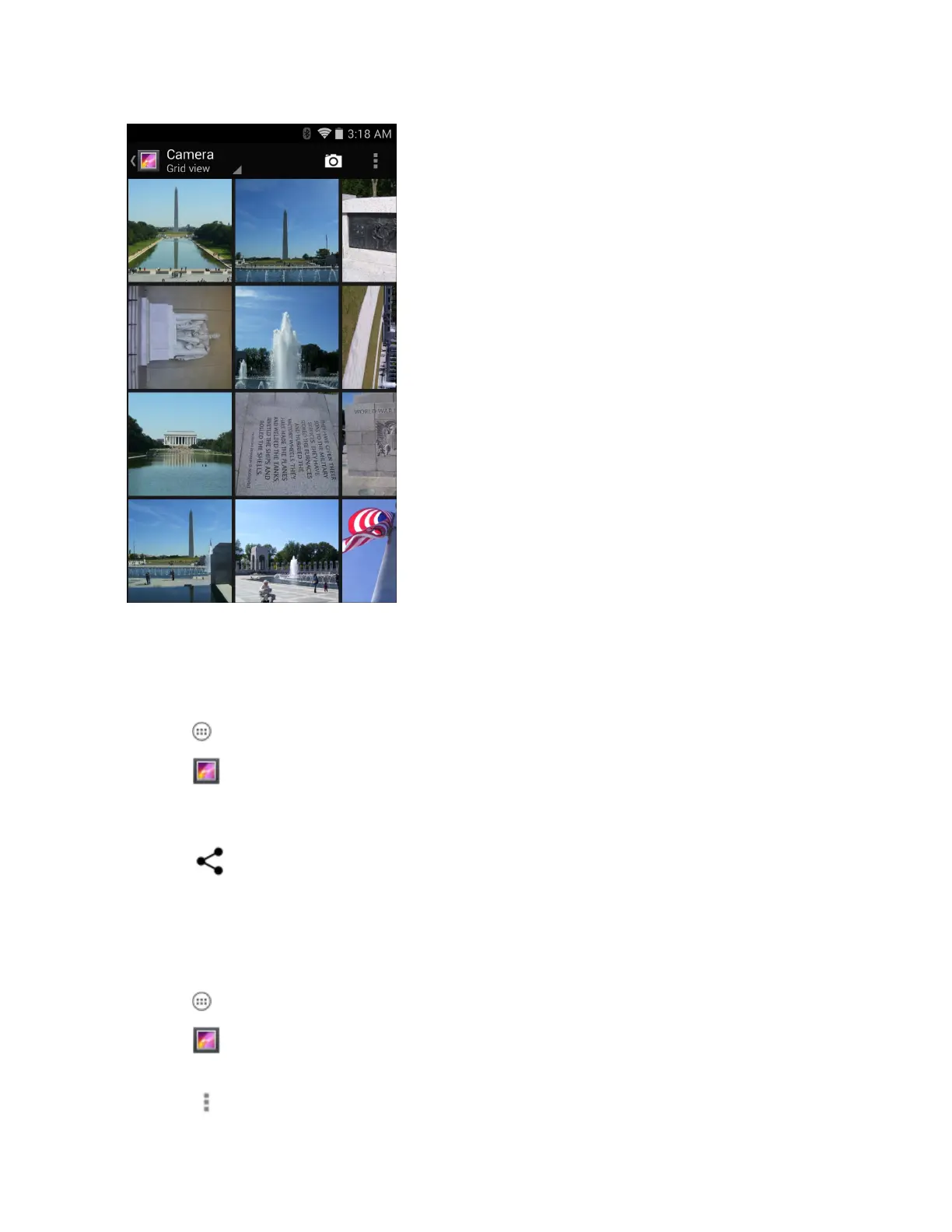
Figure 55: Photos Inside an Album
Swipe left or right to scroll images across the screen.
Share an Album
Procedure:
1
Touch
.
2
Touch .
3 Touch and hold an album until it highlights.
4 Touch other albums as required.
5
Touch . The Share menu opens. Touch the application to use to share the selected albums.
6 Follow the instructions within the selected application.
Get Album Information
Procedure:
1
Touch .
2
Touch .
3 Touch and hold an album until it highlights.
4
Touch
.
Applications | 65
MN001120A01-A | October 2014


 To Next Page