Note:
See the TC70 Integrator Guide for information on DataWedge configuration.
Either press the programmable button or touch the yellow scan button to enable data capture. The captured data
appears in the text field below the yellow button.
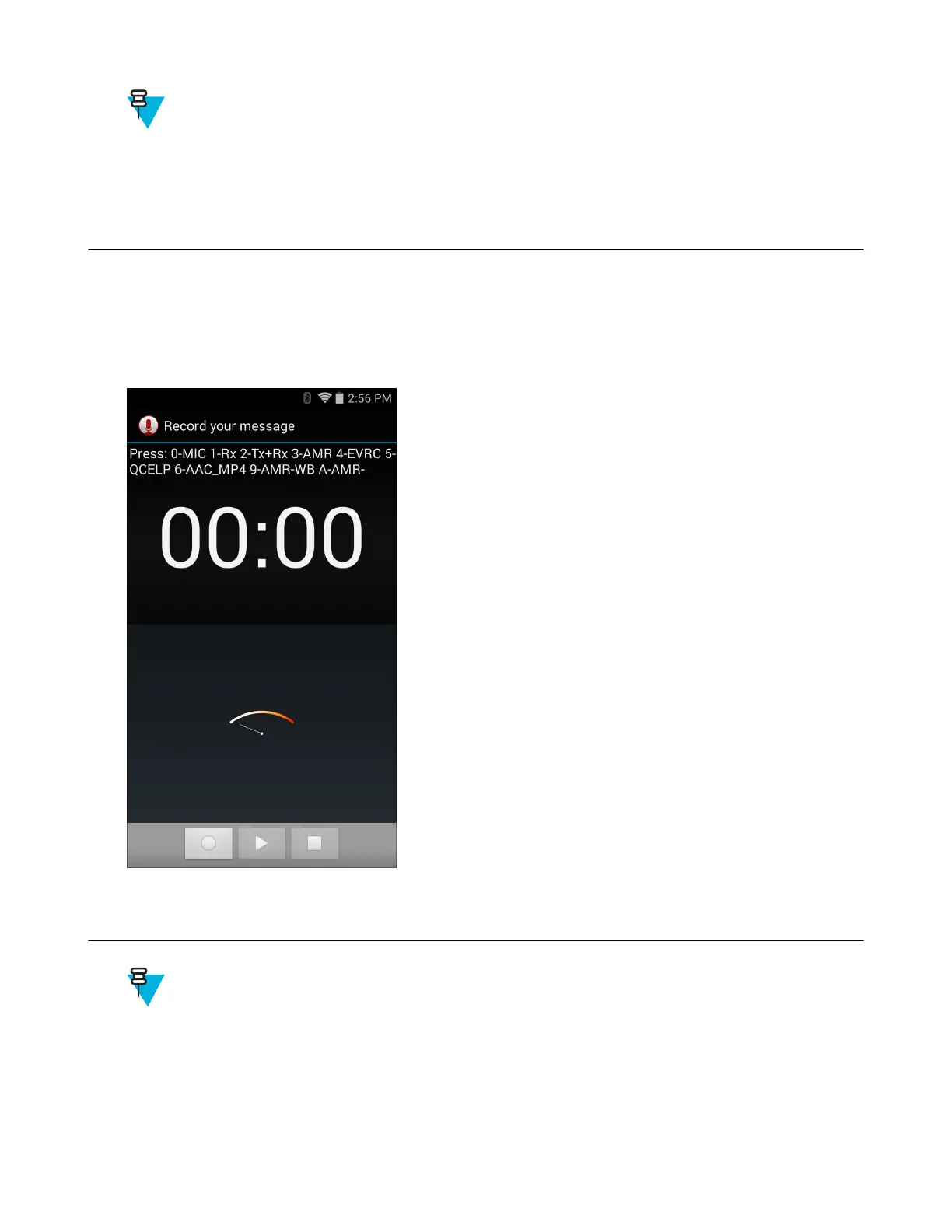
Sound Recorder
Use Sound Recorder to record audio messages.
Recordings are saved on the microSD card (if installed) or the Internal Storage and available in the Music application
playlist titled "My Recordings."
Figure 60: Sound Recorder Application
PTT Express Voice Client
Note:
PTT Express Voice Client creates Push-To-Talk (PTT) communication capability between disparate
enterprise devices. Leveraging existing Wireless Local Area Network (WLAN) infrastructure, PTT Express
delivers simple PTT communication without the need of a voice communication server.
• Group Call: Press and hold the PTT (Talk) button to start communicating with other voice client users.
72 | Applications
October 2014 | MN001120A01-A


 To Next Page