50
PROGRAMMING
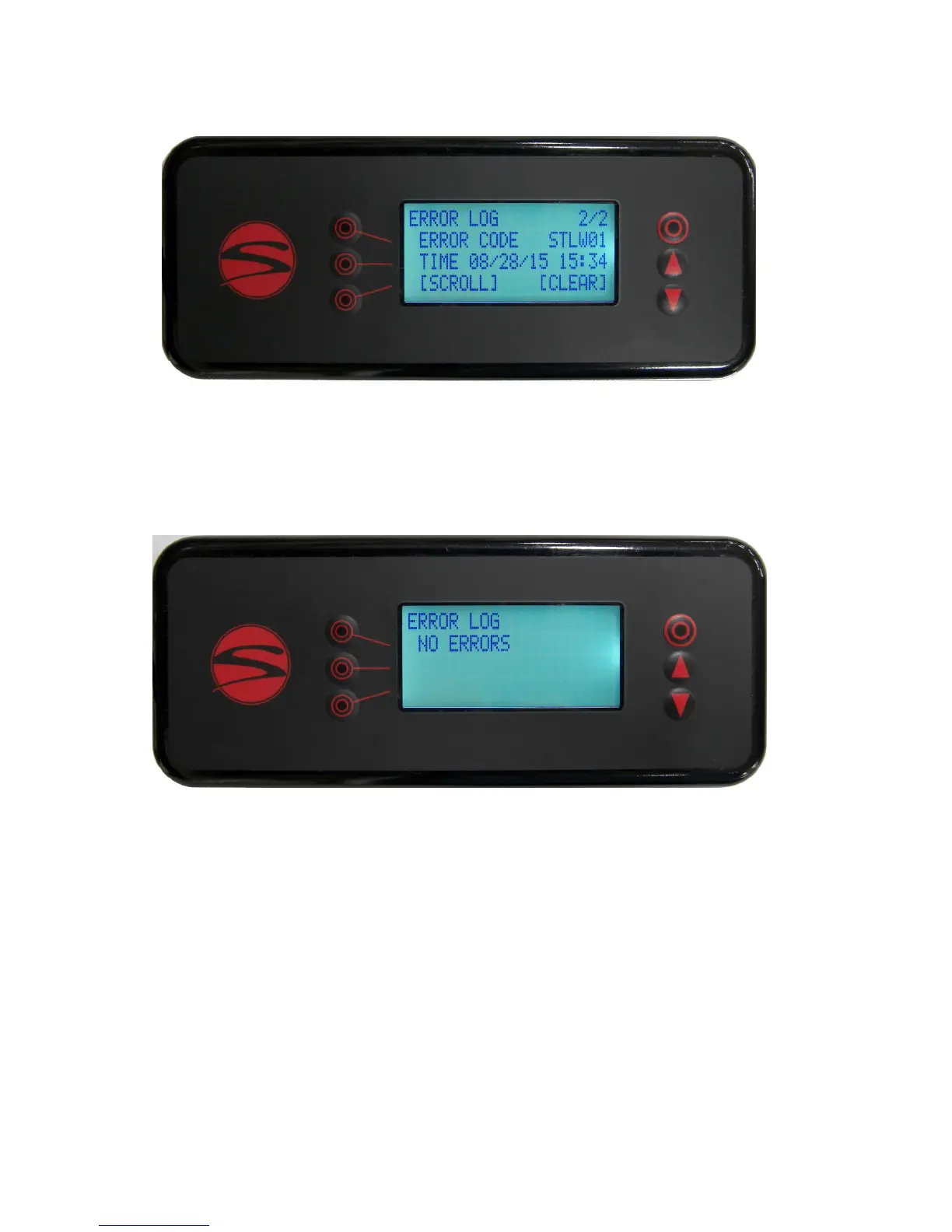
Line 1 of the error log screen shows how many errors the machine has recorded, up to the 35 most recent
errors, and which of these you are currently viewing. This example is showing the second of two errors.
Line 2 indicates the error code. If the error log is clear, this line will simply read ‘NO ERRORS’ as shown be-
low.
Line 3 indicates the date and me that the last error has occurred. If no error has occurred, this line will be
blank.
Line 4 gives the opon to scroll through or clear the error log. To view older errors, press the 4th line buon
once, which will make [SCROLL] ash. Use the up and down buons to change the viewed error. Press the
4th line buon again and [CLEAR] will begin ashing instead of [SCROLL]. Press the 4th line buon again to
deselect both opons.
Menu Level 2: Error Log


 To Next Page
 Loading...