54
PROGRAMMING
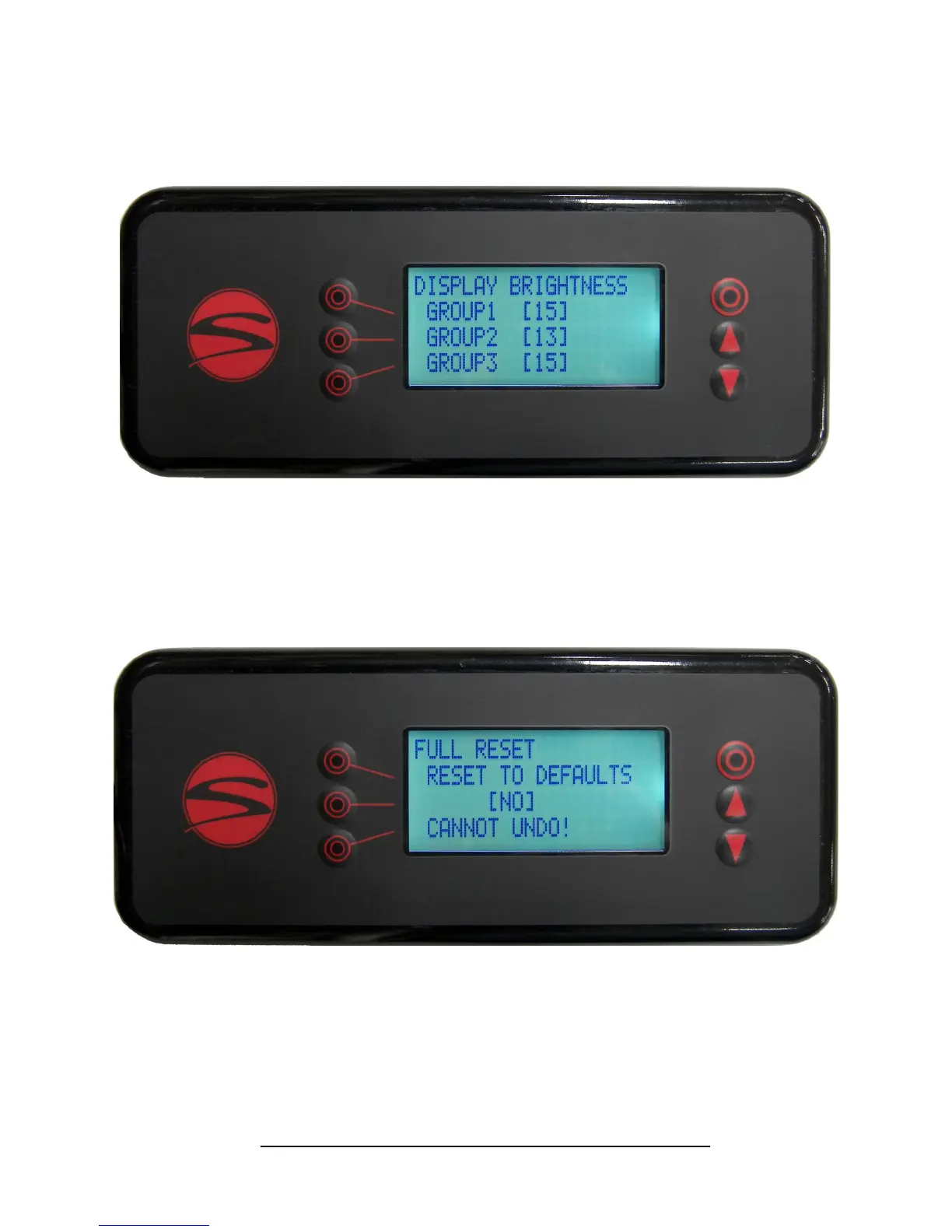
A full factory reset can be achieved by pressing the line 3 buon, then either the up or down arrow.
This opon will undo ALL changes that have been made to the machine. This includes the Synesso™ pro-
grammed osets, serial number and machine conguraon informaon.
It is highly recommended that you make note of all Synesso™ programmed sengs before doing a full re-
set of the machine.
RESET CANNOT BE UNDONE. PLEASE BE CAREFUL!
Menu Level 3: Full Reset
Shot mer display brightness can be adjusted on this screen. Use these sengs to bring all shot mers to a
uniform brightness. Values range from 0-15.
Menu Level 3: Shot Timer Display Brightness


 To Next Page
 Loading...