CAN – Ethernet Gateway
94 © SYS TEC electronic GmbH 2007 L-1032e_9
8.2 Firmware download
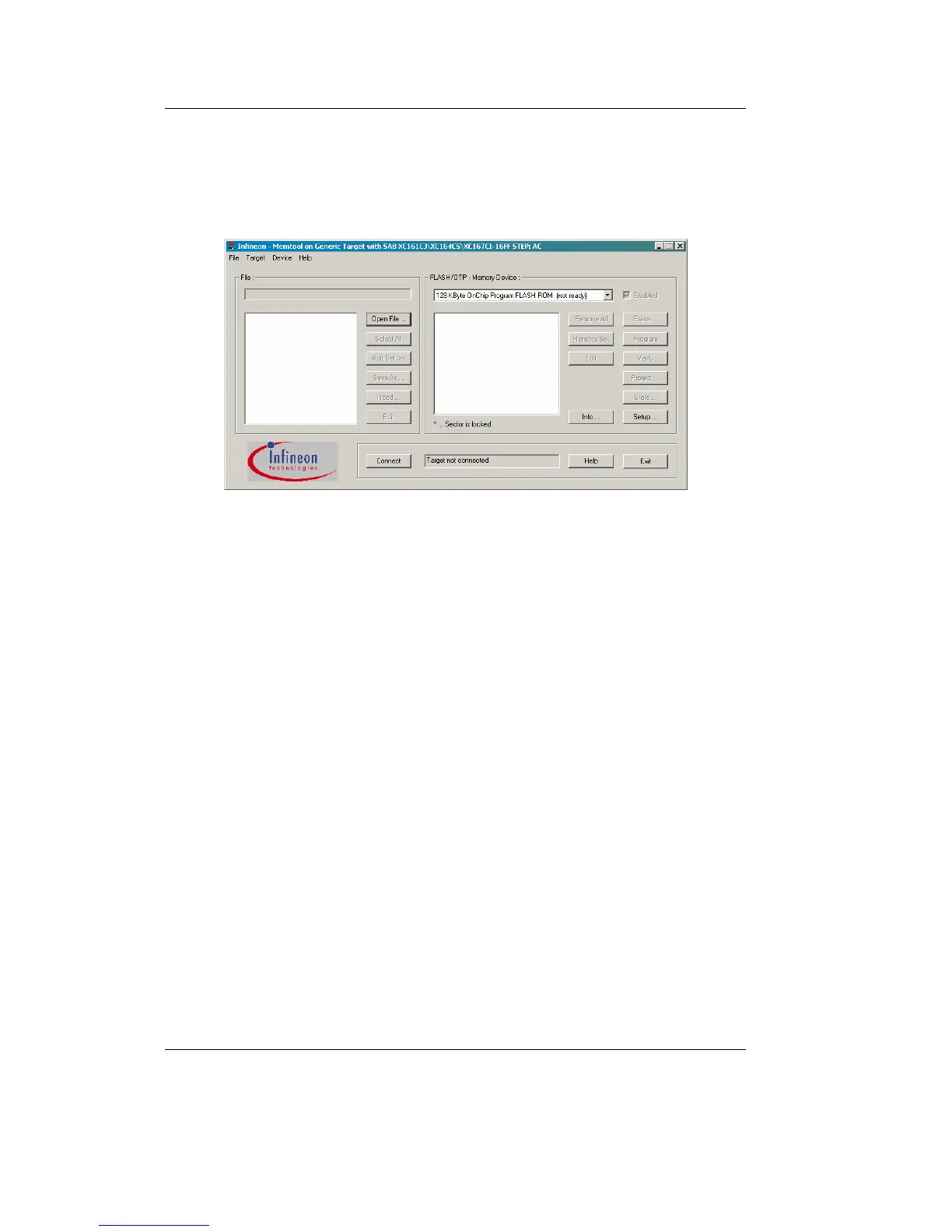
The firmware of the CAN-Ethernet Gateway can be downloaded using
the so-called MemTool software (see
Figure 20).
Figure 20: MemTool software
Proceed with the following steps to update the firmware to the CAN-
Ethernet Gateway:
1. Go to menu „Target/Change“ and select the controller:
SAB XC161CJ\XC164CS\XC167CI-16FF STEP:AC
2. Next the serial communication interface needs to be configured.
Therefore go to menu „Target/Setup Communication Port...“.
A configuration dialog window appears, where you can
configure the serial interface used for firmware update.
3. Connect to the target using the „Connect“ button. After the
connection has been established successfully, the available
memory sectors appear (see
Figure 21).



 To Next Page