Getting Started
© SYS TEC electronic GmbH 2007 L-1032e_9 15
3.5.2 Initial Configuration using the RS-232 Interface
The CAN-Ethernet Gateway must be configured to meet the specific
application requirements before CAN messages can be transmitted.
The following steps are required:
• Connect the included null modem cable to the RS-232 interface of
the CAN-Ethernet Gateway and a free serial interface on the PC
(e.g. COM1).
• Start a terminal program on the PC, the program "HyperTerminal"
will be used for the following examples, this program is part of the
MS-Windows operating system (if you use a different terminal
program, appropriate configuration must be made).
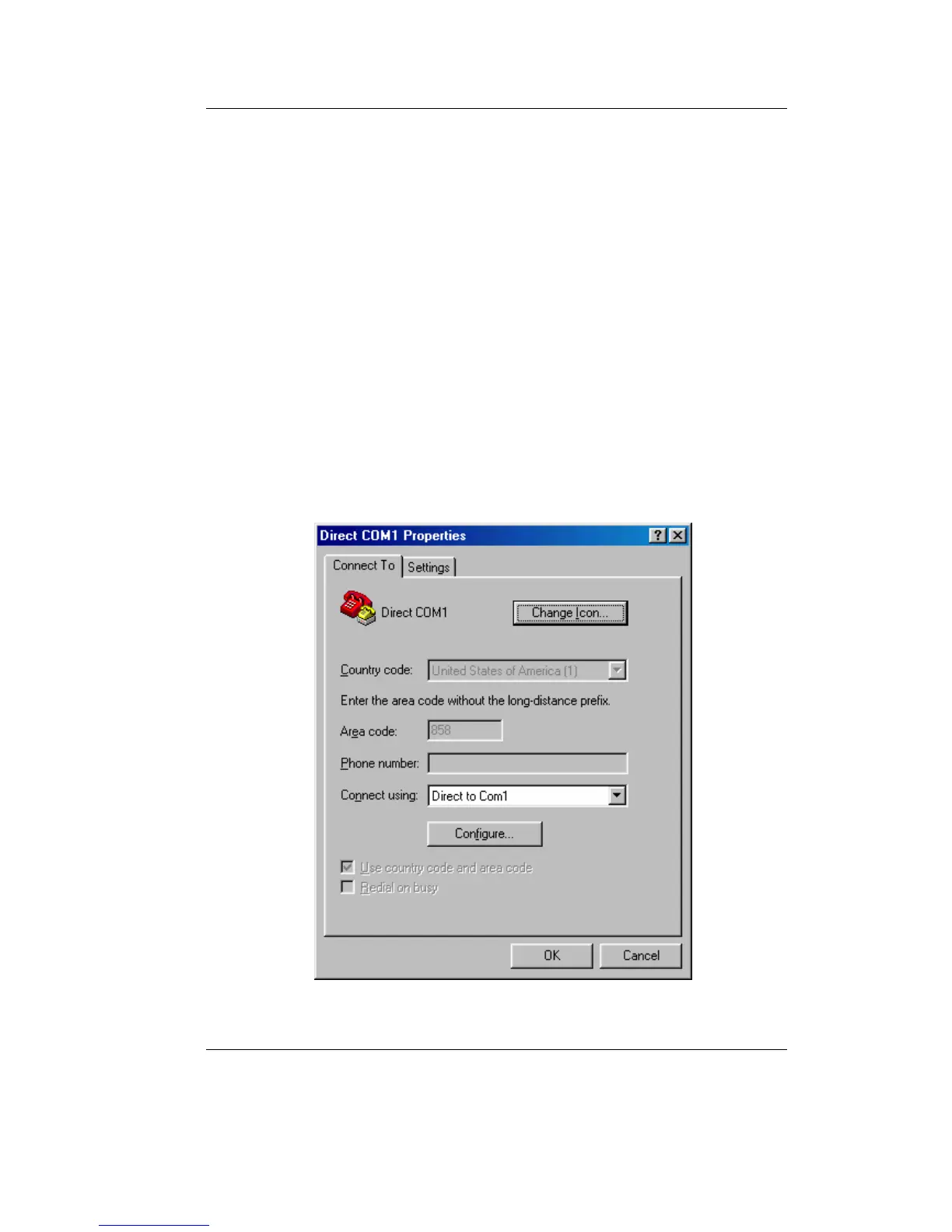
• Set the baud rate and the protocol for the serial interface (e.g.
COM1) in HyperTerminal (refer to
Figure 4 and Figure 5).
Figure 4: HyperTerminal Configuration (1)



 To Next Page