TAC 2112, Manual Using the Operator´s Panel
3:6(6), 0-004-7459-3 (GB) 1999-08-01, TAC AB
3.3 How are the buttons used?
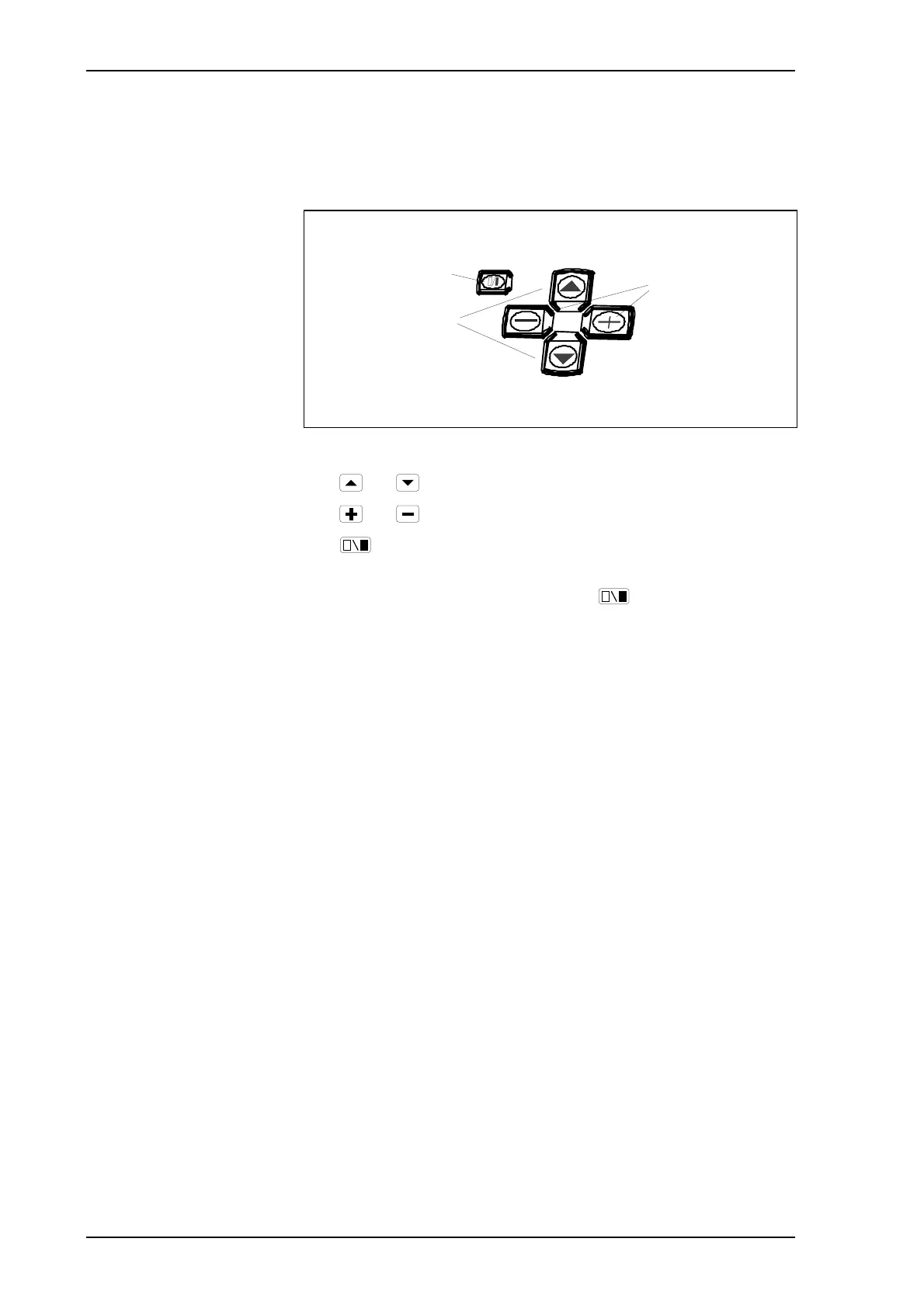
The controller has five buttons beneath the display window.
Select parameter
weekly program
Increase/decrease
parameter value
Da
time
ni
ht operation
The buttons on the operator’s panel
The and buttons are used to select a parameter.
The
and buttons are used to change a parameter value.
The
button is used to toggle between a filled and a blank
segment in the 24-hour clock.
To save a changed parameter value, press
again.



 To Next Page