TAC 2112, Manual Day-to-day Usage
TAC AB, 1999-08-01 0-004-7459-3, 4:5(6)
4.6 Reading alarms
When an alarm has been triggered, the
!
symbol in the display
window will flash. The display window will also specify what has
triggered the alarm.
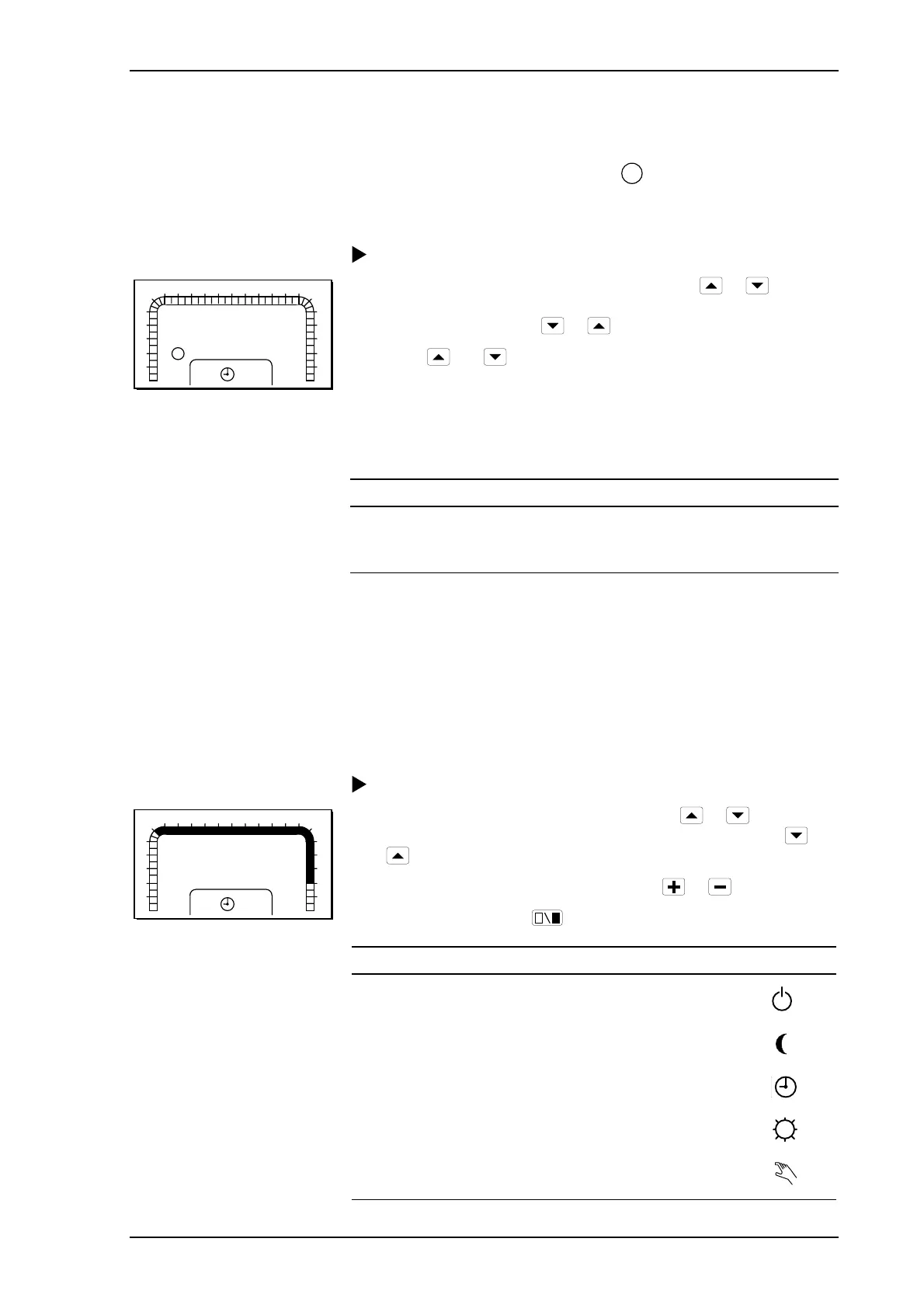
Procedure for reading off alarms:
1
2
3
4
5
6
7 8 9 10 11 12 13 14 15 16 17
18
0
23
22
21
20
19
24
K1
P 82
1
!
1 Select parameter number (P No.) by pressing
or as
shown in the list below. The parameter number is increased and
decreased by pressing
or .
2 Press
and at the same time to get to P 15 – P 99.
3 Hold down the button for fast increase/decrease.
4 Read the value. 1=ALARM, 0=NO ALARM
The alarm is reset automatically when the reason for it no longer exists.
Temperature P No.
Circulation pump P 82
Supply temperature P 83
4.7 Setting the operating mode
The controller usually operates in a timed manner; that is to say, a
weekly program and yearly program determine whether the supply
temperature or room temperature should be controlled to a daytime or
night setpoint. The controller can also be set to other operating modes.
See chapter 7 for a more detailed description of the operating modes.
Procedure for setting an operating mode:
1
2
3
4
5
6
7 8 9 10 11 12 13 14 15 16 17
18
0
23
22
21
20
19
24
K1
TU
P 00
12:35
1 Select parameter number P 00 by pressing
or . The
parameter number is increased and decreased by pressing
or
.
2 Change the operating mode by pressing
or .
3 Confirm by pressing
.
Operating mode Symbol
Heating off
Fixed night setback
Timed operation
Fixed daytime operation
Manual control



 To Next Page