TAC 2112, Manual Day-to-day Usage
4:6(6), 0-004-7459-3 (GB) 1999-08-01, TAC AB
4.8 Setting the clock
To display the current time on the clock, select parameter P 00
(usually displayed). The clock must be set after a power cut lasting
more than 48 hours. See chapter 7 for a more detailed description of
the clock.
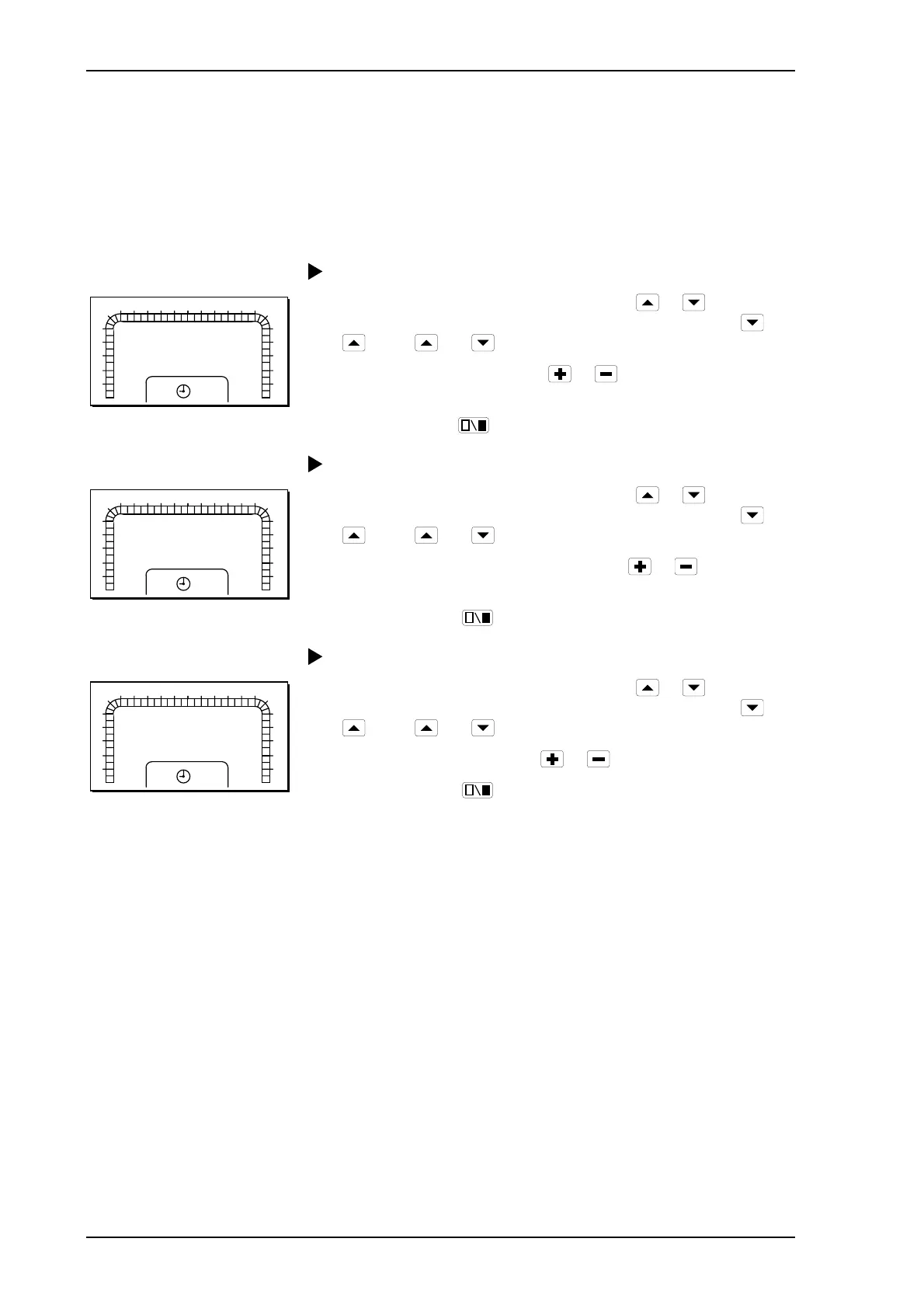
Procedure for setting the time:
1
2
3
4
5
6
7 8 9 10 11 12 13 14 15 16 17
18
0
23
22
21
20
19
24
K1
P 15
0:00
1 Select parameter number P 15 by pressing
or . The
parameter number is increased and decreased by pressing
or
. Press and at the same time to get to P 15 – P 99.
2 Change the clock by pressing
or . Hold down the button
for fast increase/decrease.
3
Exit by pressing
.
Procedure for setting the date:
1
2
3
4
5
6
7 8 9 10 11 12 13 14 15 16 17
18
0
23
22
21
20
19
24
K1
P 16
01.01
1 Select parameter number P 16 by pressing
or . The
parameter number is increased and decreased by pressing
or
. Press and at the same time to get to P 15 – P 99.
2 Change the date (month.day) by pressing
or . Hold down
the button for fast increase/decrease.
3
Exit by pressing
.
Procedure for setting the year:
1
2
3
4
5
6
7 8 9 10 11 12 13 14 15 16 17
18
0
23
22
21
20
19
24
K1
P 17
1995
1 Select parameter number P 17 by pressing
or . The
parameter number is increased and decreased by pressing
or
. Press and at the same time to get to P 15 – P 99.
2 Change the year by pressing
or .
3
Exit by pressing
.
Days of the week are calculated automatically by the controller and do not,
therefore, need to be set.



 To Next Page