15
English
SPECIAL SETTINGS
Changing the TAD-DA1000 input mode
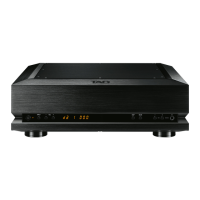
Press the INPUT button on the main unit’s front-panel (or one of the INPUT buttons on the remote control unit).
Each time the front-panel
INPUT
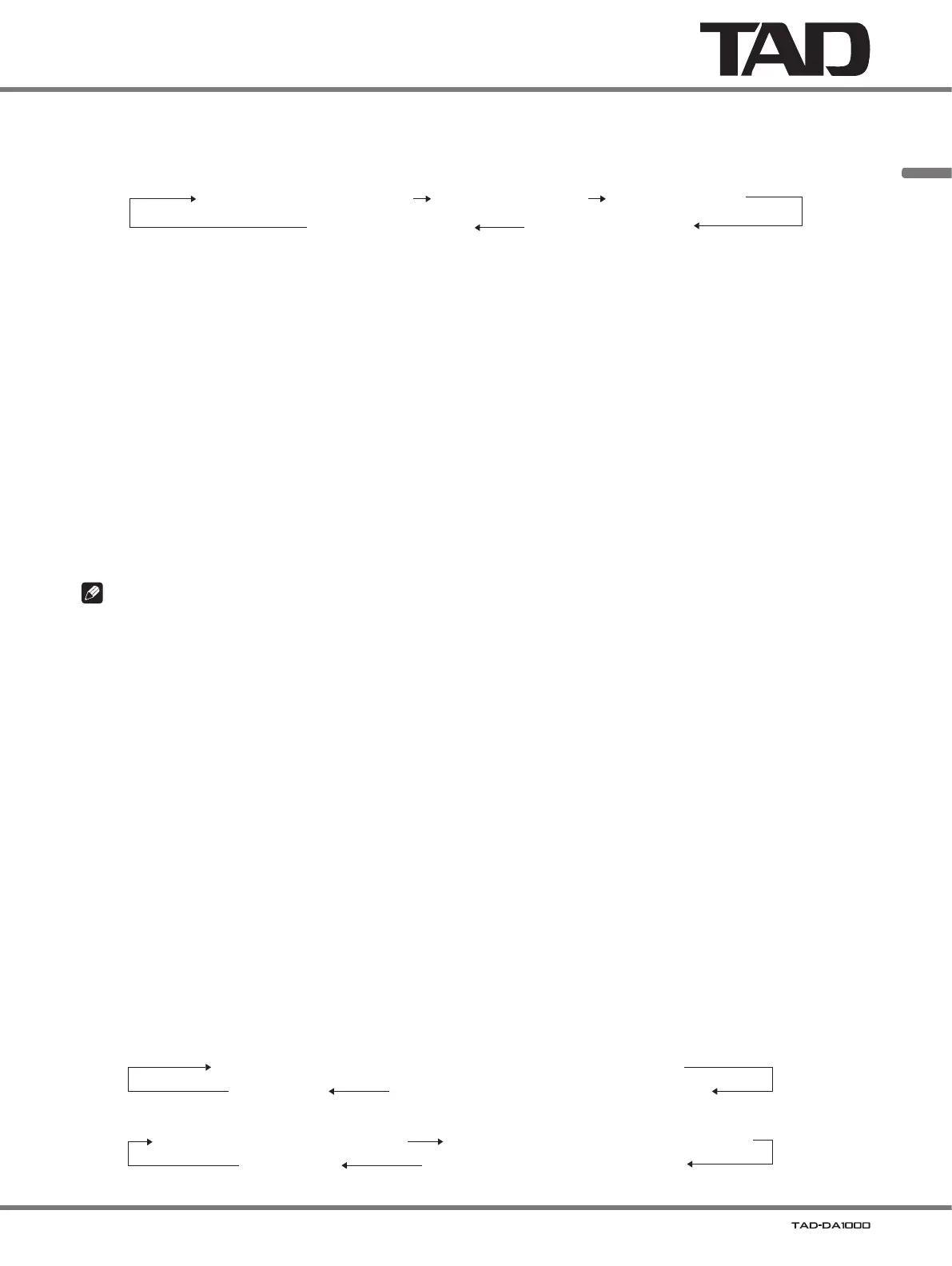
button is pressed, the input mode will change in the following order:
D1 (XLR)U1 or U2 (USB input) D2 (coaxial)
D3 (coaxial)D4 (optical)
In the factory default condition, when an input signal is detected, the signal’s sampling rate will be displayed. When no
input signal is detected, the display will show
[ - - - ]
.
The sampling rate display is in units of kHz; fractional decimal points are omitted.
In the case of
DSD signals,
[ dSd ]
is displayed for 2.8 MHz modulation, and
[ dSd2 ]
is displayed for 5.6 MHz modulation.
When the display mode is changed, if an input signal is detected, the display will show
[ U1 ]
; if no input signal is
detected, the display will show
[ U1- - ]
.
Adjusting the sound volume
Adjusting the balanced/unbalanced line output level
In the factory default condition, the line output
VOL (−/+)
buttons and the remote control’s center
VOLUME (+/−)
buttons are
disabled. The volume output is factory preset at
78 (maximum value)
.
Press and hold the main unit’s VOL (
−
) button.
The main unit’s
VOL (−/+)
buttons and the remote control’s center
VOLUME (+/−)
buttons will be enabled. In addition,
the display will switch from showing the sampling rate to the line output volume.
When the main unit’s
VOL (−/+)
buttons and the remote control’s center
VOLUME (+/−)
buttons are enabled, the
initial default output value will be
30
.
Note
When using the volume function and connecting directly to a power amplifier (without using a pre-amplifier), be sure to
make the connection only after setting the volume to
“0” (zero)
. If the connection is made with the volume set to its default
value (maximum), the speakers could be damaged.
Adjusting the headphones volume
Press the volume (−/+) buttons located beside the headphones jack, or the volume (+/−) buttons under the headphones
symbol on the remote control unit.
The default value is preset at
50
. This value can be adjusted independently of the balanced/unbalanced line output
values.
To fix the line output levels at their maximum
1. Press the main unit’s VOL (+) button (at the left of the display) until the display indicates the maximum value of 78.
2. With the value set to its maximum, press and hold the VOL (+) button.
The line output level will be fixed at the maximum value, and the main unit’s
VOL (−/+)
buttons and the remote
control’s center
VOLUME (+/−)
buttons will be disabled. When this is done, the display will change from showing the
line output volume to showing the sampling rate.
Changing the display mode
Press the DISP button on either the main unit or the remote control unit.
Each time the button is pressed, the display mode will change in the following order:
When line output value is fixed
When line output value is adjustable
Line output volume (example: [ U1 L 50 ]) Headphones output volume (example: [ U1 H 50 ])
Sampling rate (example: [ U1 44 ])Display OFF
Sampling rate (default value: sound volume fixed) (example: [ U1 44 ])
Headphones output volume (example: [ U1 H 50 ])
Display OFF



 To Next Page
 Loading...