19
English
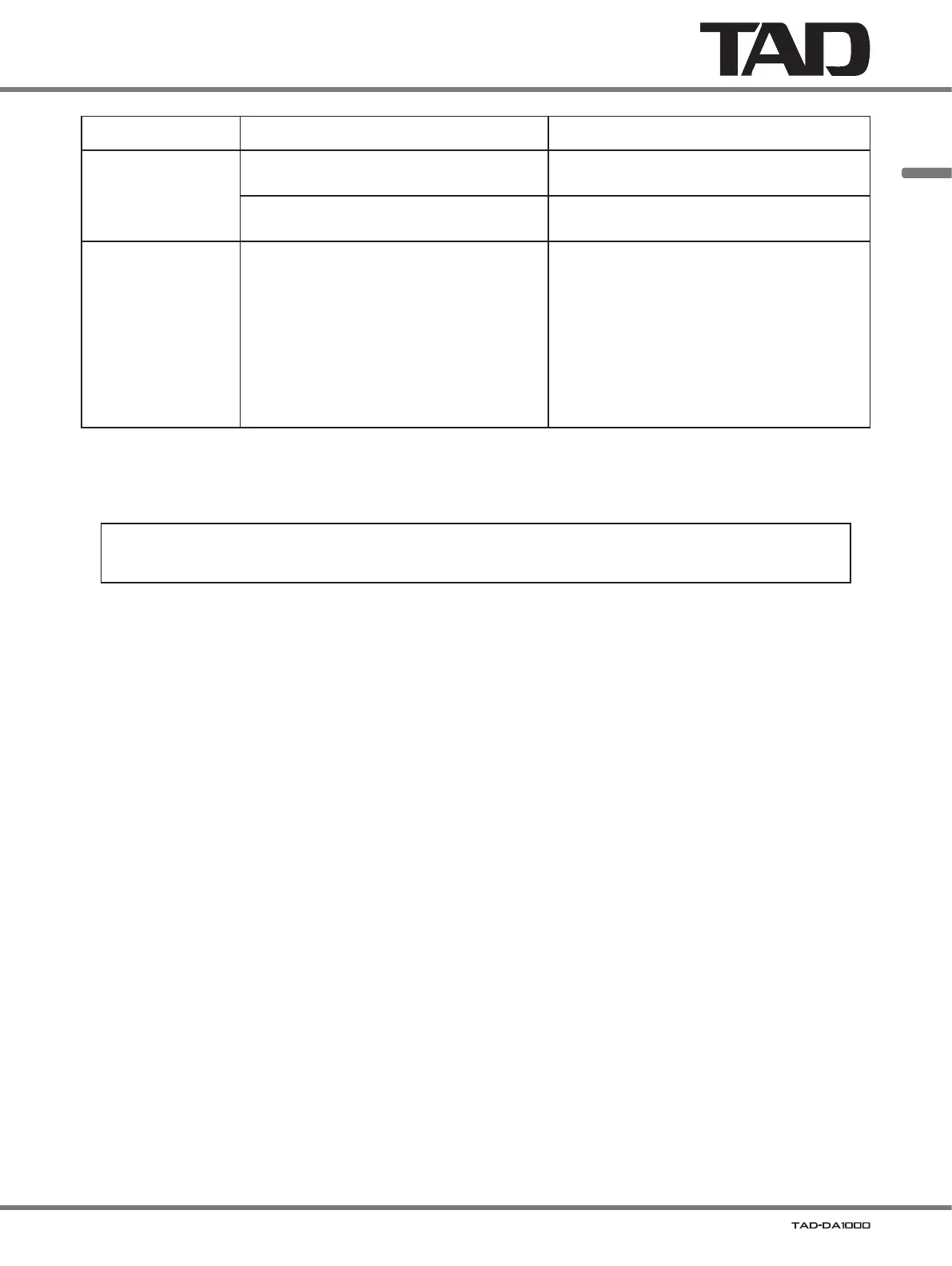
Symptom Possible cause Remedy
Display is not visible. The display viewing angle is within 45° to right/
left from the front of the unit.
View the display from immediately in front of the
unit.
The unit is set to display off. Press the
DISP
button to disable the display off
mode.
The remote control
doesn’t
work.
The remote control’s batteries are expended.
The remote control is being used too far
away from the main unit.
Angle is bad.
Line of sight to the main unit is blocked.
Strong light from a fluorescent lamp or
other light source is directly striking the
signal
receiver.
Replace the batteries with new ones.
Use the remote control from within a distance
of 7 meters (23 ft.), and within an 30° arc to
right/left of the unit’s front panel.
Remove obstacles between the main unit
and remote control, or change to a different
location when
operating the remote control.
Readjust the position of lamps or other light
sources so that strong light does not strike the
signal receiver.
Static electricity or other external influences may cause malfunctioning of this unit. In this case, unplug the power cord and
then plug back in. This will
usually reset the unit for proper operation. If this does not correct the problem, please consult your
dealer.
This unit is designed as a consumer audio product (audio/video component). It is not designed for long continuous
use as a commercial BGM source, nor for use in automobiles, ships, or outdoors.



 To Next Page