21
Menu Description
Number Menu Sub-menu (Options)
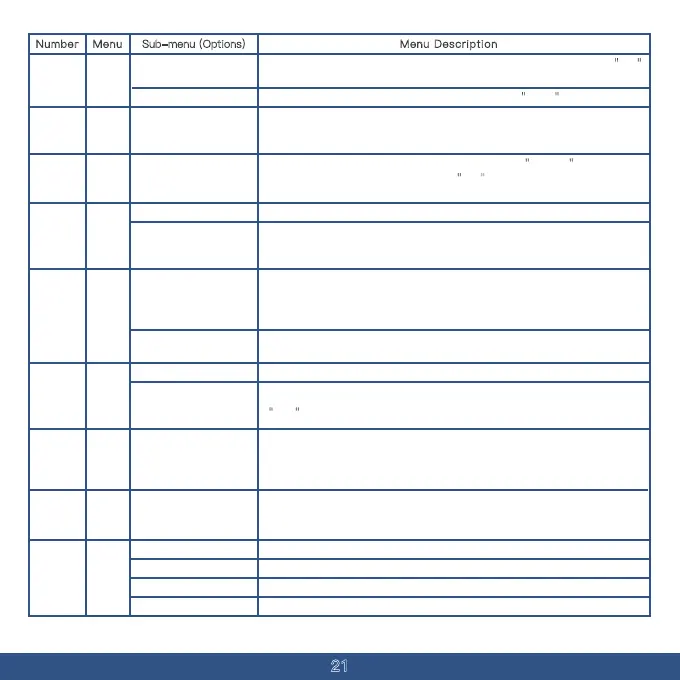
You can assign a name to the current channel or customize it through
programming software.
Default settings: Channels
1-10, Workgroups 1-10,
Repeaters 1-10.
CH-
NAME
19
Delete the stored information of the current channel; if
CH-001 is displayed,
it means the channel is already saved. If
001 is shown, the channel is free and
has no stored information, making the operation invalid.
001-999DELCH20
If the current channel needs to be included in the scan, it should be set to add
status.
Add
Delete
18
If the current channel should not be scanned, set it to
delete status.
SCAN
ADD
21
If the transmitting device activates the tail tone elimination feature, the receiver
will hear a simulated GSTAR signal beep. If this feature is not activated, the
RX
END
TAIL
receiver will first hear the persistent click sound.
OFF No beep after receiving.
GSTAR
When transmitting through a repeater, after the sender releases the PTT button
and the device switches to receive mode, the delay from the repeater can cause
a momentary signal and noise to be received. Adjusting the value of this menu
item properly can prevent noise in the device during repeater transmission.
1-10s
RP-STE
If the noise is needed to confirm whether the repeater is working, this menu can
22
be turned off.
OFF
Default is set to 90 degrees.
120 degrees
180 degrees
240 degrees
Select the appropriate phase according to different repeaters to eliminate the
click end tone.
TAIL
PHASE
23
None
RPT-RL24
When relaying signals through a repeater, to confirm whether the repeater has
relayed the signal for the device, utilize the delay time when the repeater stops
transmitting. This allows the device to confirm that the signal has been relayed.
This menu item adjusts the duration of the noise that occurs for this confirmation.
1-10s
25
S-CODE
( Squelch
Tail
Eliminate)
Turn off this feature if the noise is not needed.
OFF
26
DTMF
CODE
Press the PTT button to transmit a DTMF code.
Press and release the PTT button to transmit a DTMF code.
OFF
BOT
Turn off DTMF encoding.
EOT
Release the PTT button to transmit a DTMF code.
BOTH


 To Next Page