Setup Mode
USING SETUP MODE
User's Manual 5-27
Quick
Reference
Introduc-
tion
Setting Up
Paper
Handling
Printing
Setup Mode
MENU1 and
MENU2 Items
Table 5.3 MENU1 and MENU2 Items and Options (Cont.)
NOTES:
• Underlined options are the factory defaults.
• Asterisks identify items and options that differ for the IBM XL24E and
Epson ESC/P2 emulations. The notes are defined at the end of the table.
Options Description
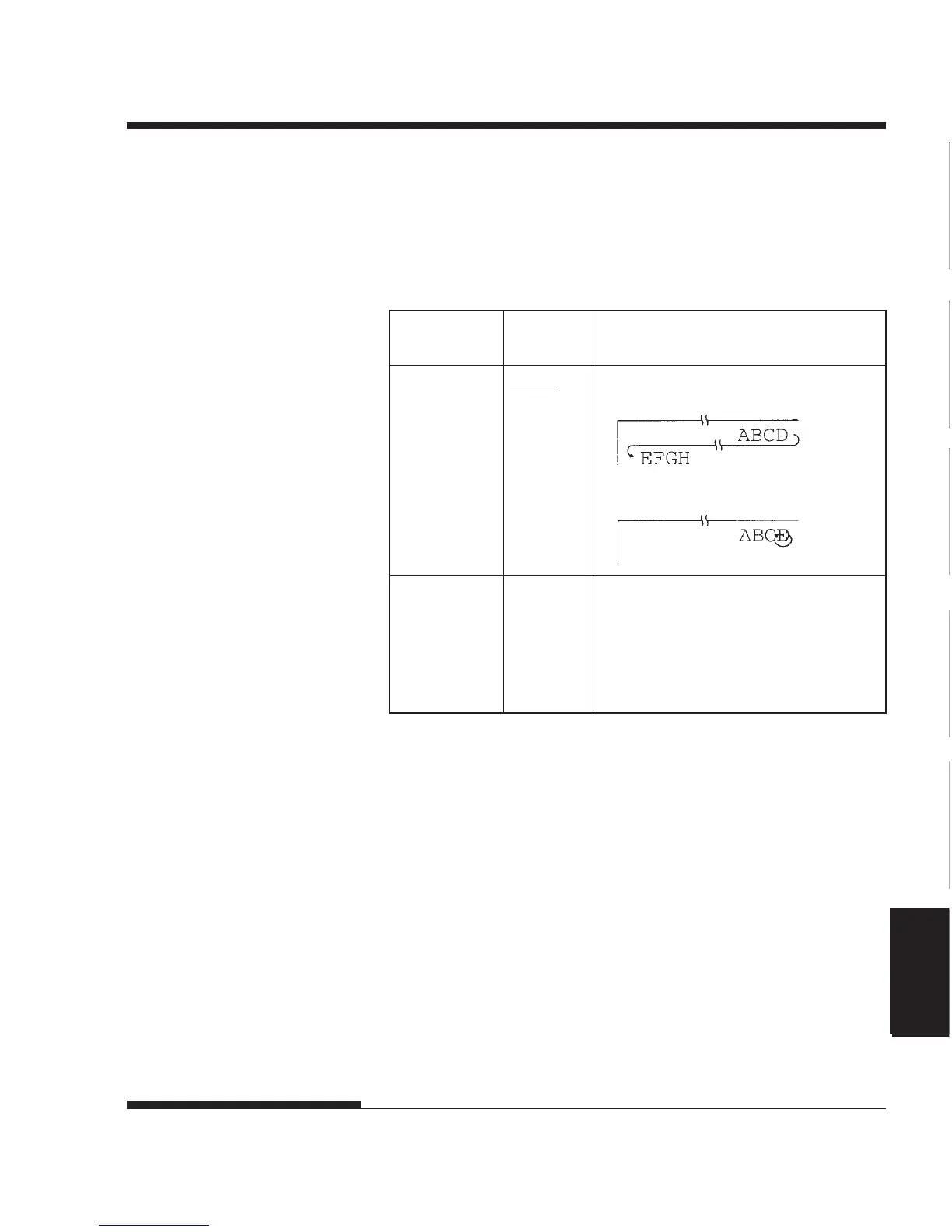
<RGHTEND> WRAP End-of-line wrap. Causes a carriage
return plus a line feed.
OVR-PRT Characters are overprinted at the end of a
line.
<==END==> Indicates the end of MENU1 items.
Press the MENU button to print the first
item, <EMULATE>. Press the TEAR
OFF button to print the previous item,
<RGHTEND>. Press the ONLINE
button to reprint the <<FUNCTION>>
menu.
*1 Unavailable in the IBM XL24E emulation
*2 Unavailable in the Epson ESC/P2 emulations
*3 Available only in the Epson ESC/P2 emulations
*4 Available only for 136-column printers














 To Next Page