SETTING UP
2-14 User's Manual
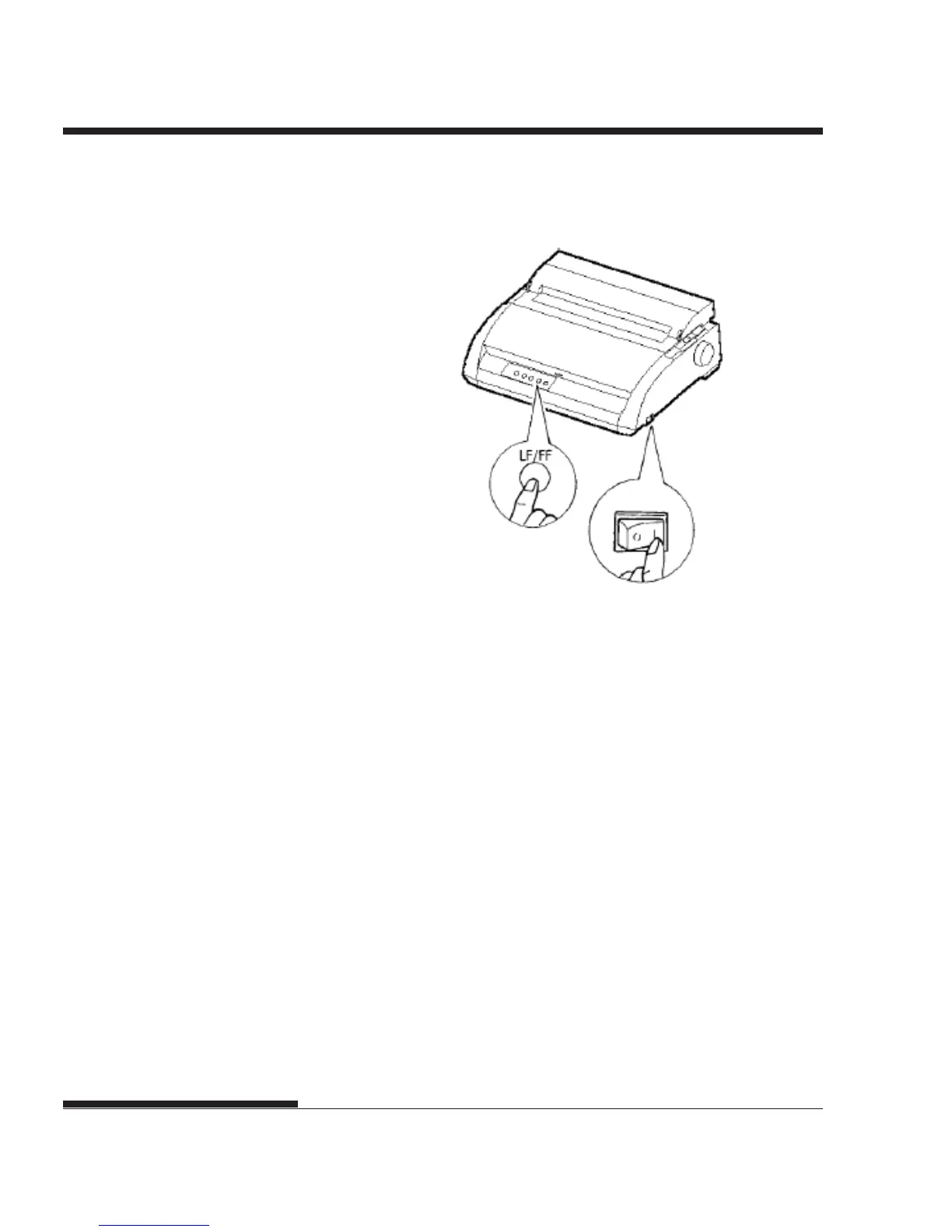
Starting the self-test
3. Allow printing to continue for a dozen or more lines of repeat
printing. To stop printing, press the TEAR OFF button. Manually
turn the platen knob clockwise to remove the test page.
NOTE
Do not try to use the LF/FF (line feed/form feed) button to eject the
paper. In self-test mode, LF/FF cannot be used to feed paper forward.
4. Examine the self-test page. It should look like the sample on the next
page.
Check that printing is uniform and that there are no light, dark, or
smudged areas. If the print quality is good, go to step 5. Otherwise,
try to correct the problem as follows:
• Make sure that the ribbon is installed correctly.
• Make sure that the paper thickness lever is set to position 1.














 To Next Page