SETTING UP
User's Manual 2-15
Quick
Reference
Introduction
Setting Up
P
aper
Handling
Printing
Setup Mode
• Insert a new sheet of paper into the cut sheet stand. Turn the platen
knob to manually advance the paper until the top edge has moved
past the paper bail rollers.
• Press the TEAR OFF button to restart printing. If the print quality
remains poor, turn off the printer and contact your dealer for
assistance.
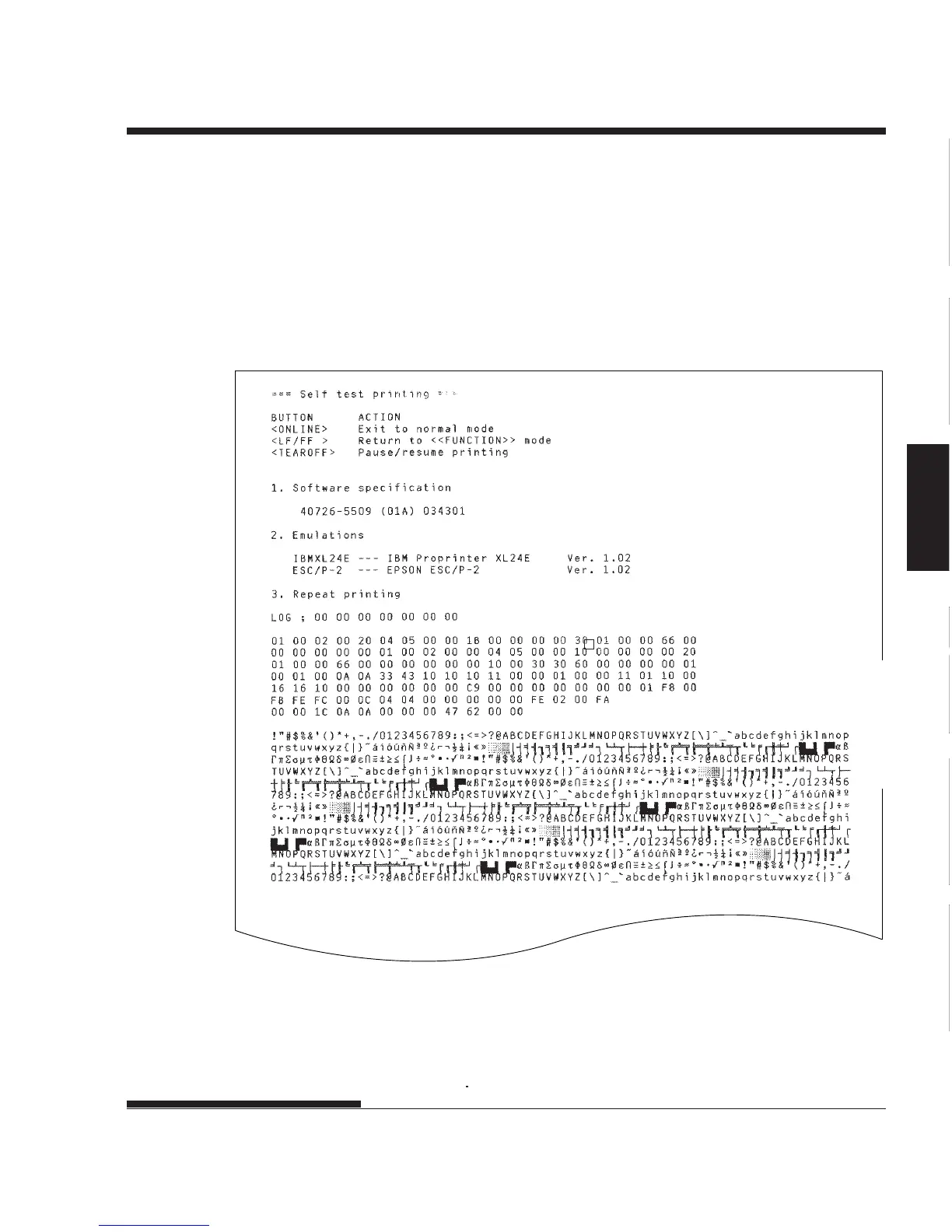
Sample self-test page
5. To exit the self-test mode, press the ONLINE button. The printer will
return online.














 To Next Page