USING SETUP MODE
User's Manual5-16
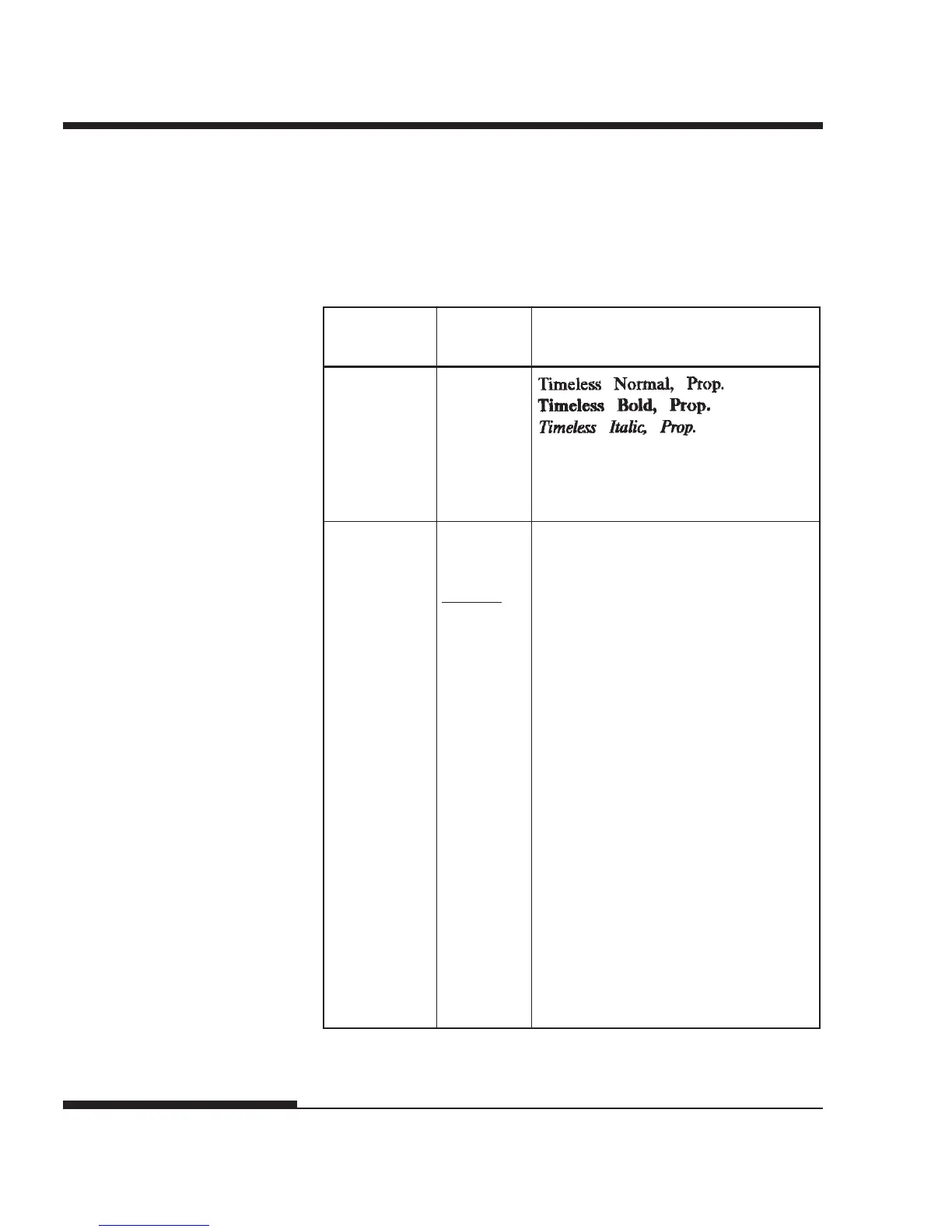
Table 5.3 MENU1 and MENU2 Items and Options (Cont.)
NOTES:
• Underlined options are the factory defaults.
• Asterisks identify items and options that differ for the IBM XL24E and
Epson ESC/P2 emulations. The notes are defined at the end of the table.
<FONT> TIMLS-N
(continued) TIMLS-B
TIMLS-I
DOWNLD0 Font 0 in the printer’s download RAM
See Appendix F for font examples.
<QUALITY> Select the print quality that most often
meets your needs.
LETTER Letter print quality. This option
provides the highest resolution but the
slowest print speed. It cannot be used
with the compressed font.
REPORT Report print quality. This option
provides lower resolution than letter
quality, but at twice the speed. If you
want only the double speed, regardless of
fonts, use the correspondence font. The
quality of the correspondence font is
higher than that of report.
DRAFT Regular draft print quality. This option
provides lower resolution than report
quality, but at 3.2 times letter speed.
HI-DRFT High-speed draft print quality. This
option provides lower resolution than
draft quality, but at 3.5 times letter speed.
MENU1 and
MENU2 Items
Options Description














 To Next Page