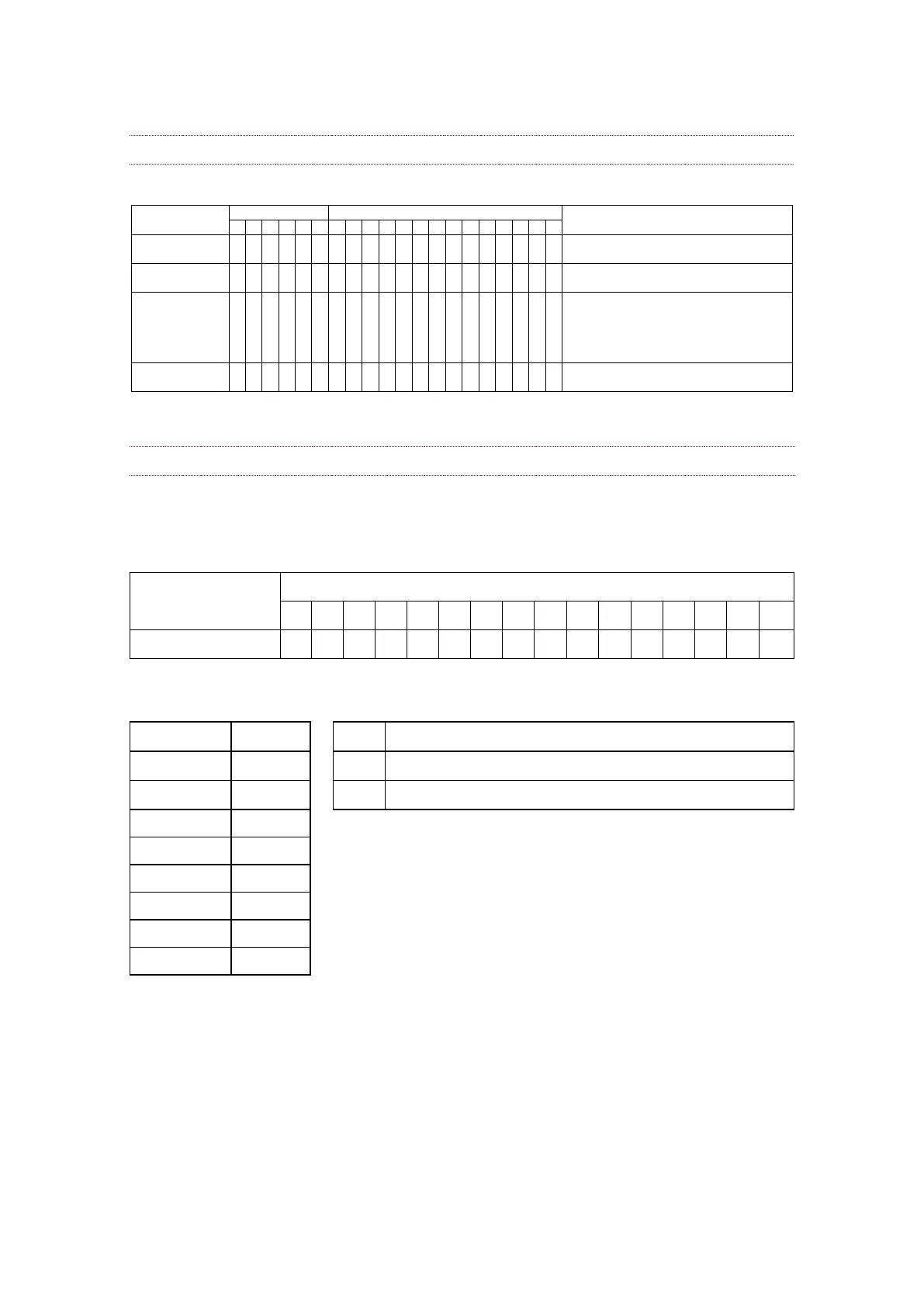
Privacy Zone Mask Inquiry Command List
Inquiry about the status of Setting Mask Display On/Off
pppp: Mask Display (0: Off, 1: On)
Inquiry about the pan/tilt position currently set
ppp: Pan, qqq: Tilt
Inquiry about pan/tilt/zoom position at the mm Mask
setting
ppp: Pan Position,
qqq: Tilt Position
rrrr: Zoom Position
Inquiry about the mask currently displayed
pppp: Current Displayed Mask
How to use Each Command
SetMask Command
The mask number of a target is chosen in m. A processing method is chosen in n. Mask
size is chosen in rr, ss.
Resetting the zone size (the value of w, h) for the existing mask.
Setting newly the zone size (the value of w, h).
In the case of n = 0, mask width and mask height are updated over the existing mask.
In the case of n = 1, new mask that contains the mask number m, mask width (twice of
w), and height (twice of h) in the center of the screen will be created on the current
pan/tilt/zoom position.



 To Next Page