l 1
, '
1 '
r--
I
; ,
!
, I
,
i'
;
, '
Chapter 10 / EDLIN Command Reference
Press I
INSERT),
type the word
number,
followed
by a single space,
and press I
INSERT
) again. Then, to
copy
the
rest
of the line, press
the
Copy
All
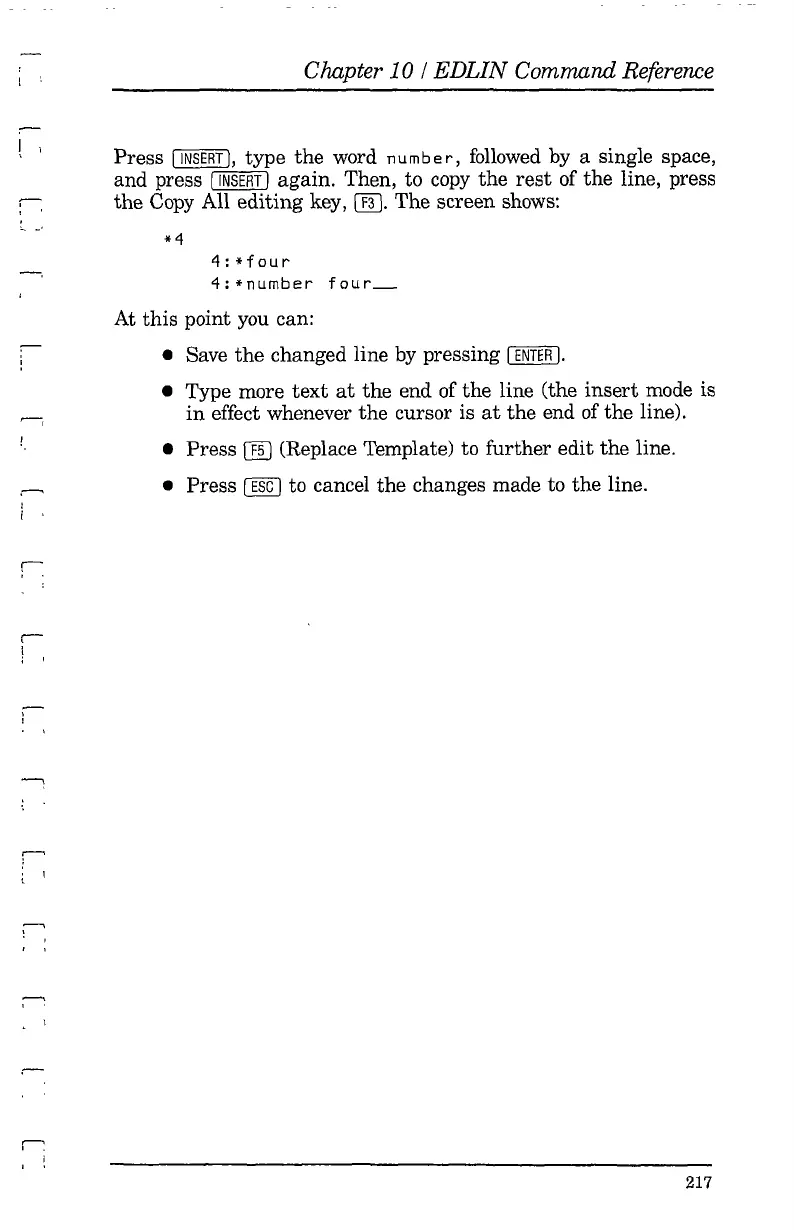
editing key, [ill. The screen shows:
4:*four
4:*number
four
__
At this point you can:
• Save
the
changed line by pressing I
ENTER
I.
• Type more
text
at
the end of the line (the
insert
mode is
in
effect whenever the cursor is
at
the end of the line).
• Press
ffiJ
(Replace Template) to further edit the line.
• Press
[1KJ
to cancel the changes made to the line.
217



 To Next Page