47
83503001 Rev G
4. FRONT AND REAR PANEL CONTROLS AND CONNECTORS
4.1. Introduction
The Genesys™ Power Supply series has a full set of controls, indicators and connectors
that allow the user to easily setup and operate the unit. Before starting to operate the unit,
please read the following Sections for explanation of the functions of the controls and
connectors terminals.
Section 4.2: Front Panel Controls and Indicators.
Section 4.3: Rear Panel Connections and Controls.
4.2. Front Panel Controls and Indicators
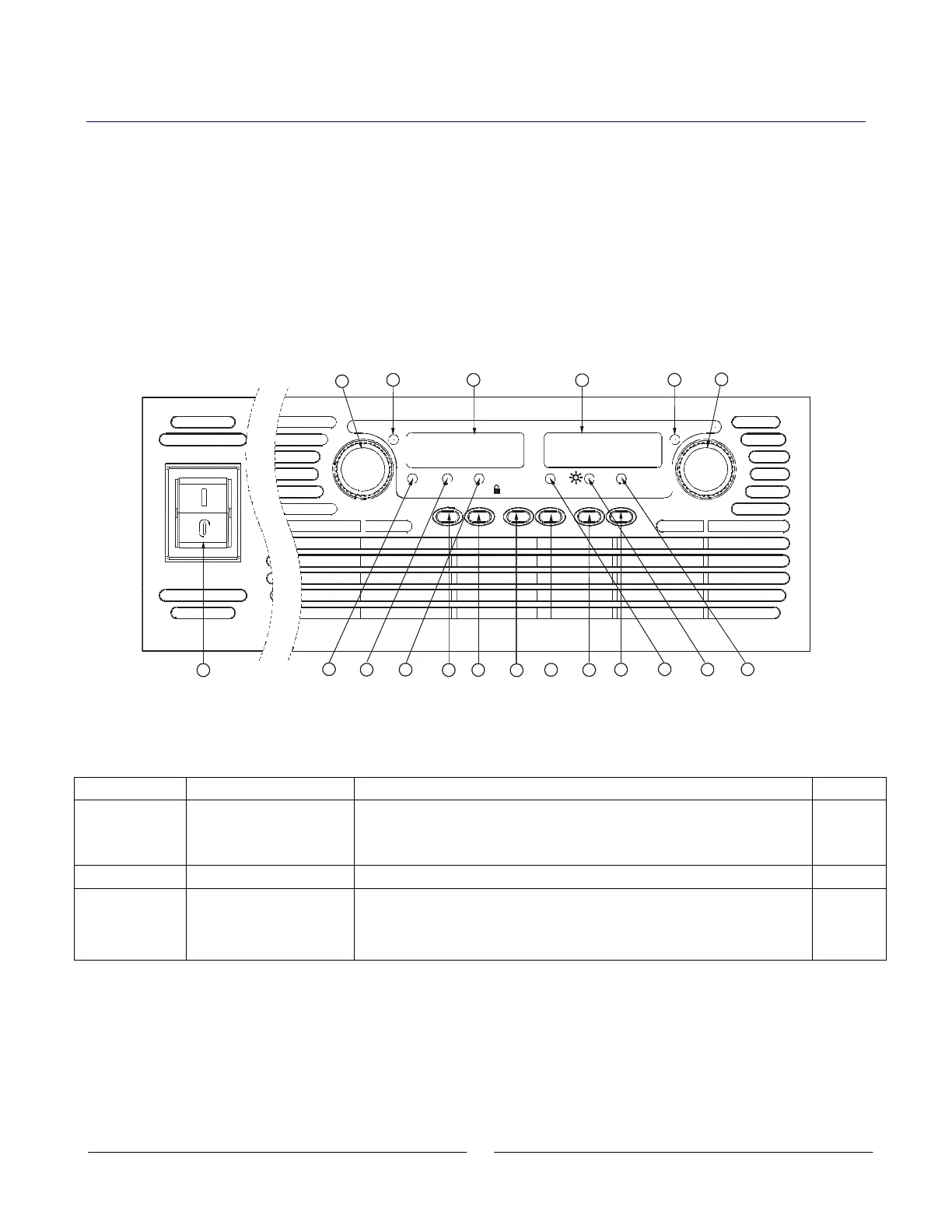
See Fig.4-1 to review the controls, indicators and meters located on the power supply front
panel.
VOLTAGE
ALARM FINE PREV/
OVP
UVL FOLD
REM/LOC
OUT
DC AMPS
CURRENT
DC VOLTS
1
2 3
18
1417 15 16
13
19
POWER
Fig. 4-1: Front Panel Controls and Indicators
Table 4-1: Front Panel Controls and Indicators
Number Control/Indicator Description Section
1 VOLTAGE control
High resolution rotary encoder for adjusting the Output Voltage. Also
adjusts the OVP/UVL levels and selects the Address
5.2.1
5.3.1
5.4.1
7.2.2
2 VOLTAGE indicator Green LED, lights for constant-Voltage mode operation.
3 VOLTAGE display
4 digit, 7-segment LED display. Normally displays the Output Voltage.
When the PREV button is pressed, the display indicates the
programmed setting of the Output Voltage. When the OVP/UVL button
is pressed, the Voltage display indicates the OVP/UVL setting.














 To Next Page