EasyManua.ls Logo

Teac AG-V3020 - Surround Effects; Available Surround Modes; Selecting the Surround Effect

Teac AG-V3020
55 pages
Print Icon
To Next Page IconTo Next Page
To Previous Page IconTo Previous Page
Loading...
SURROUND
EFFECTS
The
AG-V3020
provides
four
surround
effect
modes:
two
for
sources
encoded
with
Dolby
Surround
information
and
two
for
sources
not
encoded
with
this
information.
ā€˜Available
Surround
Modes
=
DOLBY
PRO
LOGIC
Surround
Certain
movies
are
encoded
with
Dolby
Surround;
when
you
watch
these
movies
in
a
theater,
you
hear
sound
from
speakers
both
at
the
front
and
the
rear,
resulting
in
a
unique
"surround
sound"
effect.
For
example,
it
can
create
the
effect
of
a
car
or
plane
moving
from
the
front
right
to
the
rear
left
of
the
theater.
Many
of
these
movies
are
available
on
video
tapes
and
videodiscs,
and
the
AG-V3020
is
equipped
to
recreate
the
same
surround
sound
effect
that
you
hear
in
a
movie
theater
in
your
home.
This
is
one
of
its
main
features,
making
the
ideal
receiver
for
your
home
audio/video
system.
To
enjoy
the
Dolby
Pro
Logic
Surround
effect,
you
will
have
to
install
one
pair
of
front
speakers,
one
center
speaker
and
one
pair
of
rear
speakers
(Detailed
speaker
installation
is
mentioned
later),
and
you
will
have
to
play
video
sources
carrying
the
"
[iU[potsysunnouns]
"
*
mark,
Manufactured
under
license
from
Dolby
Laboratories
Licensing
Corporation.
Additionally
licensed
under
one
or
more
of
the
following
patents:
U.S.
numbers
3,632,886,
3,746,792,
and
3,959,590;
Canada
numbers
1,004,603
and
1,037,877.
"Dolby"
and
the
double-D
symbol!
OO
are
trademarks
of
Dolby
Laboratories
Licensing
Corporation.
DOLBY
3CH
LOGIC
Surround
To
enjoy
the
Dolby
Surround
effect
without
rear
speakers,
select
this
mode
instead
of
Dolby
Pro
Logic
mode.
Front
Speakers
receive
rear
(surround)
speaker
signals
in
addition
to
front
Speakers
signals.
Center
speaker
works
similarly
as
that
of
Dolby
Pro
Logic
mode.
In
this
way,
you
can
enjoy
playback
sound
having
superior
sound
positioning.
THEATER
Surround
This
mode
provides
a
three
dimensional
effect
similar
to
that
of
movie
theater.
With
this
mode,
you
can
enjoy
a
surround
effect
similar
to
Dolby
Surround
sound
even
when
playing
a
video
program
which
is
not
encoded
with
the
Dolby
Surround
system.
STADIUM
Surround
The
"stadium"
effect
creates
efficient,
reverberated
sounds
to
obtain
an
expansive
sound
field.
For
music
sources
like
rock
concerts,
you
can
feel
as
if
you
were
at
the
live
concert
seated
very
close
to
the
stage.
For
sports
programs,
you
can
enjoy
powerful
sound
reproduction,
thus
obtaining
a
stadium
effect.
|
Selecting
the
Surround
Effect
The
surround
effect
can
be
selected
by
pressing
one
of
five
front
panel
SURROUND
MODE
buttons
(@)(press
BYPASS
when
you
do
not
require
any
of
the
four
surround
effects)
or
by
pressing
the
SURROUND
MODE
button
(@)
on
the
remote
control
until
the
required
surround
mode
appears
in
the
display.
@
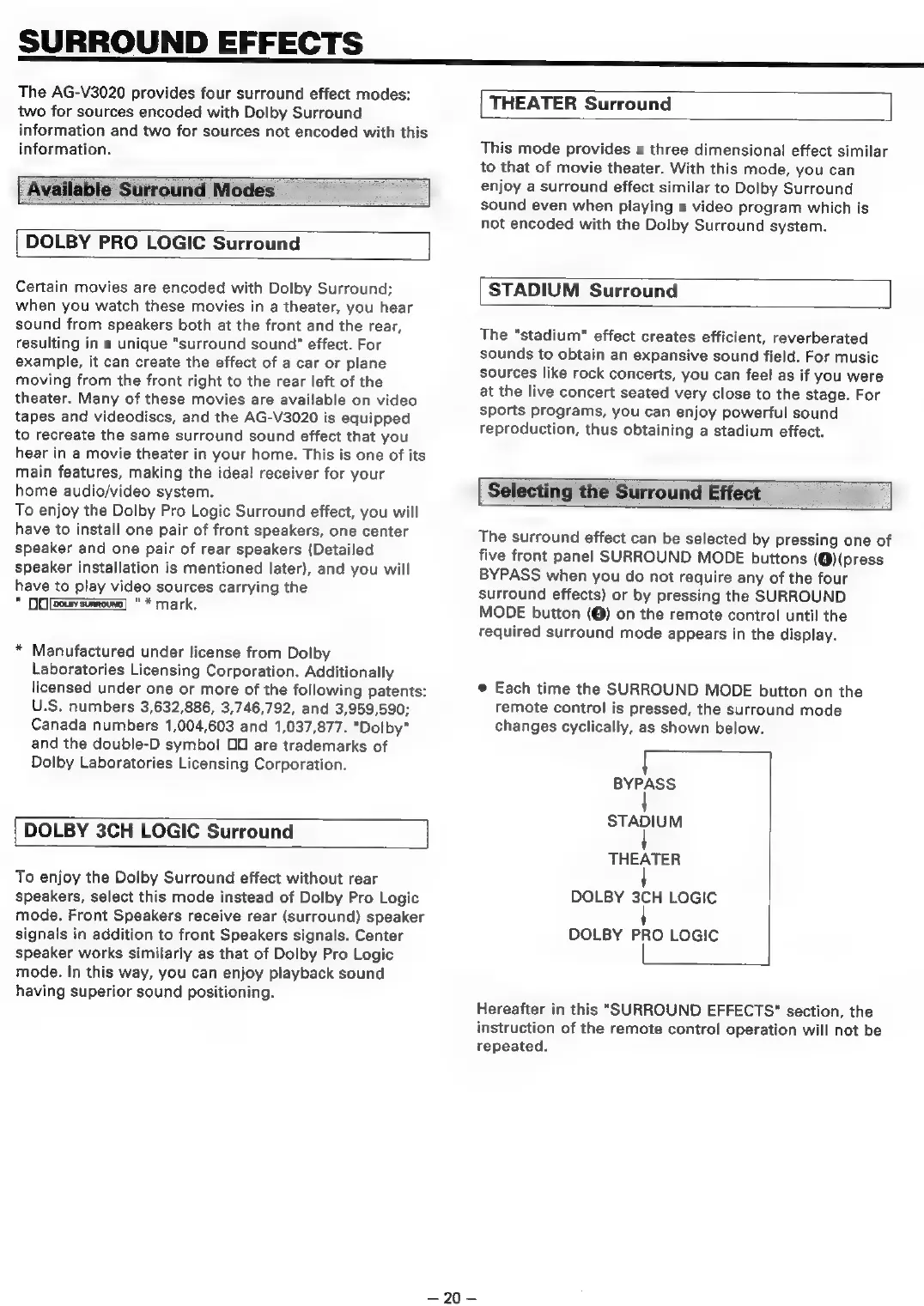
Each
time
the
SURROUND
MODE
button
on
the
remote
control
is
pressed,
the
surround
mode
changes
cyclically,
as
shown
below.
BYPASS
STADIUM
THEATER
DOLBY
3CH
LOGIC
DOLBY
PRO
LOGIC
Hereafter
in
this
"SURROUND
EFFECTS"
section,
the
instruction
of
the
remote
control
operation
will
not
be
repeated.
—~20—

Table of Contents

Related product manuals