Installing Easy CD Creator 5.3x Basic Software
TEAC CD-RW Drive User’s Manual 17
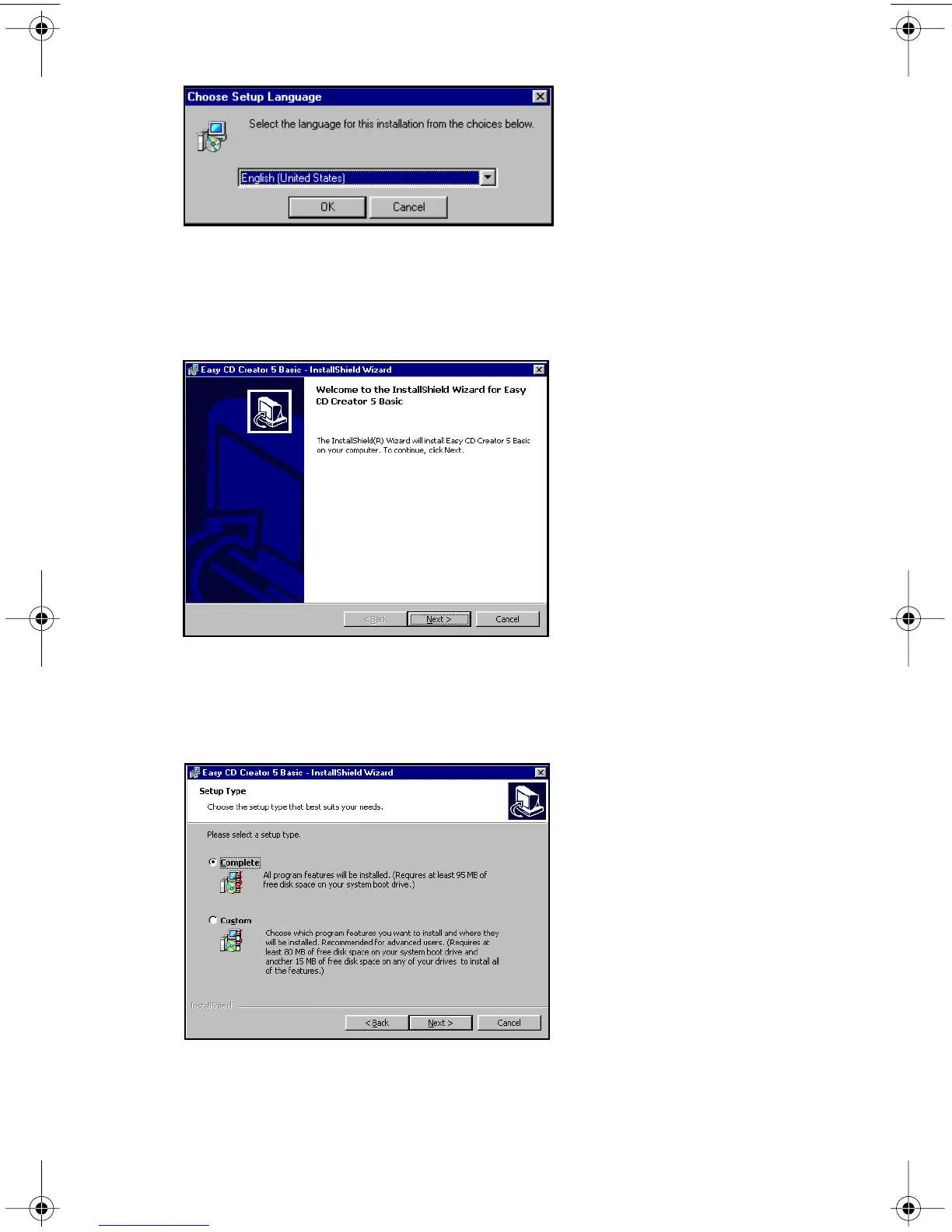
Figure 14. Choose Setup Language Panel
2. Select a language and click the OK button.
The system displays the following installShield Wizard Welcome panel.
Figure 15. InstallShield Wizard Welcome Panel
3. Click the Next button.
The system displays the following panel:
Figure 16. Setup Type Panel
TEAC52x24x52.book Page 17 Thursday, December 19, 2002 3:29 PM



 To Next Page