Online Registration
TEAC CD-RW Drive User’s Manual 19
:
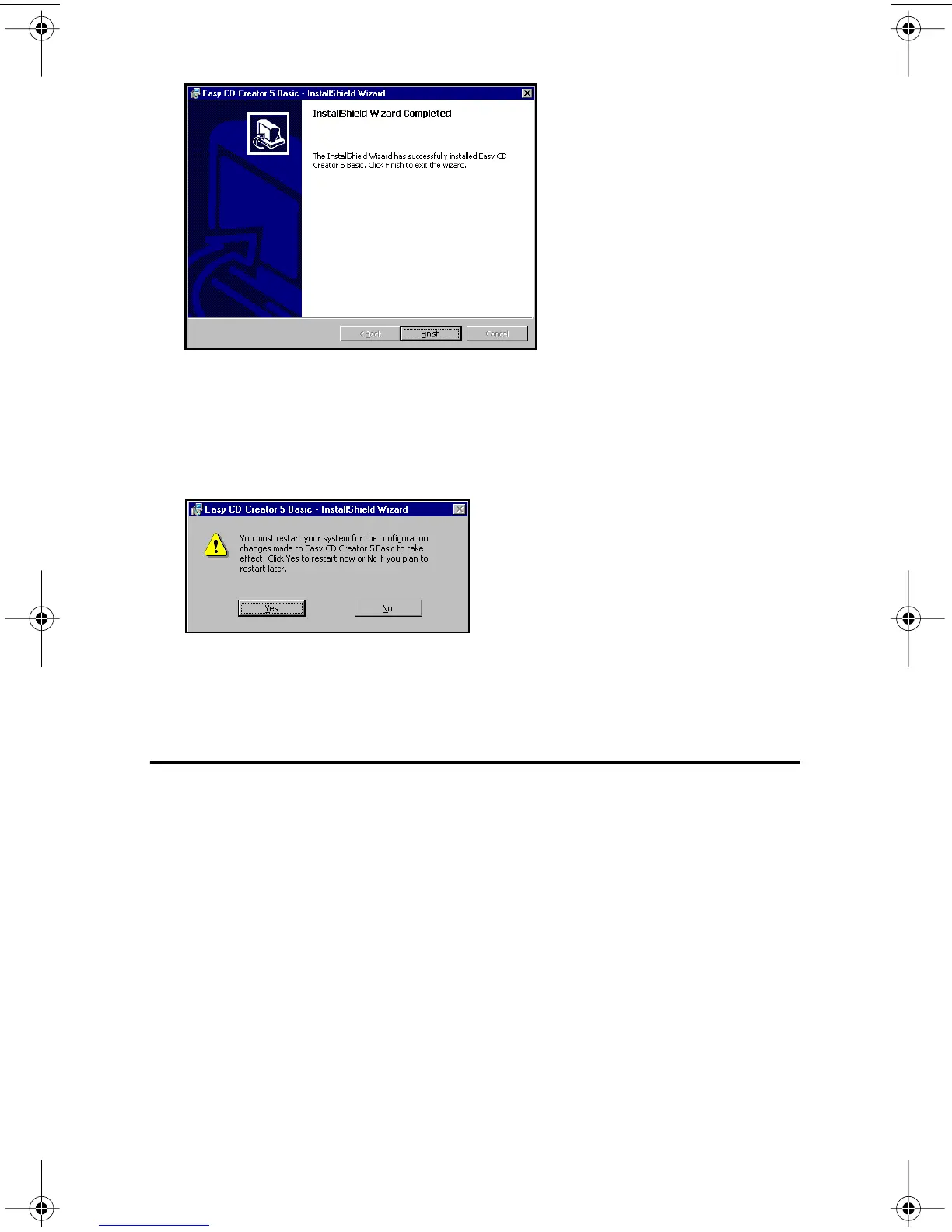
Figure 19. InstallShield Wizard Completed Panel
6. Click the Finish button to exit InstallShield Wizard.
The system advises you to restart the computer to use Easy CD Creator 5.3x
Basic
.
Figure 20. Restart Panel
7. Click the Yes button to restart the computer.
Once the system reboots, Easy CD Creator 5.3x Basic will be ready for use.
Online Registration
There is no need to register any portion of this kit. TEAC provides 100% support
for the drive and the Roxio software. If a Registration Reminder panel appears
when you launch the Easy CD Creator 5.3x Basic software, check the Do not show
this reminder
again box and close the Registration Reminder panel by clicking the
Remind me later button. Refer to “Appendix C. Technical Support” on page 29 if
you wish to contact TEAC.
TEAC52x24x52.book Page 19 Thursday, December 19, 2002 3:29 PM



 To Next Page