Handling Discs
TEAC CD-RW Drive User’s Manual 25
Appendix A. About CD-R and CD-RW Discs
This appendix explains how to handle, load, and eject CD-R and CD-RW discs. It
also lists recommended media and supported disc formats.
Handling Discs
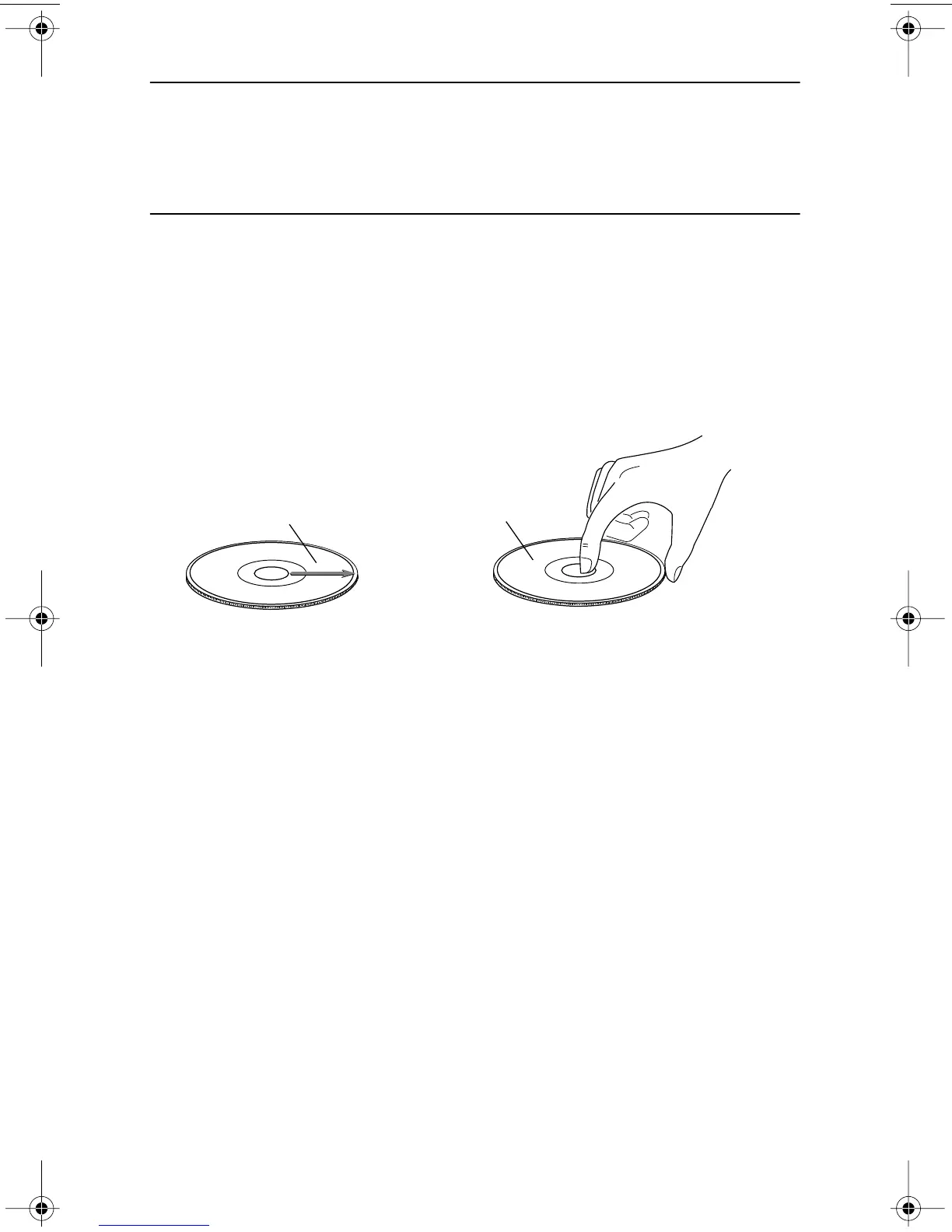
❑ Handle compact discs only by their edges to avoid getting fingerprints on the
surface. Do not touch the disc’s data surface (unlabeled side).
❑ Do not place discs in direct sunlight, or in locations subject to high humidity,
high temperatures, or dusty conditions.
❑ If cleaning the disc becomes necessary (due to erratic operation or visible dust
or smudges), gently wipe the surface of the disc from the center to the outside
edge. Do not use benzene, alcohol, thinner, or other solvents.
Figure 24. How to Handle Compact Discs (CD-R and CD-RW)
wipe disc surface from
center to outside edge
handle discs
by their edges
TEAC52x24x52.book Page 25 Thursday, December 19, 2002 3:29 PM



 To Next Page