Installing Easy CD Creator 5.3x Basic Software
18 TEAC CD-RW Drive User’s Manual
4. Select a setup type, then click the Next button.
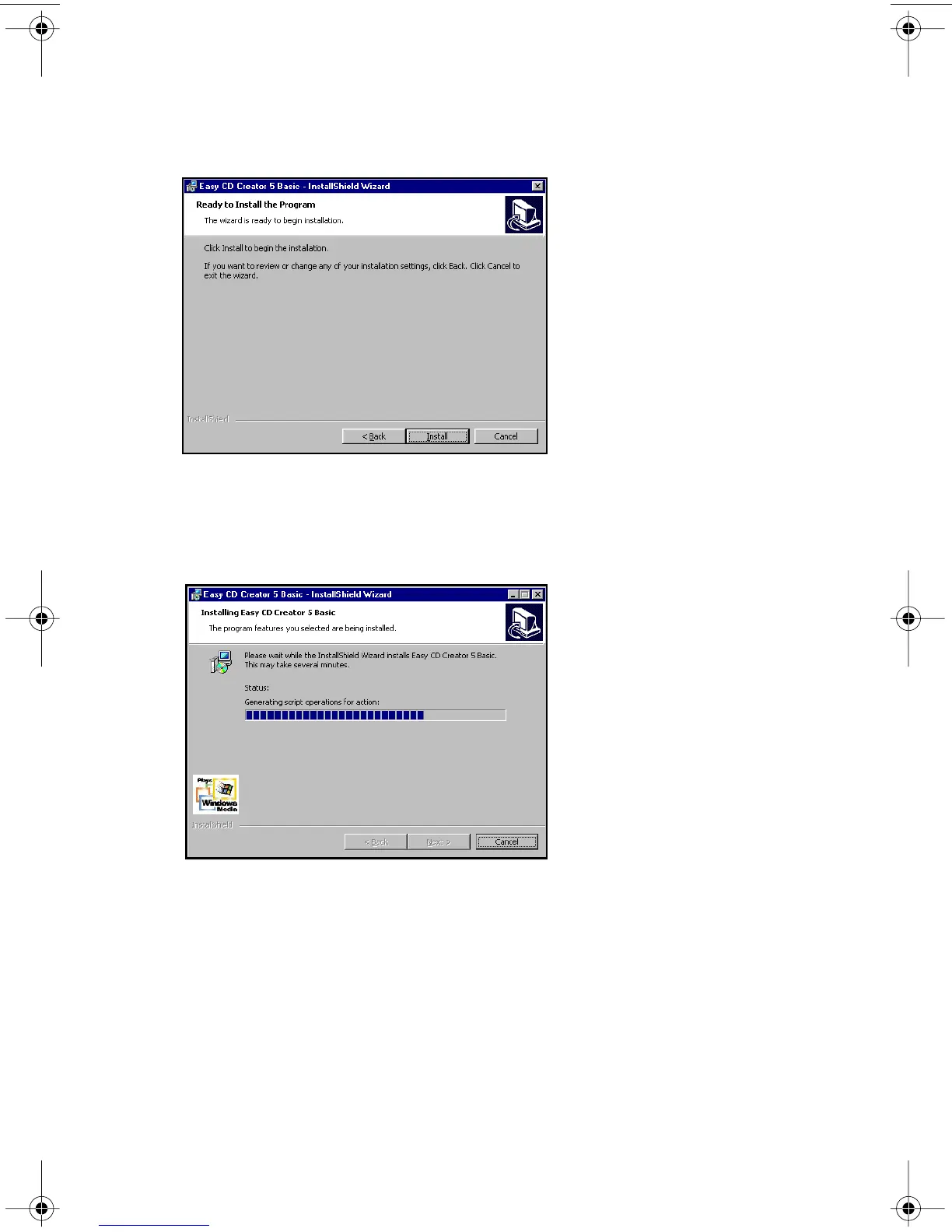
The system verifies that you wish to begin the installation (Figure 17 on
page 18).
Figure 17. Ready to Install Panel
5. Click the Install button.
The system begins the installation and displays a progress bar (Figure 18).
Figure 18. Installing Status Panel
If you wish to abort the installation, click the Cancel button any time. When
installation is complete, the system displays the following panel
(Figure 19 on page 19):
TEAC52x24x52.book Page 18 Thursday, December 19, 2002 3:29 PM



 To Next Page