24
ENGLISH
Basic Operation
Muting
To cut the sound temporarily, press the MUTING
button. Press the MUTING button again or any button
to restore the sound.
E
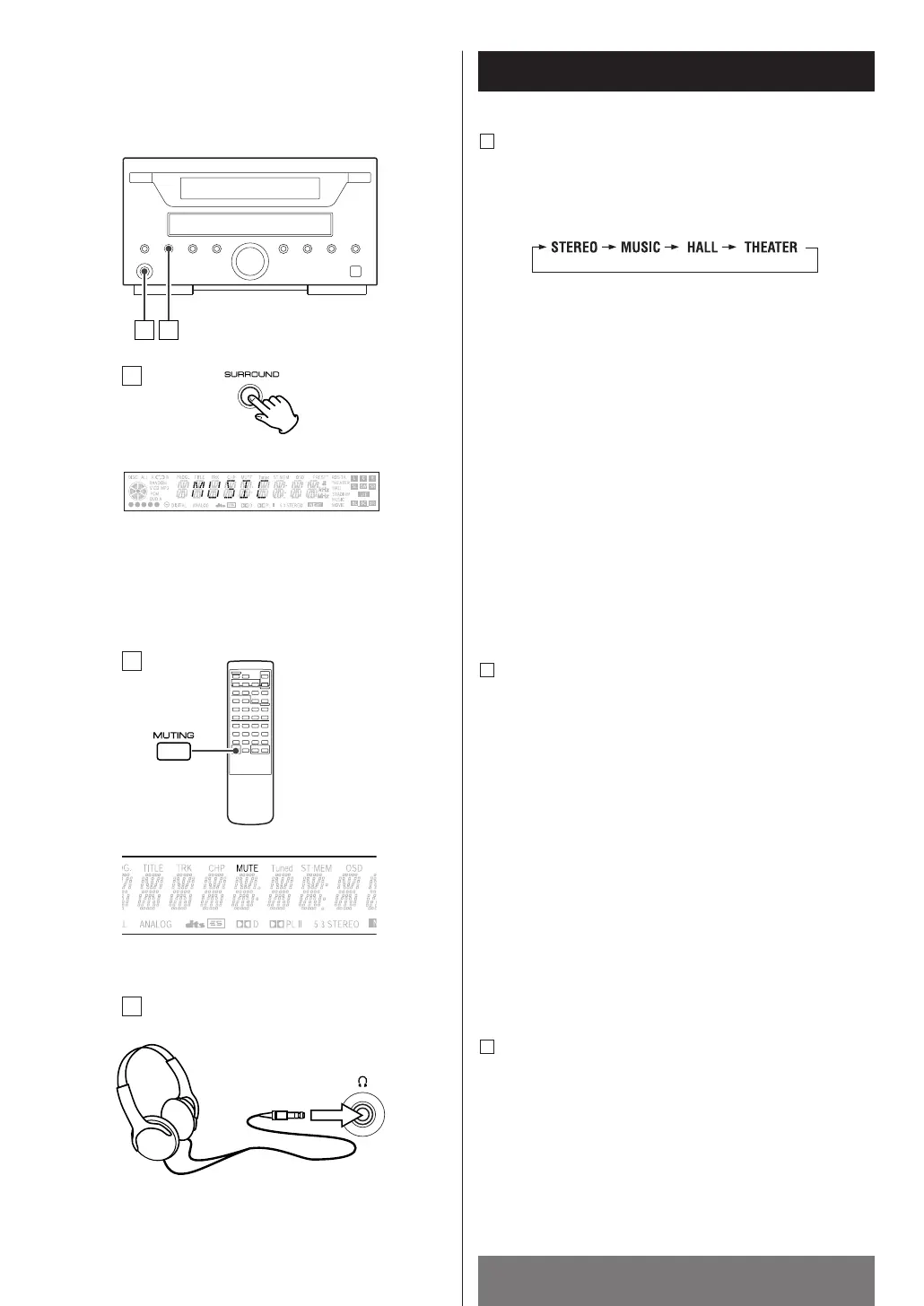
Selecting the Surround sound effect
Every time the SURROUND button is pressed, the mode
is changed as follows:
D
Listening through headphones
Insert the headphone plug into the PHONES jack, and
adjust the volume. The sound from speakers will be cut
off.
F
STEREO : This mode enables standard stereo repro-
duction.
MUSIC : This mode produces a sound field which
recreates the sound of presence.
HALL : The surround effect recreates a hall using lots
of reflections suitable for orchestral music
such as classical and opera.
THEATER : This mode provides a three dimensional effect
similar to that of movie theater environment.


 To Next Page