34
ENGLISH
Program Playback
Listening to the External Sources
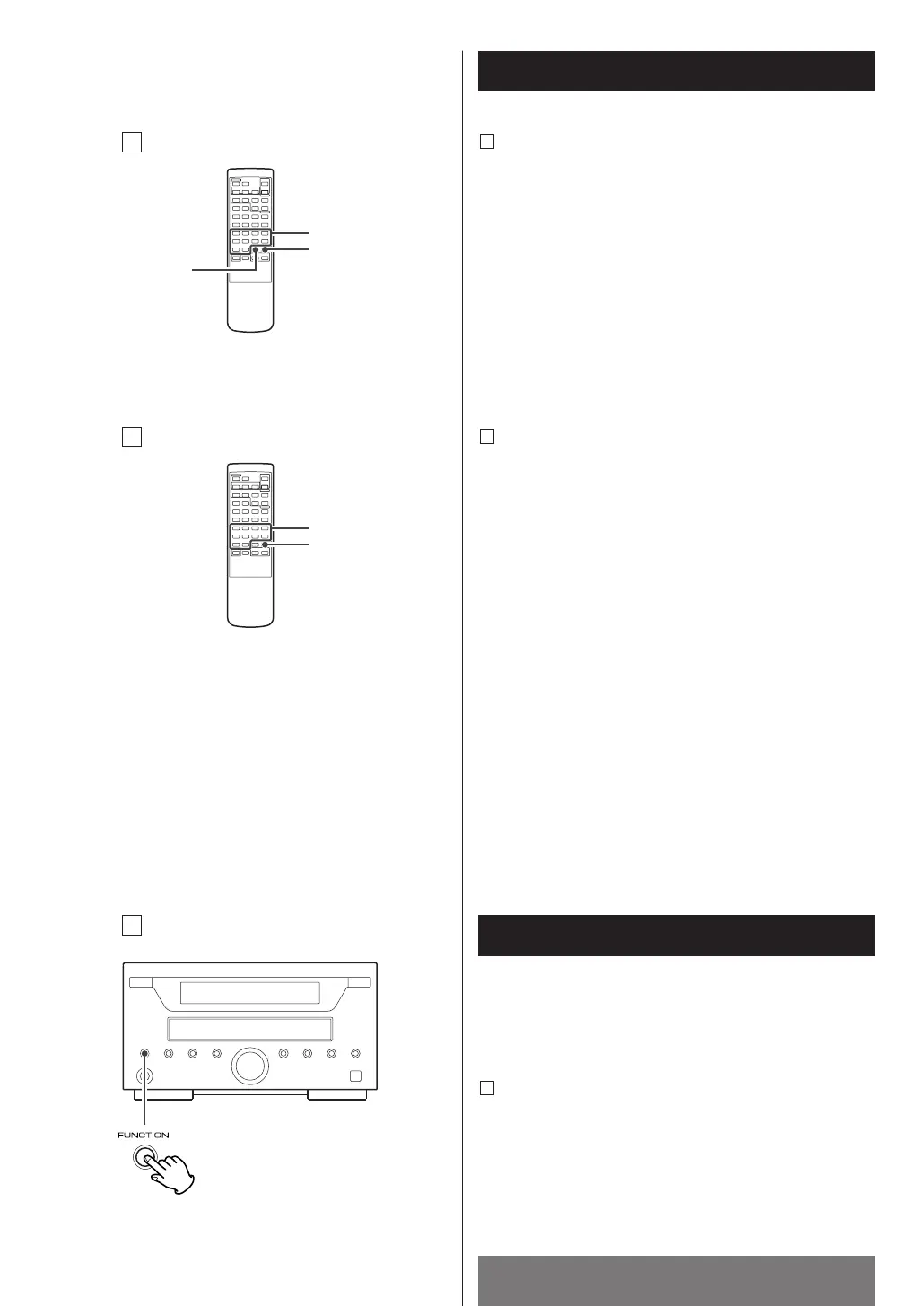
To Modify the Program
1. Press the PROGRAM button in the stop mode.
Every time the PROGRAM button is pressed, the
programmed step are shown in the display one after
another.
Press this button until the desired step is shown in the
display.
2. Press the CLEAR button.
3. Select the desired track No. with the numeric button.
4. Press the PROGRAM button.
C
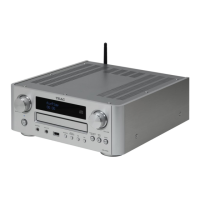
Adding a Track
1. Press the PROGRAM button in the stop mode.
Every time the PROGRAM button is pressed, the
programmed steps are shown in the display one after
another.
2. Select the desired track number with the MUSIC SKIP
button or the numeric button (0-9).
3. Press the PROGRAM button.
D
< The programmed contents are not lost even if the unit
is turned off, but they are lost when the disc tray is
opened.
<
The unit will stop automatically when the playback of
all the programmed tracks is finished, and the "PROG."
indicator disappears from the display, but they are not
lost.
<
To start program playback again, press the PROGRAM
button and the PLAY button.
You can connect external sources such as VCR deck or
TV to the AUX input jacks.
Press the FUNCTION button to select "AUX".
E


 To Next Page