32
ENGLISH
Program Playback
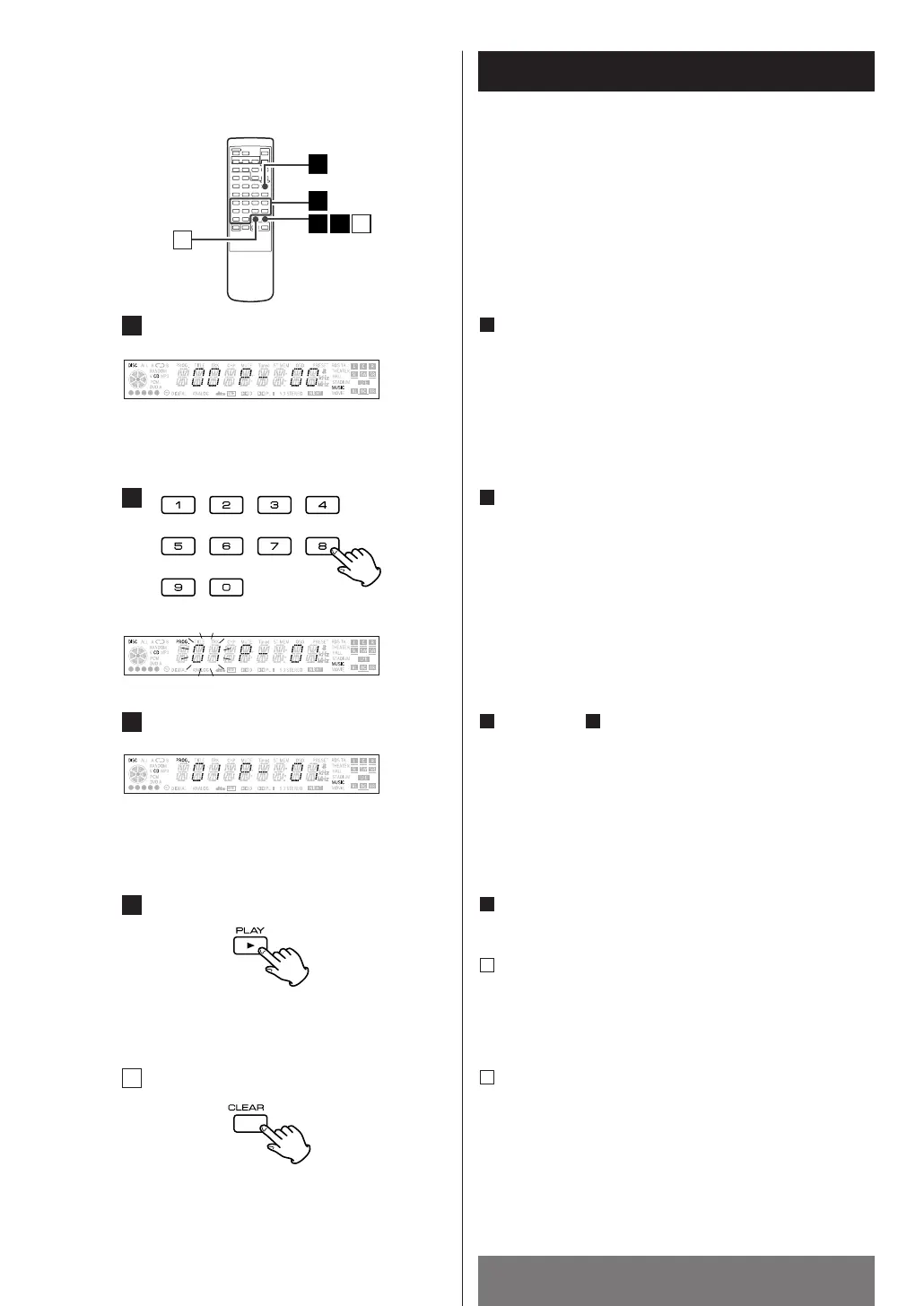
Press the PROGRAM button in the stop mode.
1
Repeat step to store other tracks.
<
If you attempt to program more than 32 tracks, "FULL" is
displayed and no more can be programmed.
23
Use numeric button (0-9) to select the desired track.
Or select the desired track by pressing the .
or/ (SKIP) button and press the PROGRAM button
to enter.
2
< This function allows you to program up to 32 tracks for
playback in any desired order.
Press the y(PLAY) button to start program playback.
4
To clear program
Every time the CLEAR button is pressed, each of the
tracks is cleared one after another.
If you want to all the programmed tracks are cleared,
the OPEN/CLOSE button(L
) is pressed.
B
To check the programmed order
Press the PROGRAM button repeatedly In the stop
mode. The track number and program number will be
shown on the display.
A



 To Next Page