30
ENGLISH
Repeat Playback
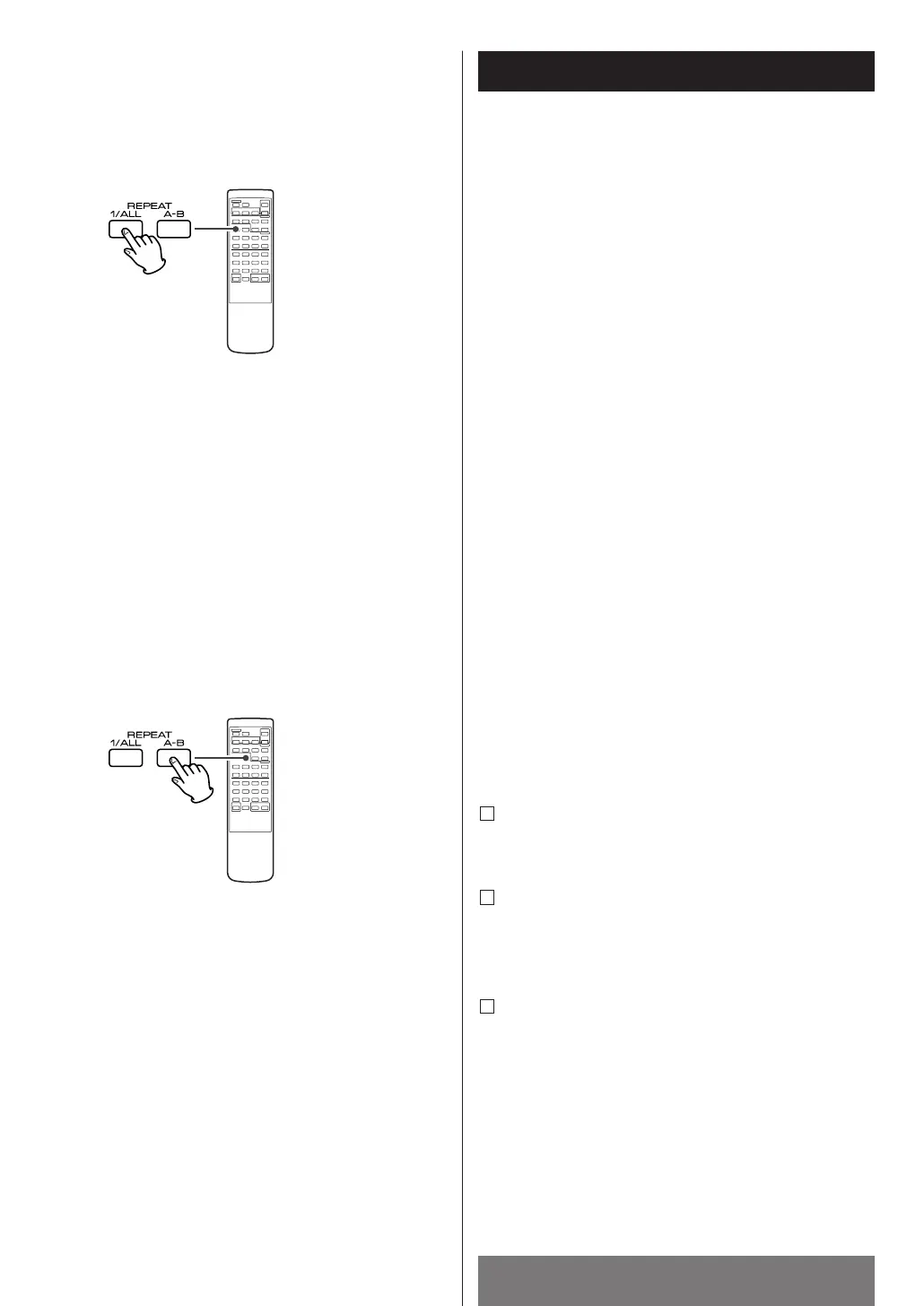
Repeat All [ALL
pp
]
All the tracks of the selected disc will be played
repeatedly.
REPEAT A-B [A
pp
B]
This function allows repeat playback of any desired
portion of the disc.
Designate the point at which repeat playback should
start by pressing the A-B button.
w
"Ap" icon appears.
When the point at which repeat playback should end is
reached, press the A-B button again.
w
"ApB" icon lights up.
The designated point with A-B button will be played
back repeatedly.
<
To return to normal play, press A-B button until
"Ap
B" icon disappears from the display.
3
2
1
p (REPEAT) w ALL p (REPEAT ALL)
REPEAT OFF
Every time the REPEAT 1/ALL button is pressed, the mode
is changed as follows:
Repeat one track [
pp
]
Press the REPEAT 1/ALL button during playback, "p"
icon appears. The track being played will be played
repeatedly. If you select another track in REPEAT
mode, the track you selected will be played repeatedly.
w
w


 To Next Page