- 23 -
TV Function
Search
Press the ▲▼ button to select Search and press the ► or ◄ to start searching forward or
backward. Press the MENU button to return to the previous menu.
Colour Sys.
Press the ▲▼ button to select Color Sys. and press the ENTER button to browse the color system
of current country. Press the MENU button to return to the previous menu.
Fine Tune
When the effect of the picture and the accompanied sound are not in the best, you can set up the
fine turning to improve.
Press the ▲▼ button to select Fine Tune and press the ► or ◄ controls to start fine-tuning
forward or backward. Press the MENU button to return to the previous menu.
CH NO.
Press the ▲▼ button to select CH NO. and press the ENTER button to enter. Press the number
buttons to enter the channel number. Press the MENU button to return to the previous menu.
Store
Press the ▲▼ button to select Store and press the ENTER button to store the above operations.
Note: The “CH NO.” and “Store” items only function when the program is searched out.
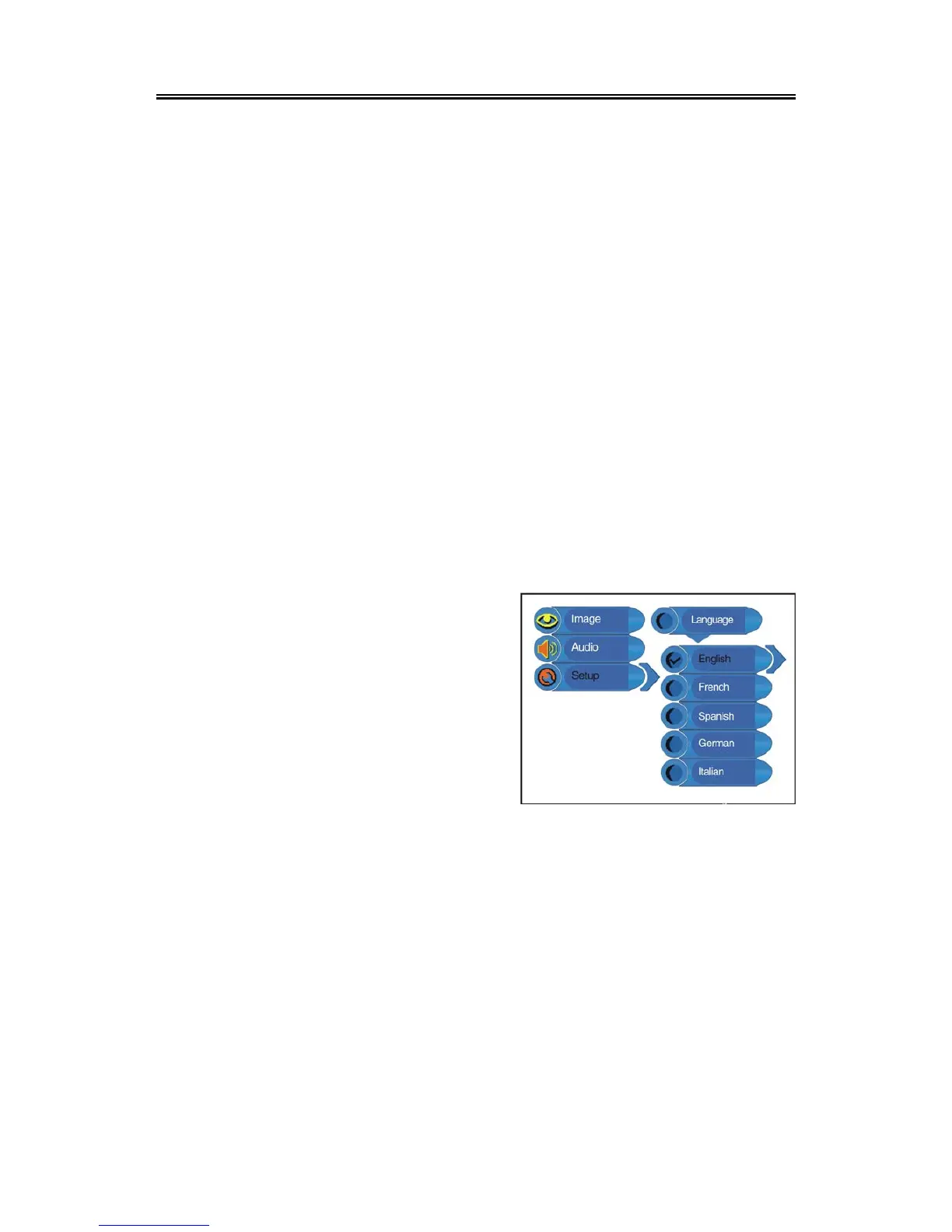
Language
Press the ▲▼ button to select the Language, press
the ENTER button to enter the setup, press the ▲▼
button to select item. Press the MENU button to return
to the previous menu.
Factory Reset
Press the ▲▼ button to select the Factory Reset and press the ENTER button to enter. Press the
▲▼ button to select “Yes” or “No” and press the ENTER button to reset to the default status or to
cancel. Press the MENU button to return to the previous menu.



 To Next Page