- 31 -
DVD System Setup
Preparation
1. In DVD mode, press the SETUP button to open DVD setup menu.
2. Press the button to select setup menu.
3. Press the SETUP button again to exit DVD setup menu.
General Setup Page
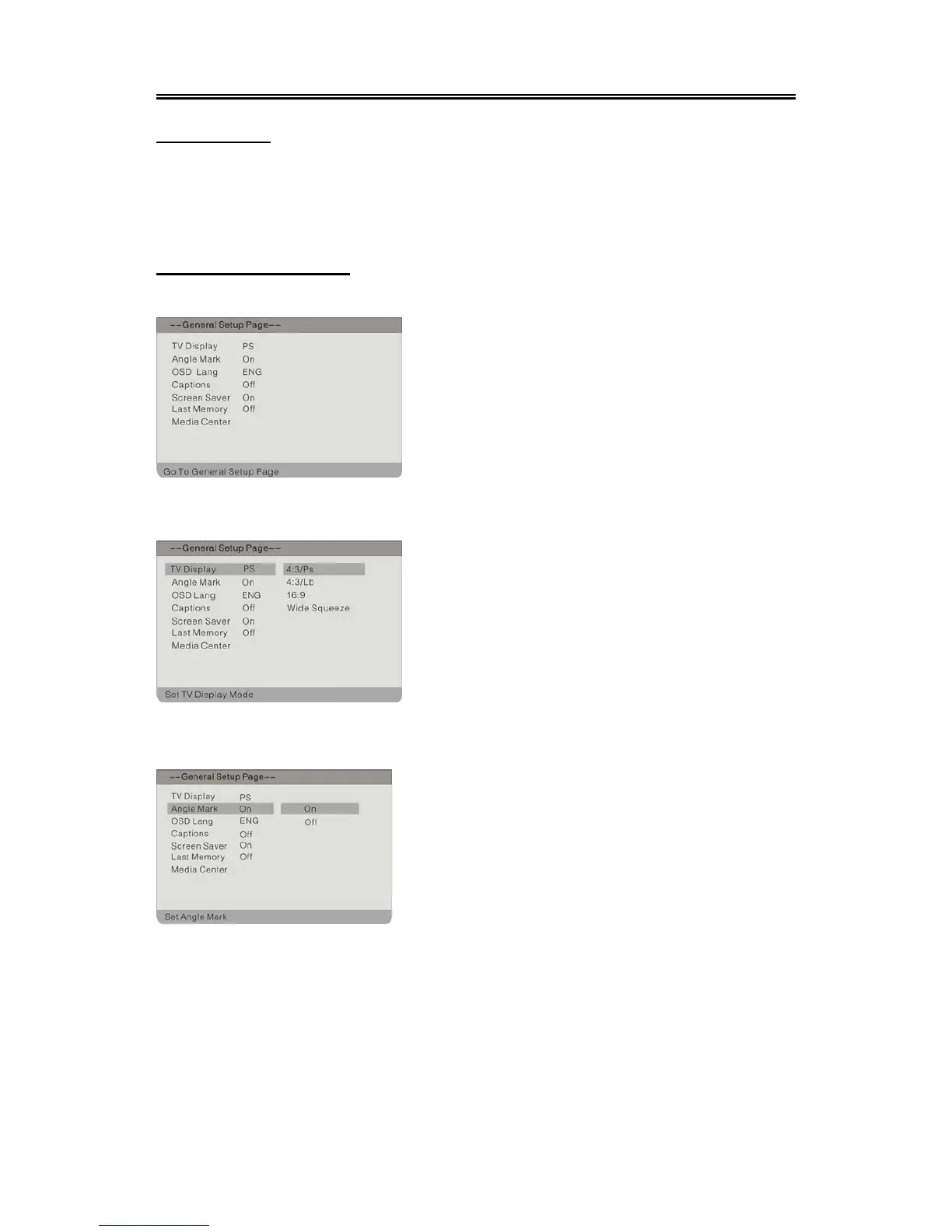
Press the SETUP button to enter the General setup menu. The screen will display as the below:
TV Display
Angle Mark
In the menu, Use the direction buttons to
select the desired item. Press the ENTER button to
enter the item. Press the button to return.
1. Press the direction buttons to select T
Display.
2. Press the ENTER button to enter the setup.
3.
Use the direction buttons to select items.
4. Press the ENTER button again to confirm
selection and return.
1. Press the direction buttons to selec



 To Next Page