- 40 -
DVB-T Setup
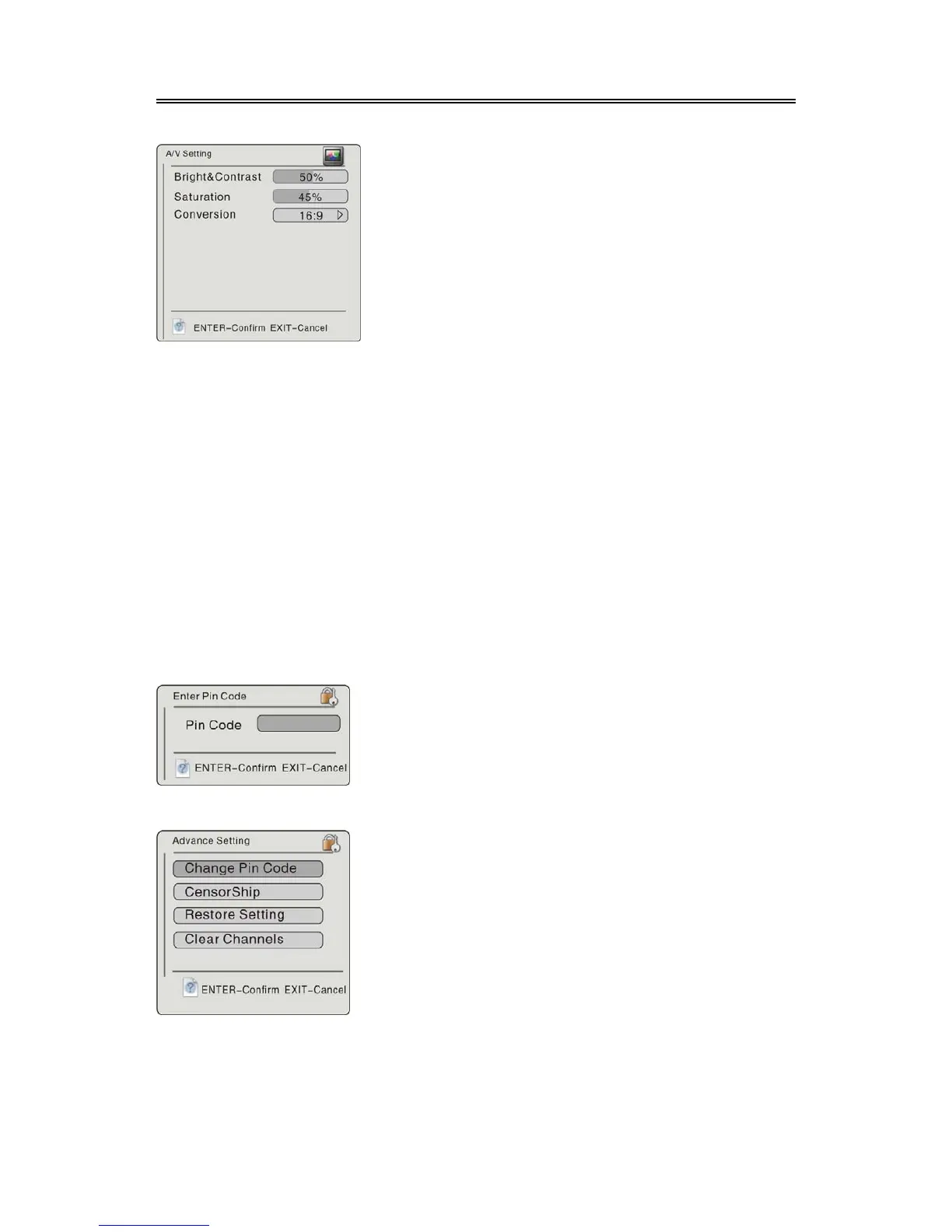
A/V Setting
1. Bright&Contrast
Select the Bright&Contrast, press the
buttons to adjust the value.
2. Saturation
Select the Saturation, press the buttons to adjust the value.
3. Conversion
Select the Conversion, press the button to enter, then press the buttons to select 16 :
9, 4 : 3 LB or 4 : 3 PS. Press ENTER button to confirm and return. Press the EXIT button to
return。
Advance Setting
Press the button to select Advance Setting, press the ENTER button to enter, the screen will
display as below:
When input the PIN code, press the ENTER button to enter the menu shown on the below:
In the menu, use the number buttons to input the pin code,
press the ENTER button to confirm.
The default code is:888888
In the menu, press the button to select desired item.
Press the
EXIT button to return.
This item is used to set the audio and video items.
Press the
buttons to select A/V Setting, press
the ENTER button to enter, the screen will display as
left.
In the menu, press the
buttons to selec



 To Next Page