the desired item, press the ENTER button to confirm.
Press the
EXIT button to return to the previous menu.
DVB-T Setup
1. Search Type
Select the Search Type, press the button to enter, then press the direction buttons to
select Automatic, Manual or By NIT, press ENTER button to confirm. Press the
EXIT to return.
2. Channel No.
Select the Channel No. use the number buttons to input the channel number, press the button
to delete the incorrect input. Press the
EXIT button to return.
Note: this item is not available when the Search Type is set to Automatic.
3. TPS
Select the TPS, use the number buttons to input, press the button to delete the incorrect input.
Press the
EXIT button to return.
Note: this item is not available when the Search Type is set to Auto Search.
4. BandWidth
Select the BandWidth, press the button to enter, then press the direction buttons to
select items, press ENTER button to confirm, press the
EXIT or button to return.
5. Encrypted Service
Select the Encrypted Service, press the button to enter, and then press the direction
buttons to select FTA or ALL, press ENTER button to confirm, press the
EXIT or button to
return.
6. Update Mode
Select the Update Mode, press the button to enter, and then press the direction buttons to
select Append or Replace, press ENTER button to confirm, press the
EXIT or button to return.
After setting these items, use the direction buttons to highlight the Start Search, and press
the ENTER button to start searching. During searching, press the EXIT button to stop searching.
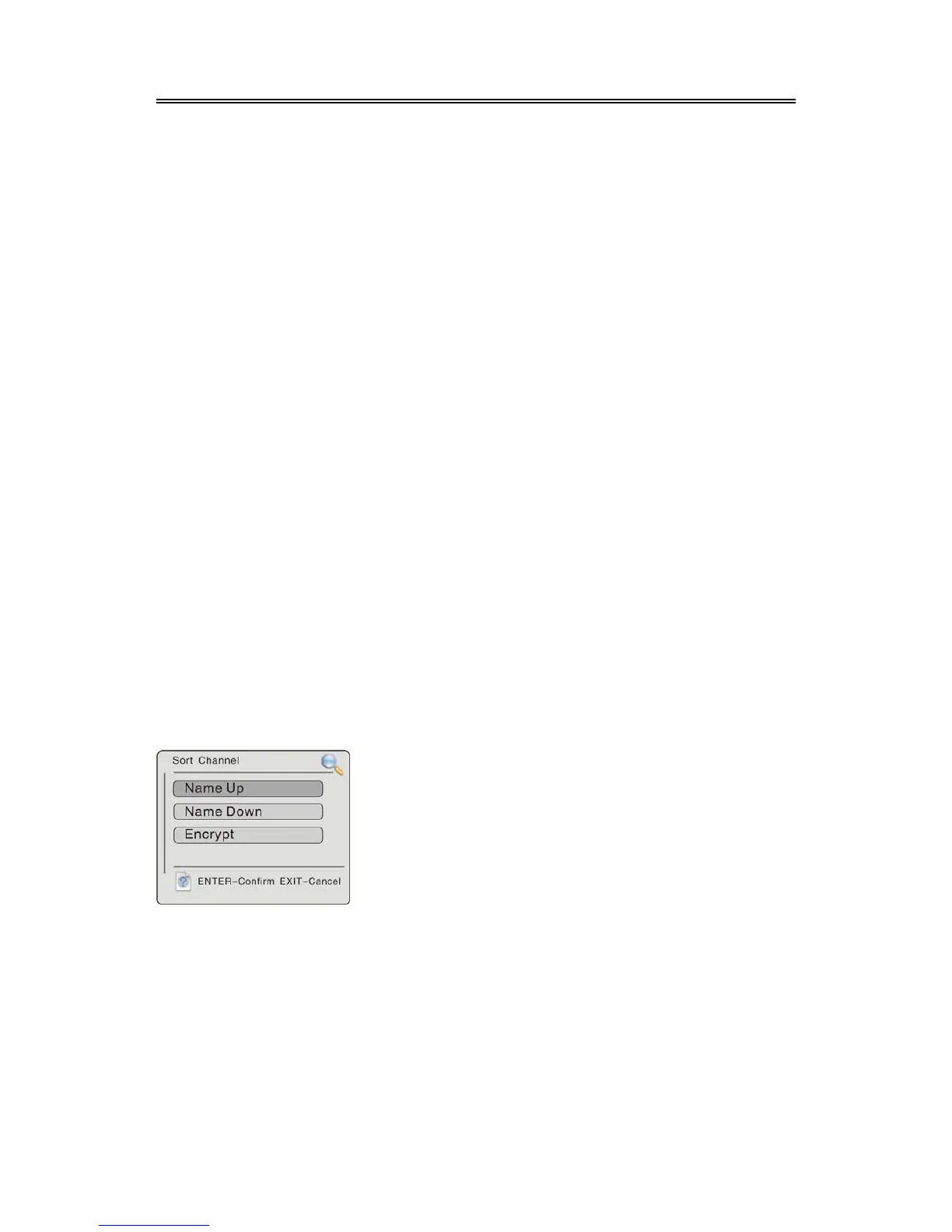
Sort Channel
Select Sort Channel, press the ENTER button to enter, the screen will display as below:
This setting is used to name up, name down or encrypt the selected channel.



 To Next Page