- 44 -
DVB-T Setup
Favorites List
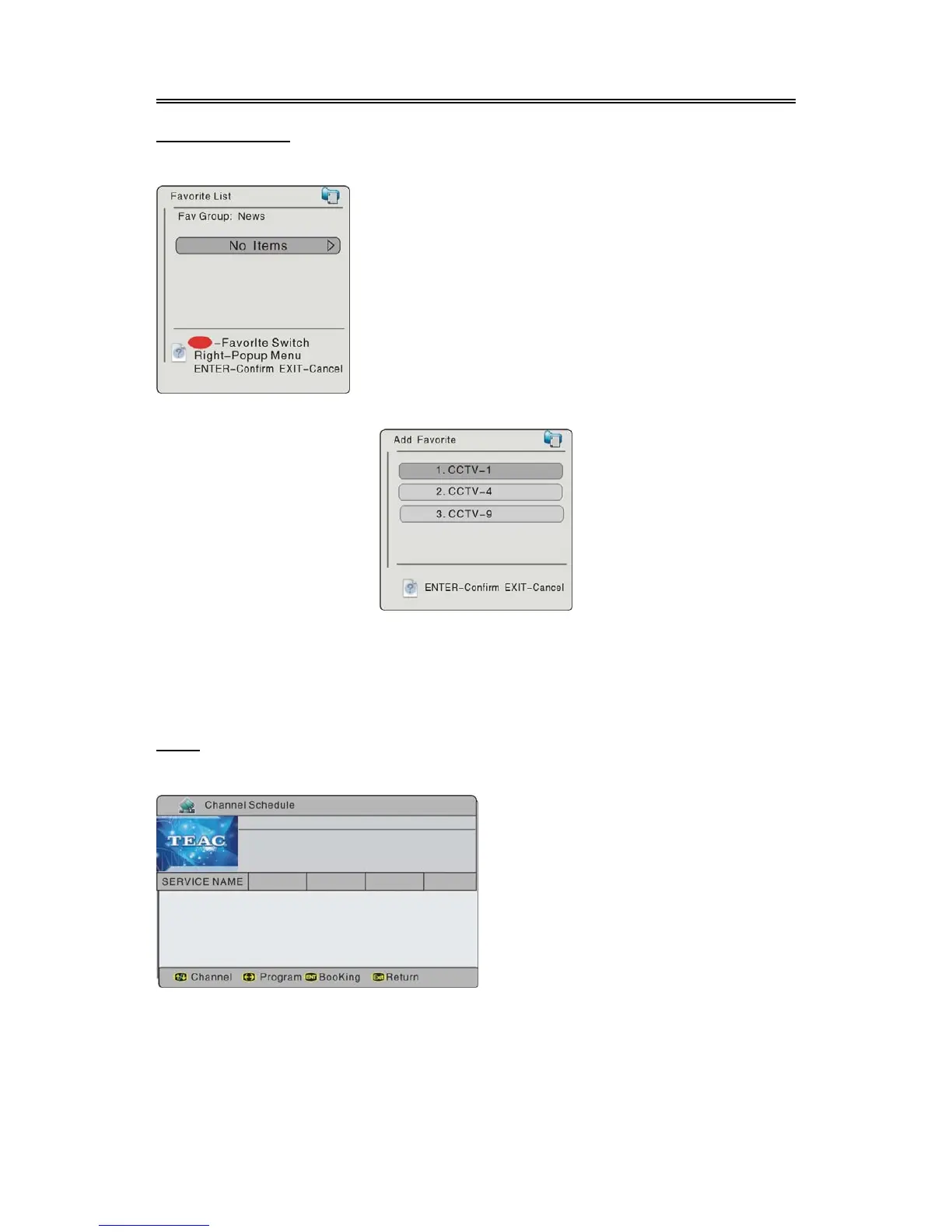
Select the Favorites List, press the ENTER button to enter, the screen will display as below:
Add Favorite
Press the button to enter, press the ENTER button, the screen will display as below:
During initial setting, you should set the channel list at first. Then you can select channels from the
channel list, and add the channel into the favorites list. You can also delete the channel from the
favorites list.
Press the direction button to enter, and then use the direction buttons to select channels,
press the ENTER button to add, press the EXIT button to return.
EPG
Select EPG, press the ENTER button to enter, the screen will display as below:
Use the button to select channel,
press the ENTER button to booking
channel, press the EXIT button to return.
In the menu, press the (RED) button to selec



 To Next Page