11. PROGRAMMING PROCEDURES
11.18 TRANSFERRING LOGO DATA
11-29
11.18 TRANSFERRING LOGO DATA
Menu Page: 2
Item No.: 8
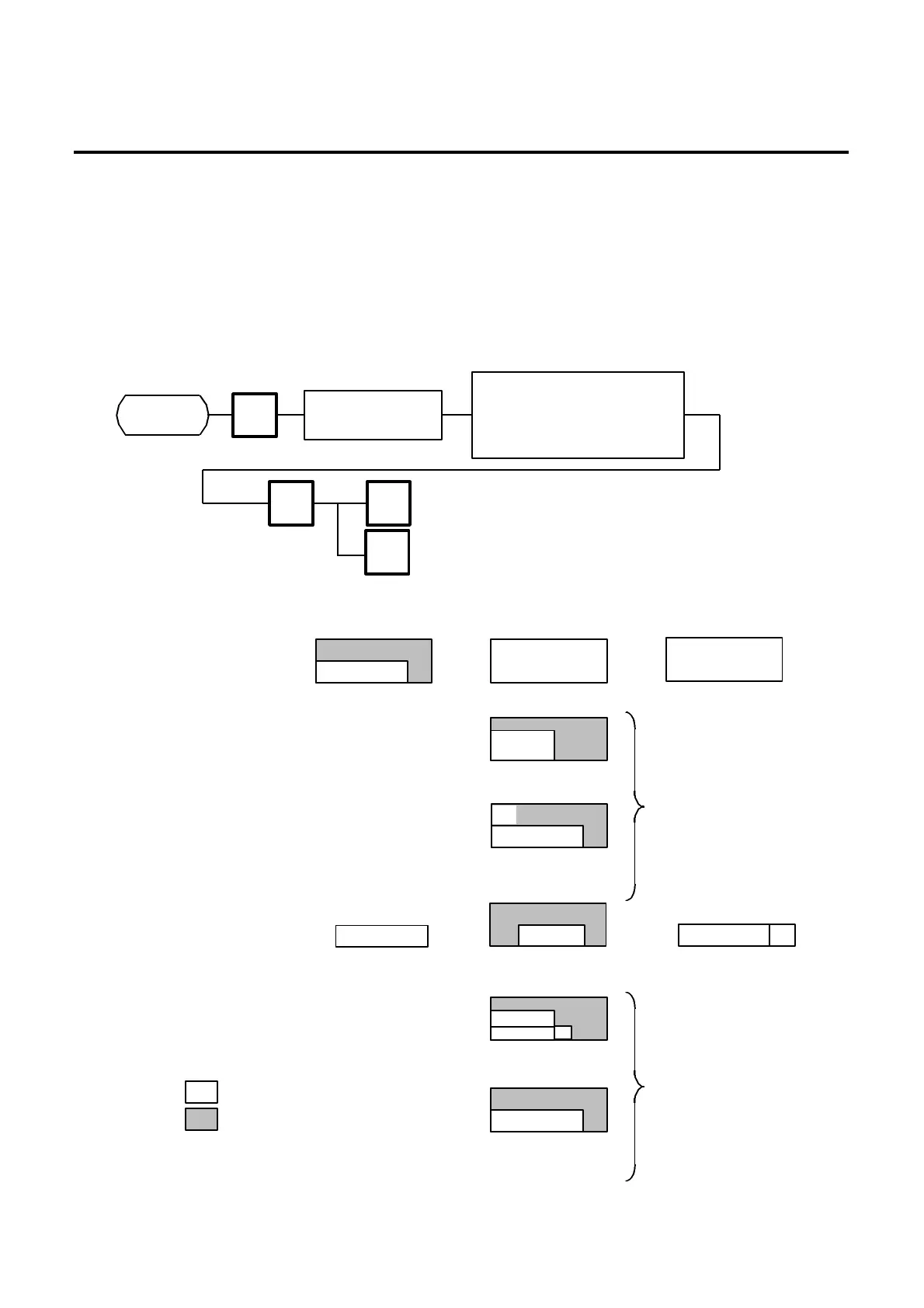
Logo data is created on a PC and stored into RAM through the CMT interface. Two different sizes of
logos, 320x118 dots and 256x64 dots, are available on the SL-9000 series. 64 KB of RAM area is
secured for logo data, in which the maximum of 13 logos (320x118 dots) or 26 logos (256x64 dots) can
be stored.
Before starting the following operation, set the initial setting #10-7 to 1.
NOTE: Two sizes of logos are printed differently as follows:
8
Page 2
PROG.
ESC.
Page 2
Load the tape into
Select a transmission item.
1: SAVE (SL-9000→CMT)
2: VERIFY (SL-9000=CMT)
ENTER
<Receipt>
Print LOGO
(320 x 118 dots)
Display LOGO
(256 x 64 dots)
<Display> <Label>
: Logo data
: Print/Display area
displayed.)
256
64
80
160
(Part of LOGO is
printed.)
1st LOGO
104
118
64
256
(Part of LOGO is
overlapped with
FSP print area.)
(LOGO is printed on the
center of printing area.)
#2 are printed.
(Part of LOGO is
printed.)
(LOGO is printed on
part of FSP print
area.)
64
160
SL-9000N only
SL-9000N only



 To Next Page