14. OPERATING PROCEDURES
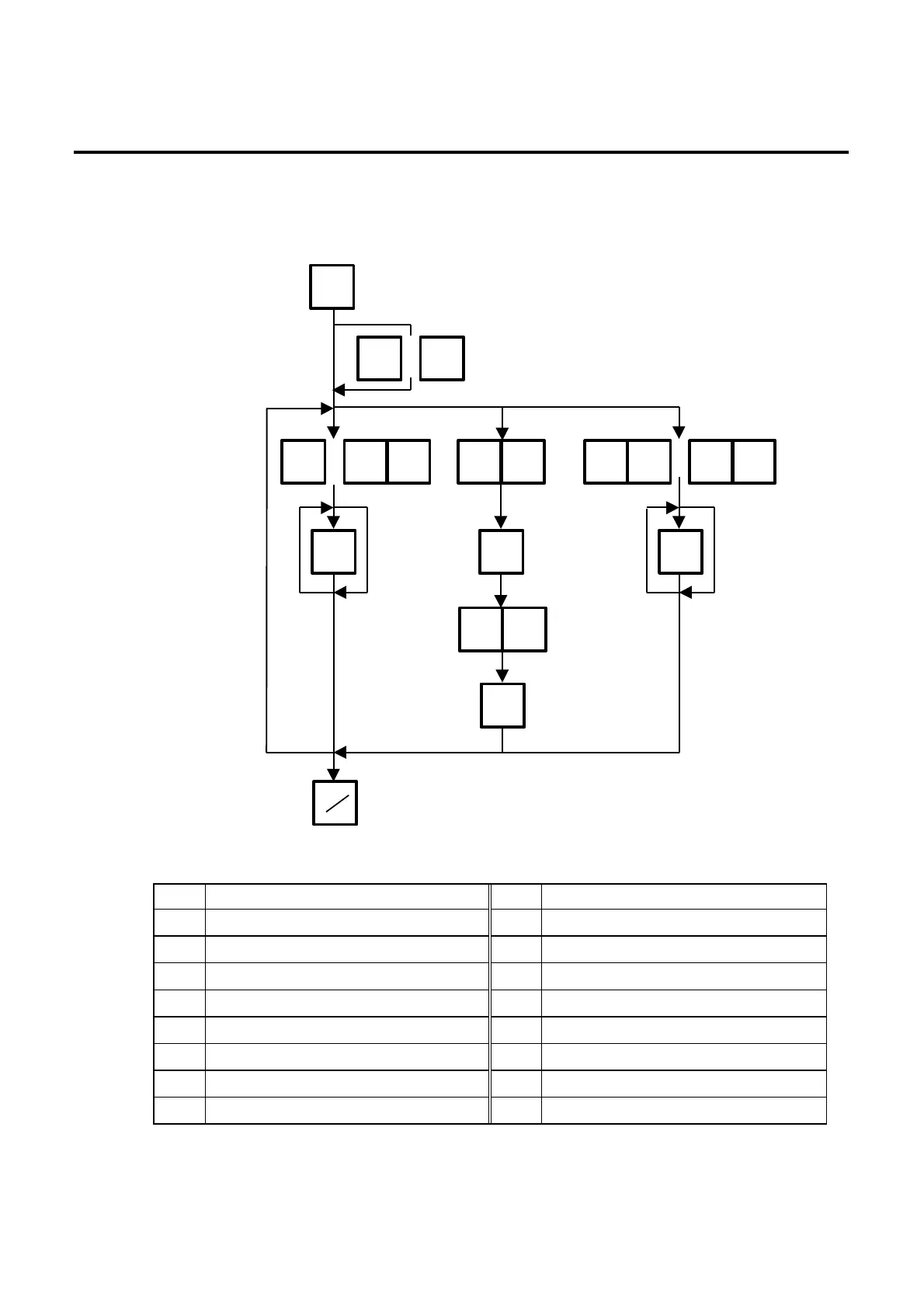
14.9 SELECTING PRINT ITEM
14-14
14.9 SELECTING PRINT ITEM
Menu: REG, M.DOWN, or REWRAP
Mode: WEIGH, FIX, or BY COUNT
Entry Item Entry Item
1 Packed on date Print/Non Print 9 Piece count Print/Non Print
2 Sell by date Print/Non Print 10 Cooked by date Print/Non Print
3 Commodity name Print/Non Print 11 SP/Info./Net Wt. Print/Non Print
4 Weight Print/Non Print 20 Auto message timer 0〜99 sec.
5 Unit price Print/Non Print 27 Media selection Label/Receipt
6 Total price Print/Non Print 28 Print format Format No. Selection
7 Barcode Print/Non Print 29 Mode (2) weight/Fix/By count
8 Ingredient Print/Non Print 30 Mode (1) Auto/Manual
◇
Press:
1
PROG.
1 1
〜
Select an item.
(Refer to Table. 9)
Print ←→ No print
1:Print
0:Non print
Press:
02
07
2 7 3 0〜
Idle time till the
Auto message is
displayed.
NEXT
PLU
VOID
or
◇◇◇
PRT



 To Next Page