14. OPERATING PROCEDURES
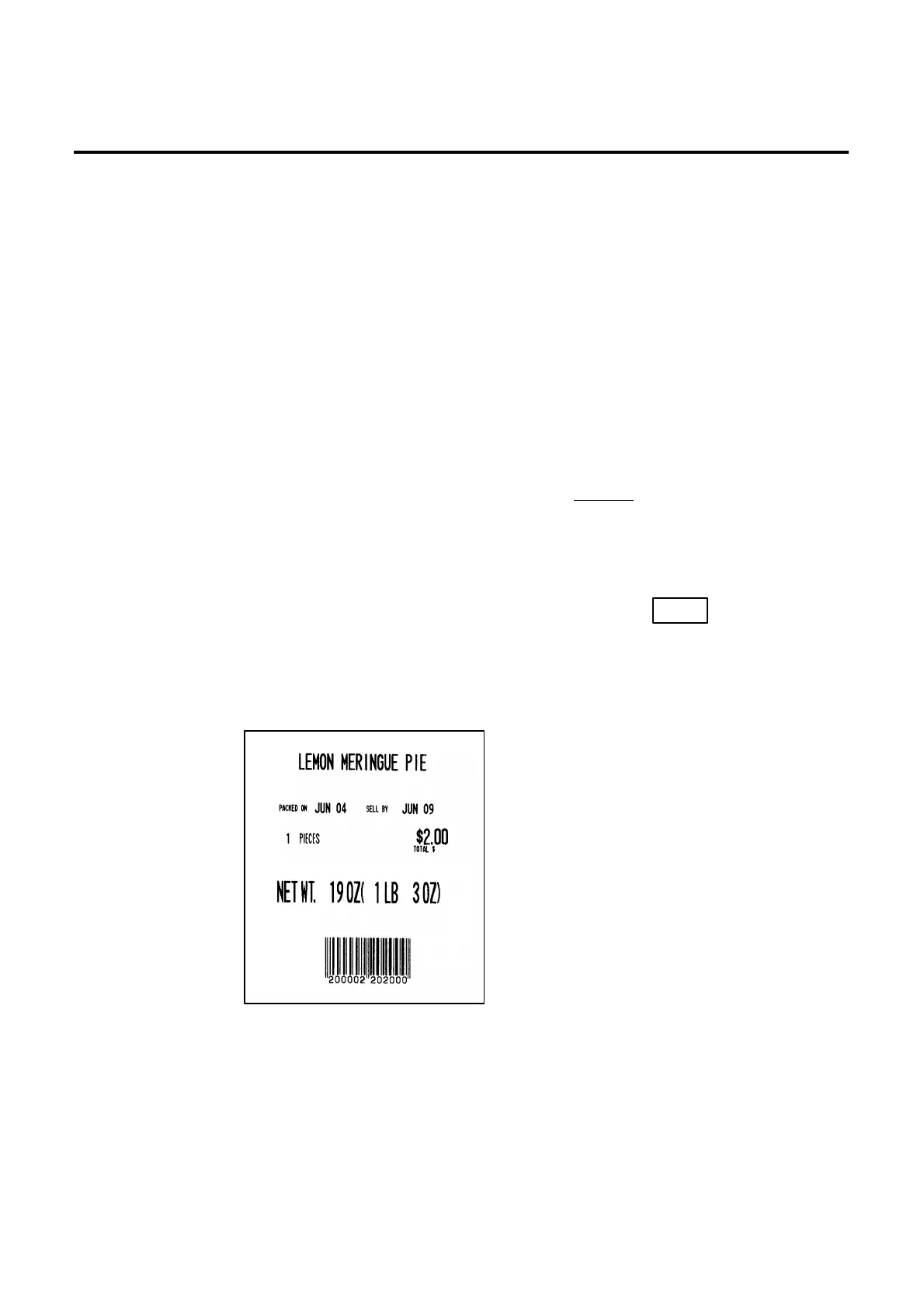
14.5 ISSUING LABELS WITH NET WEIGHT STATEMENT (FOR US TYPE ONLY)
14-10
NOTES: 1.
To print NET WT. data, from the FIX mode, load a label which has an area to print a
NET WT. Statement.
2. The quantity sold number and price data in NET WT. statement operation will be
accumulated in the memory. No weight data will be accumulated.
3. The position of the decimal point is adjustable and a comma or period is selectable
by the initial setting.
4. Weight data is shifted to the left.
5. Weight data exceeding 480 oz results in an error.
6. Unit price calculation system
(Step 1) Weight data is calculated from royal lb into decimal lb.
(Round off the data to two decimal places.)
ex.) 21 oz → 1.3125 lb → round → 1.31 lb
(Step 2) Price is divided by the value obtained above.
(Round off the data to two decimal places.)
ex.) 5 $/1.31 lb = 1.145 → round → $1.15/lb
This data is printed.
7. When the unit price is less than $0.01/lb or either the weight or price is 0, the unit
price will not be printed.
8. Multiplication registration of NET WT. statement
The maximum quantity of a commodity is 99.
In the following cases, an error occurs when pressing the key to issue the
label.
(1) Quantity = 0
(2) Price × quantity > max. price
weight × pieces > max. tare (30lb scale: 480 oz, 15 Kg scale: 9.995 kg)
(Sample label)



 To Next Page