EasyManua.ls Logo

Techerific DeciVibe - Recording Settings and Options; Power On;Off & Standby; Recording Configuration

Techerific DeciVibe
62 pages
Print Icon
To Next Page IconTo Next Page
To Previous Page IconTo Previous Page
Loading...
2.
Power
On/Off
S
Standby
To
power
on, slide
the
switch
[OFF-
ON]
up. If you
do
not
make
a
selection within 5 minutes
the
DeciVibe
will
go
into
Standby
mode
to
preserve
the
battery
life.
To
manually
initiate Standby,
or
to
wake
from
Standby, press II for a
few
seconds.
To
power
off
completely,
slide
the
switch
back
down.
3.
Recording Settings:
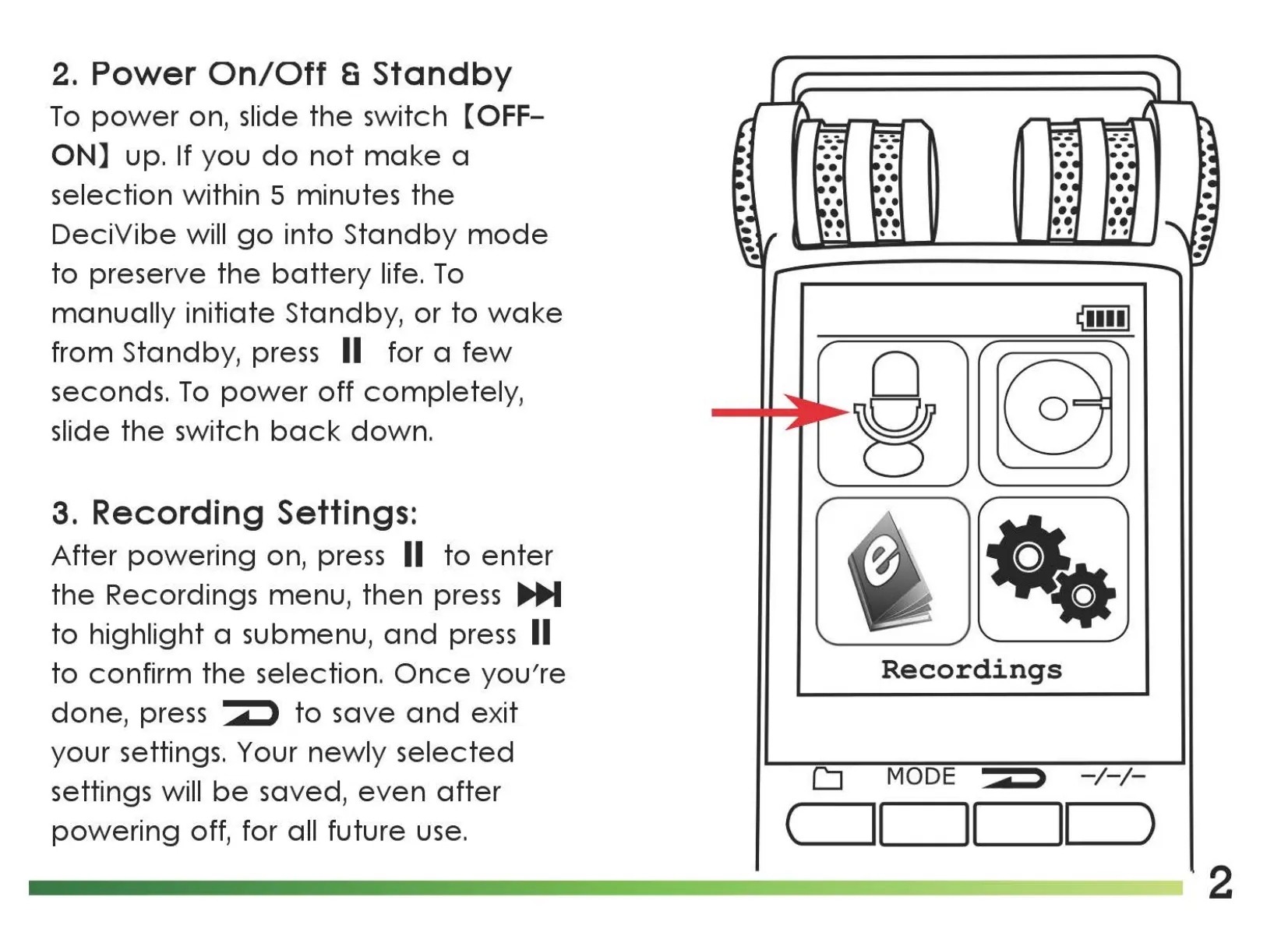
After
powering
on, press II
to
enter
the
Recordings menu,
then
press
IJl,i,M
to
highlight a submenu,
and
press II
to
confirm
the
selection.
Once
you're
done,
press
to
save
and
exit
your settings. Your
newly
selected
settings will
be
saved,
even
after
powering
off, for all future use.
0
8
Recordings
D
MODE
-/-/-
c
__
ll
11
__
1_1
_)
2

Related product manuals