EasyManua.ls Logo

Techerific DeciVibe - Device Charging Procedure

Techerific DeciVibe
62 pages
Print Icon
To Next Page IconTo Next Page
To Previous Page IconTo Previous Page
Loading...
13.
Charging:
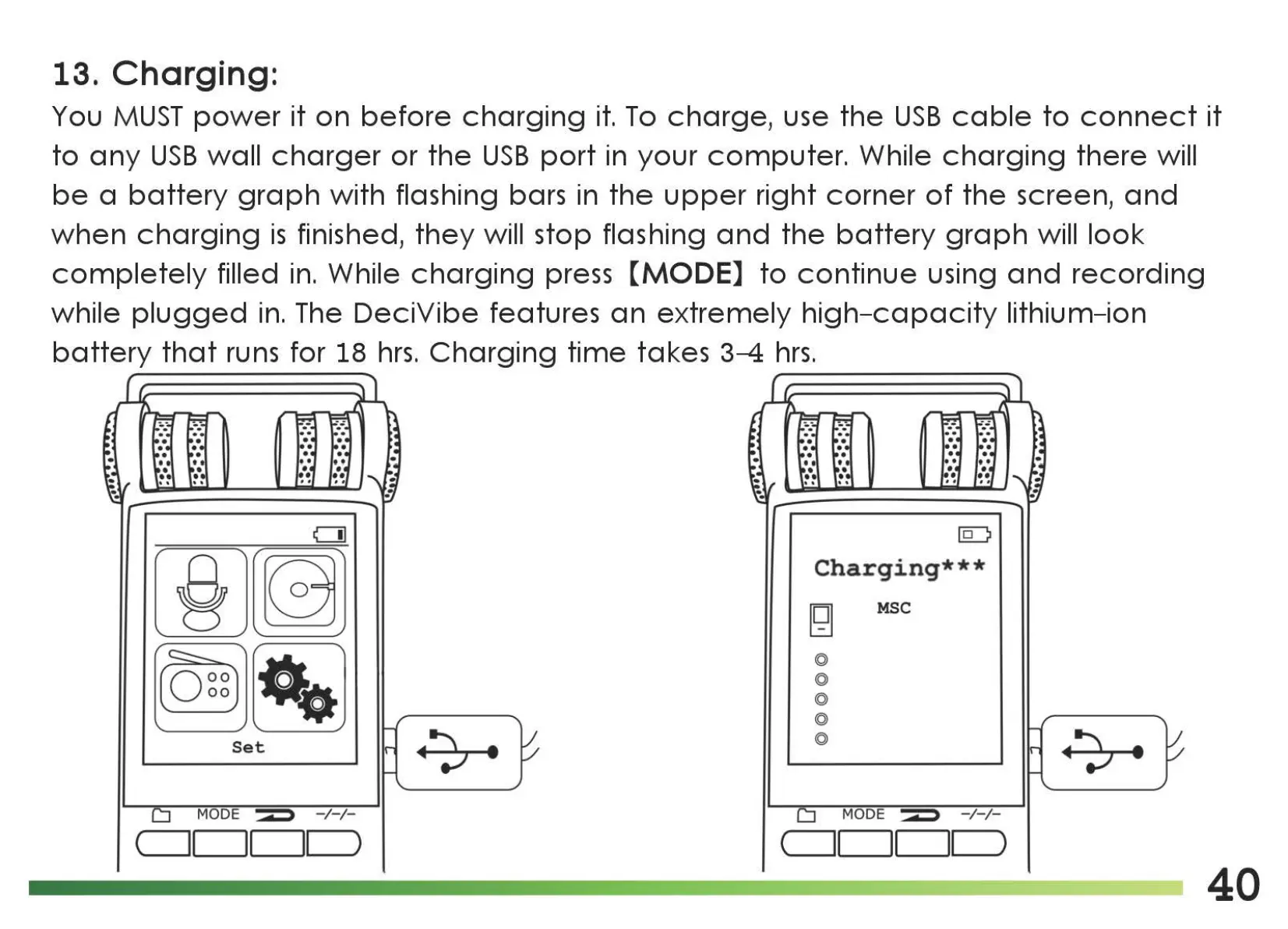
You
MUST
power
it
on
before
charging
it.
To
charge,
use
the
USB
cable
to
connect
it
to
any
USB
wall
charger
or
the
USB
port
in
your
computer.
While
charging
there
will
be
a
battery
graph
with flashing bars in
the
upper
right
corner
of
the
screen,
and
when
charging
is
finished,
they
will stop flashing
and
the
battery
graph
will
look
completely
filled
in.
While
charging
press
[MODE]
to
continue
using
and
recording
while
plugged
in.
The
DeciVibe
features
an
extremely
high-capacity
lithium-ion
battery
that
runs
for 18
hrs.
Charging
time
takes 3-4
hrs.
C]]
ID
[m~
Charging***
[g
MSC
~~
@
@
@
@
Set
@
MODE
~
-/-/-
MODE
~
-/-/-
(-----.1
1
II
)
(-----.1
1
II
)
40

Related product manuals