EasyManua.ls Logo

Techerific DeciVibe - Recording Format Selection; Advanced Recording Settings

Techerific DeciVibe
62 pages
Print Icon
To Next Page IconTo Next Page
To Previous Page IconTo Previous Page
Loading...
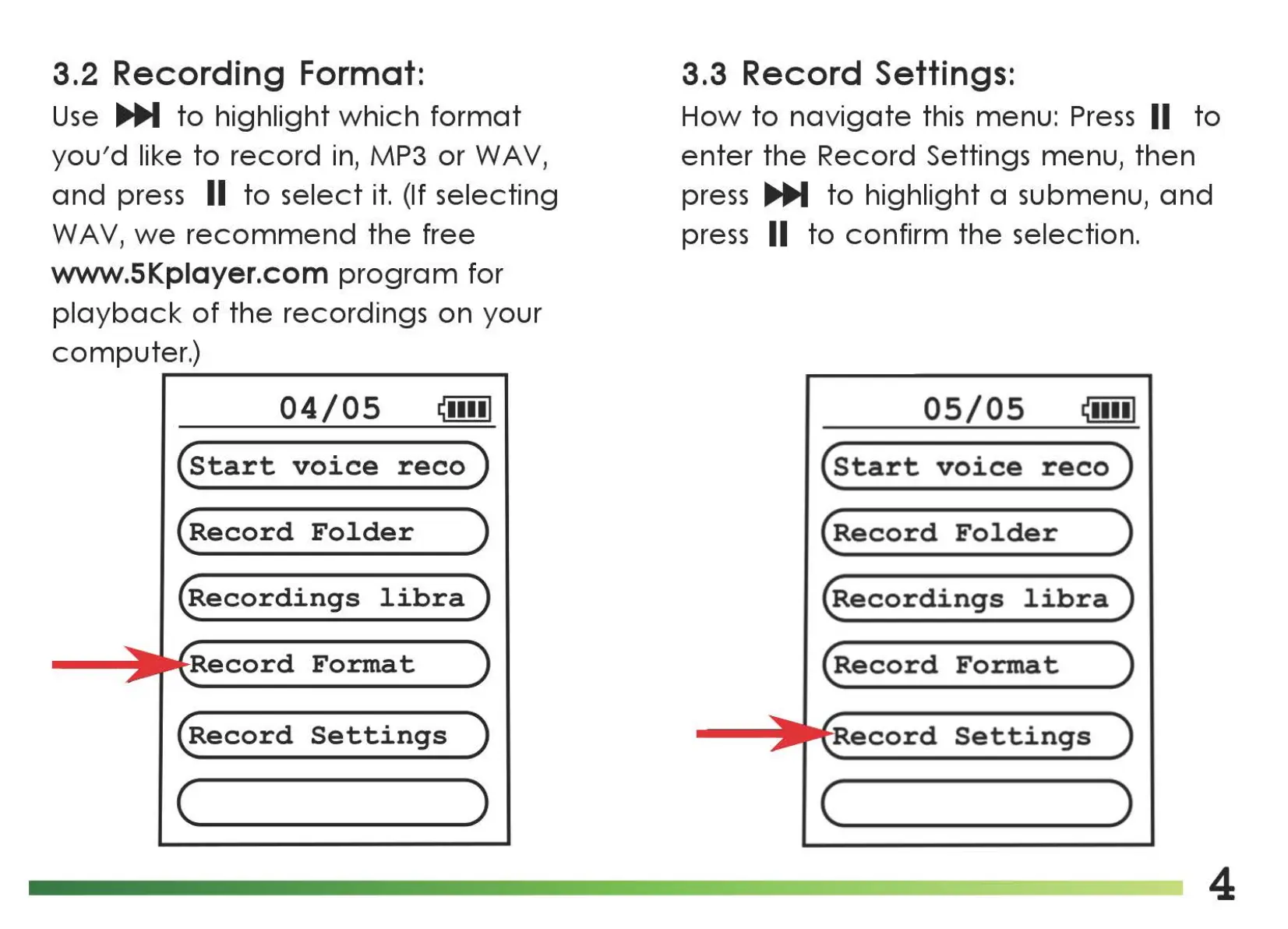
3.2
Recording Format:
Use
..,._
to
highlight
which
format
you'd
like
to
record
in,
MP3
or
WAV,
and
press II
to
select
it.
(If selecting
WA
V,
we
recommend
the
free
www.5Kplayer.com
program
for
playback
of
the
recordings
on
your
computer.)
04/05
(start
voice
reco)
(Record
Folder
)
(Recordings
libra)
Record
Format
(Record
Settings
)
(
____
)
3.3
Record Settings:
How
to
navigate
this menu:
Press
II
to
enter
the
Record Settings menu,
then
press ..,._
to
highlight a submenu,
and
press II
to
confirm
the
selection.
05/05
(start
voice
reco)
(Record
Folder
)
(Recordings
libra)
(Record
Format
)
ecord
Settings
(
____
)
4

Related product manuals