EasyManua.ls Logo

Techerific DeciVibe - Voice Activation (VOR)

Techerific DeciVibe
62 pages
Print Icon
To Next Page IconTo Next Page
To Previous Page IconTo Previous Page
Loading...
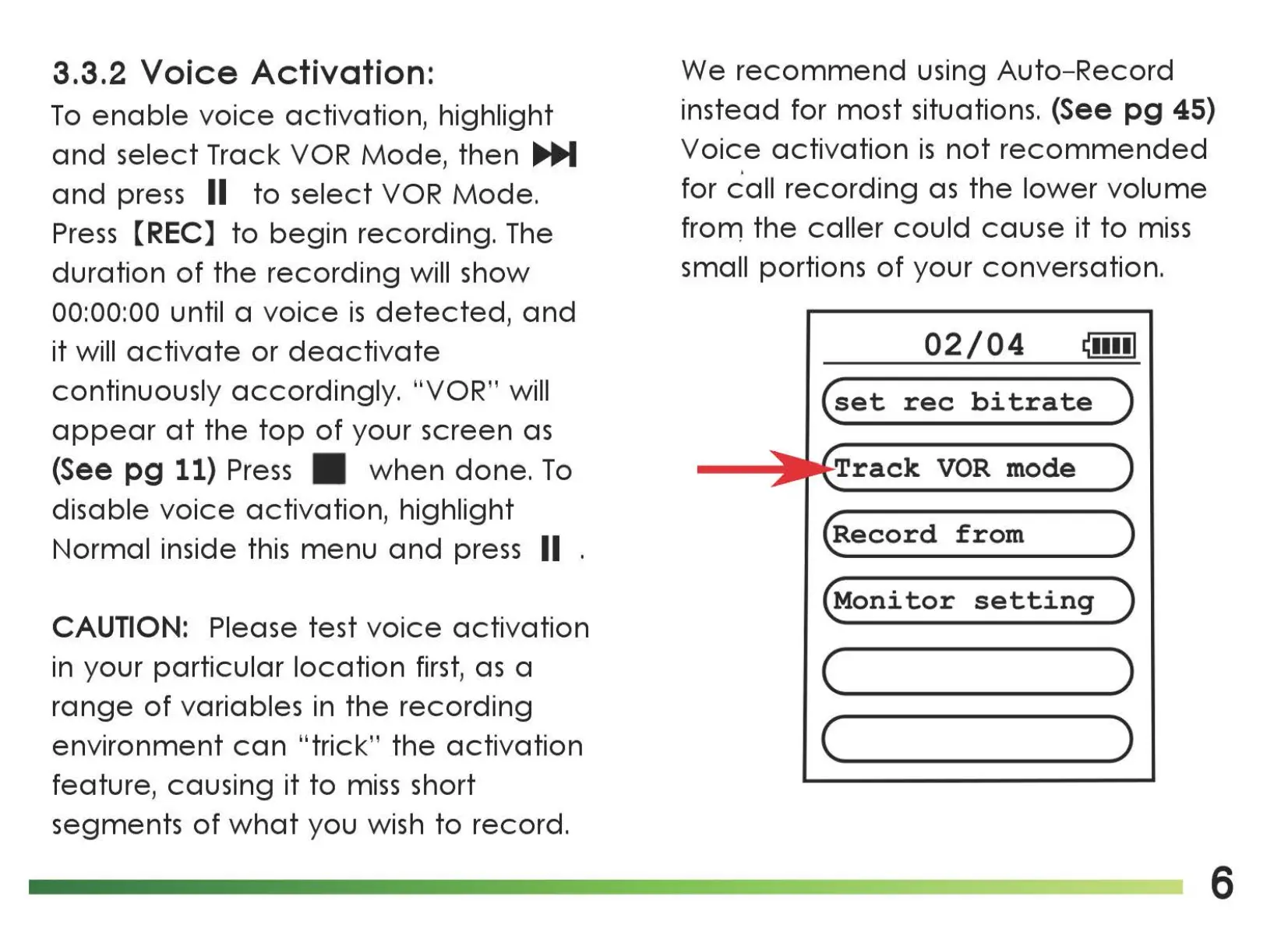
3.3.2
Voice
Activation:
To
enable
voice
activation, highlight
and
select
Track
VOR
Mode,
then
...._
and
press II
to
select
VOR
Mode.
Press
[REC]
to
begin
recording. The
duration
of
the
recording
will show
00:00:00
until a
voice
is
detected,
and
it will
activate
or
deactivate
continuously
accordingly.
"VOR" will
appear
at
the
top
of
your screen
as
(See pg 11)
Press
when
done.
To
disable
voice
activation, highlight
Normal inside
this
menu
and
press II .
CAUTION: Please test
voice
activation
in your
particular
location
first,
as
a
range
of
variables in
the
recording
environment
can
"trick"
the
activation
feature, causing it
to
miss
short
segments
of
what
you wish
to
record.
We
recommend
using
Auto-Record
instead for most situations. (See
pg
45)
Voice
activation
is
not
recommended
I
for
call
recording
as
the
lower
volume
frorn
the
caller
could
cause
it
to
miss
small portions
of
your conversation.
02/04
~••••I
(set
rec
bitrate
)
Track
VOR
mode
(Record
from
)
(Monitor
setting
)
(
____
)
c )
6

Related product manuals